Page | 51
Using the Mercku Portal:
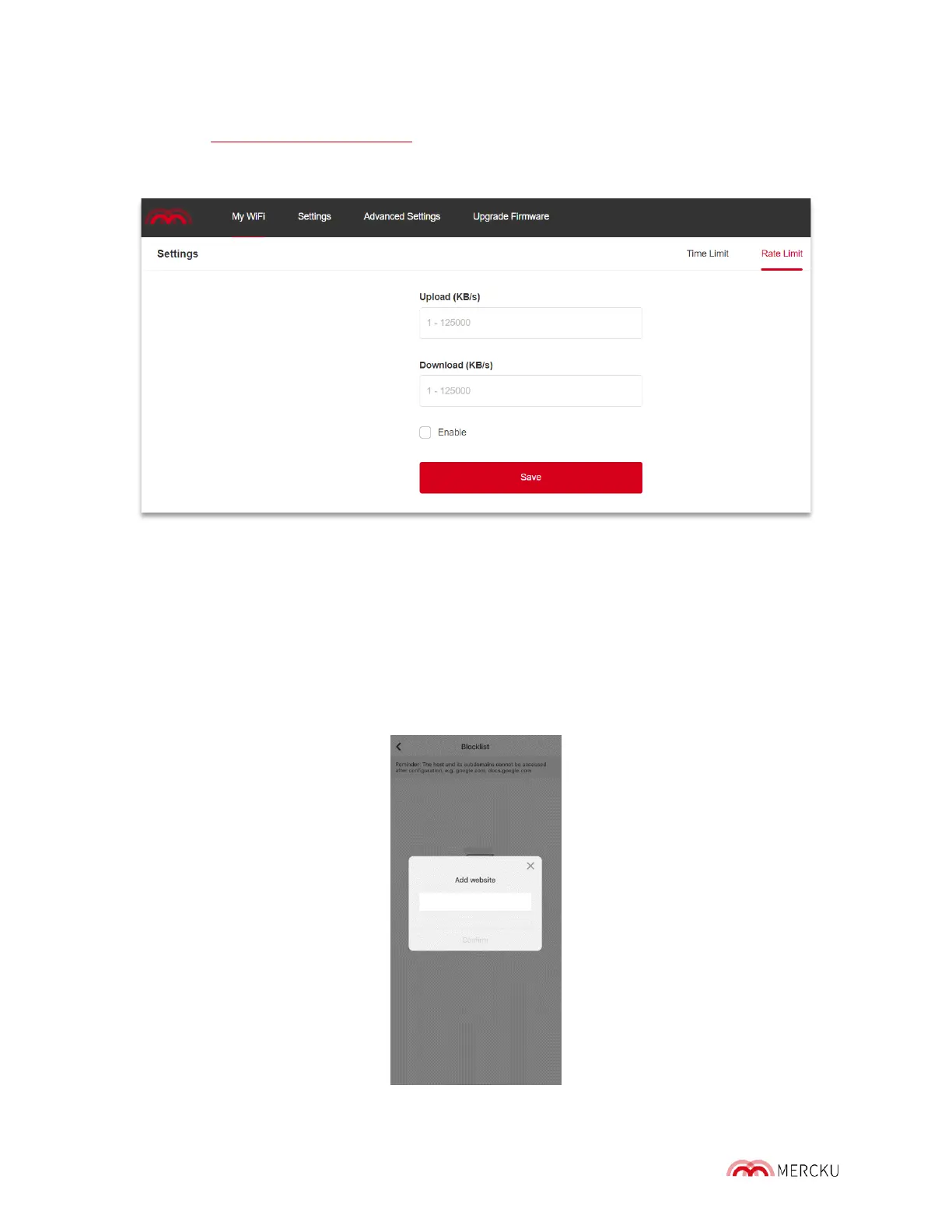
1. Visit http://mywifi.mercku.tech, and log in using your Router Admin Password
2. Select My Wi-Fi > Devices > Select the device you want to set limit for and click
their Settings > Select Rate limit > Click Add > Enter rate lim it parameters > Save
8.3 Website Blocklisting
Blocklisting inappropriate, explicit, and malicious websites allows you to control what kind s
of content certain devices can access.
Using the Mercku App:
1. Open the Mercku App on your mobile device
2. Select My Wi-Fi> Devices > Select the device you want to blocklist devices for >
Website Blocklist > Add Website > Enter website hostname > Confirm



 To Next Page