Page | 24
4.2 Mesh Topology and Connection Quality
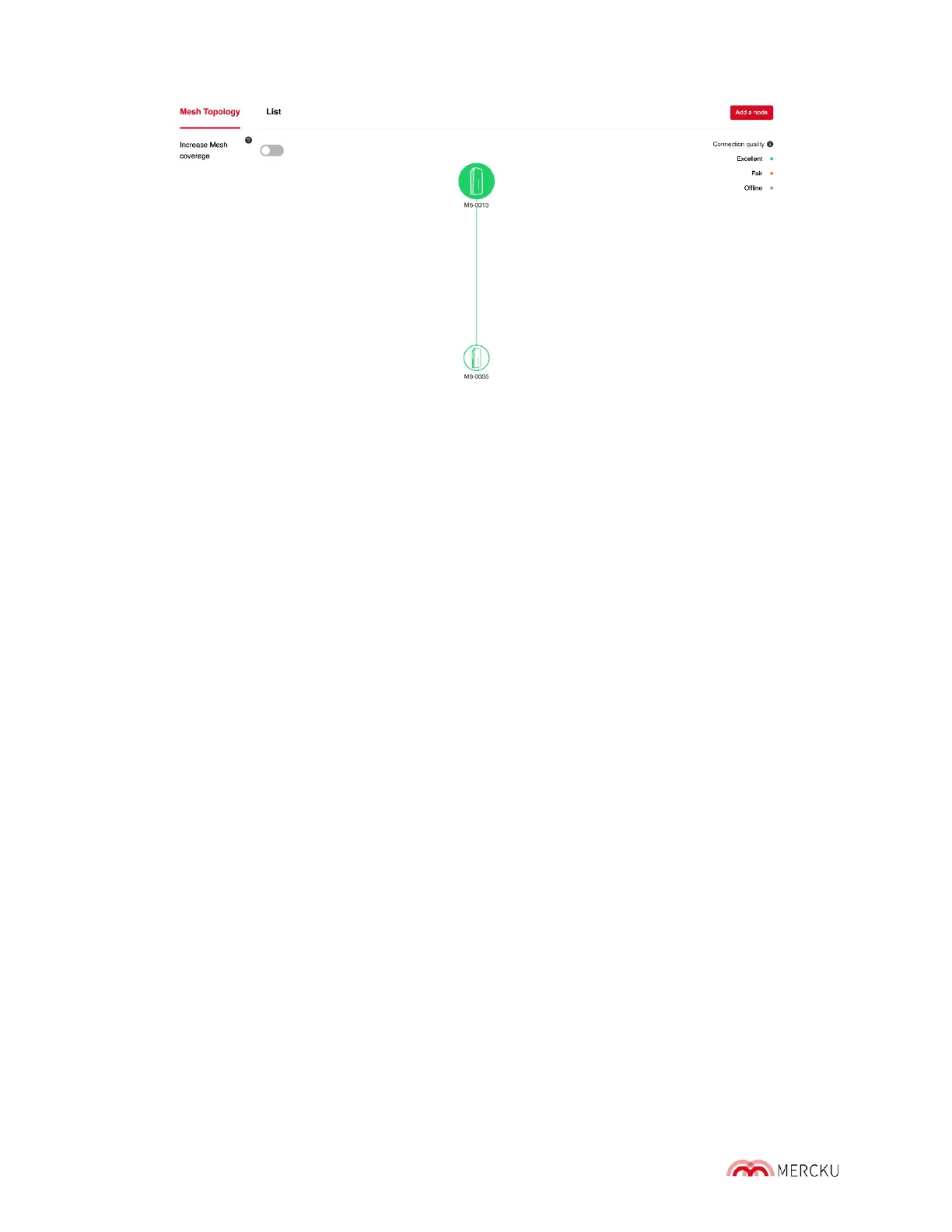
The Mesh Topology diagram is a depiction of your Mercku network, the available wireless
connections between them, and the connection quality between each node.
The connection quality between nodes is illustrated by the following:
• Excellent connection quality (green)
• Fair connection quality (orange)
• Device is offline (grey)
4.3 Managing Your Mercku Hardware
4.3.1 Opening Your Device List
You can manage your Mercku devices from both your Mercku App and the Mercku Portal:
Using the Mercku App:
1. Open the Mercku App on your mobile device
2. Under My Wi-Fi> Select Wi-Fi point
3. In the wireless topology diagram, select the device you would like to man age



 To Next Page