Page | 56
Make sure you assign a static IP address to the device that you want to become the DMZ
Host. This is important so that your router does not assign a random IP to a device that you
don't wish to be the DMZ host.
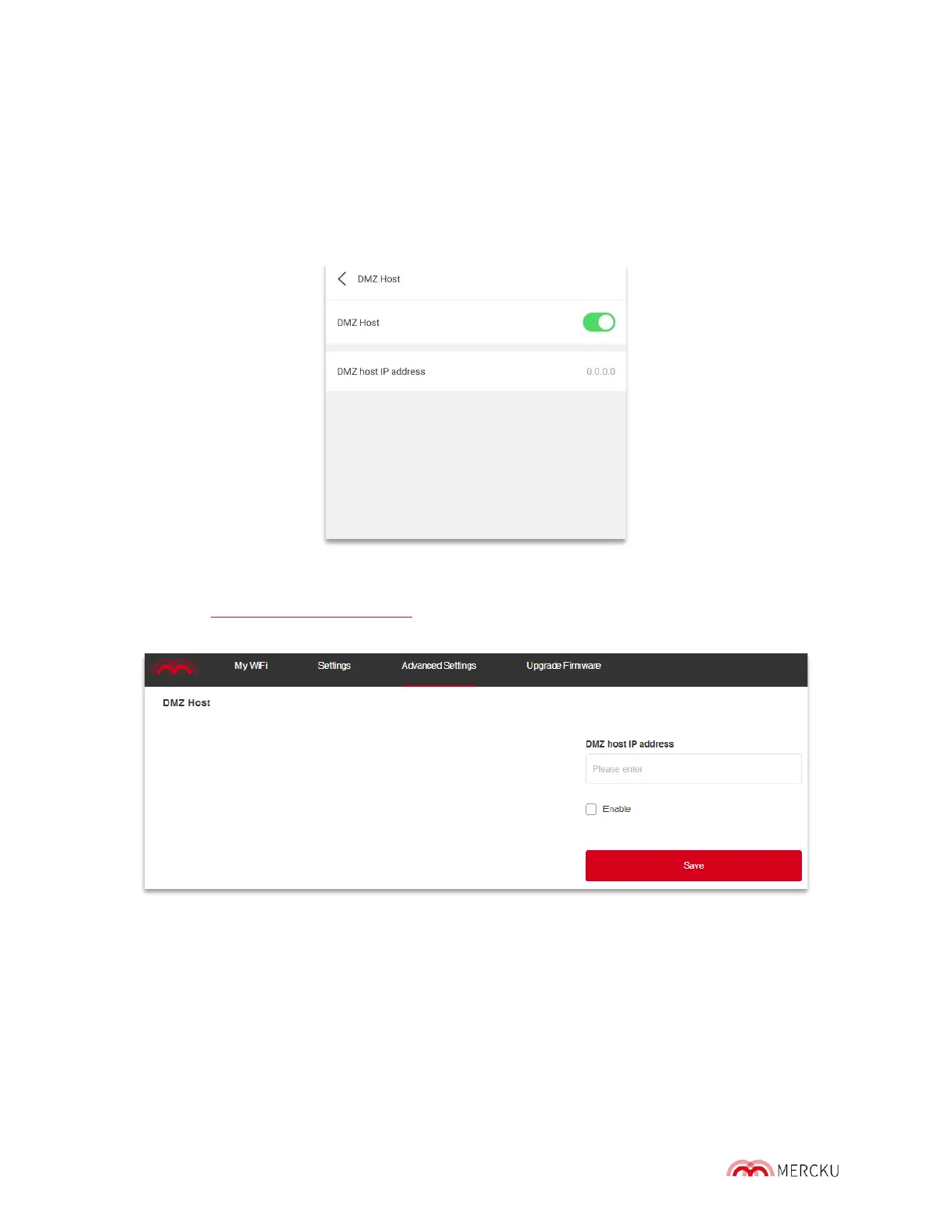
Using the Mercku App:
1. Open the Mercku App on your mobile device
2. Select Settings > Advanced Settings > DMZ Host > Enable function
Using the Mercku Portal:
1. Visit http://mywifi.mercku.tech,and log in using your Router Admin Password
2. Select Advanced Settings > DMZ Host > Enter DMZ host IP address > Save
9.3 Change DHCP LAN IP
The Dynamic Host Configuration Protocol (DHCP) is a feature that issues IP addresses
dynamically to computers within your network. DHCP makes it simple to configure network
access for your home network.
You can access DHCP settings using the Mercku App or Portal.



 To Next Page