Page | 73
11.1 Firmware Upgrades
There are two ways you can upgrade the firmware version of your Mercku nodes to the
latest version: online upgrade and offline upgrade. Online upgrades may be conducted
using either the Mercku App or Portal, while an offline upgrade may only be completed
through the Mercku Portal.
11.1.1 Online Upgrade
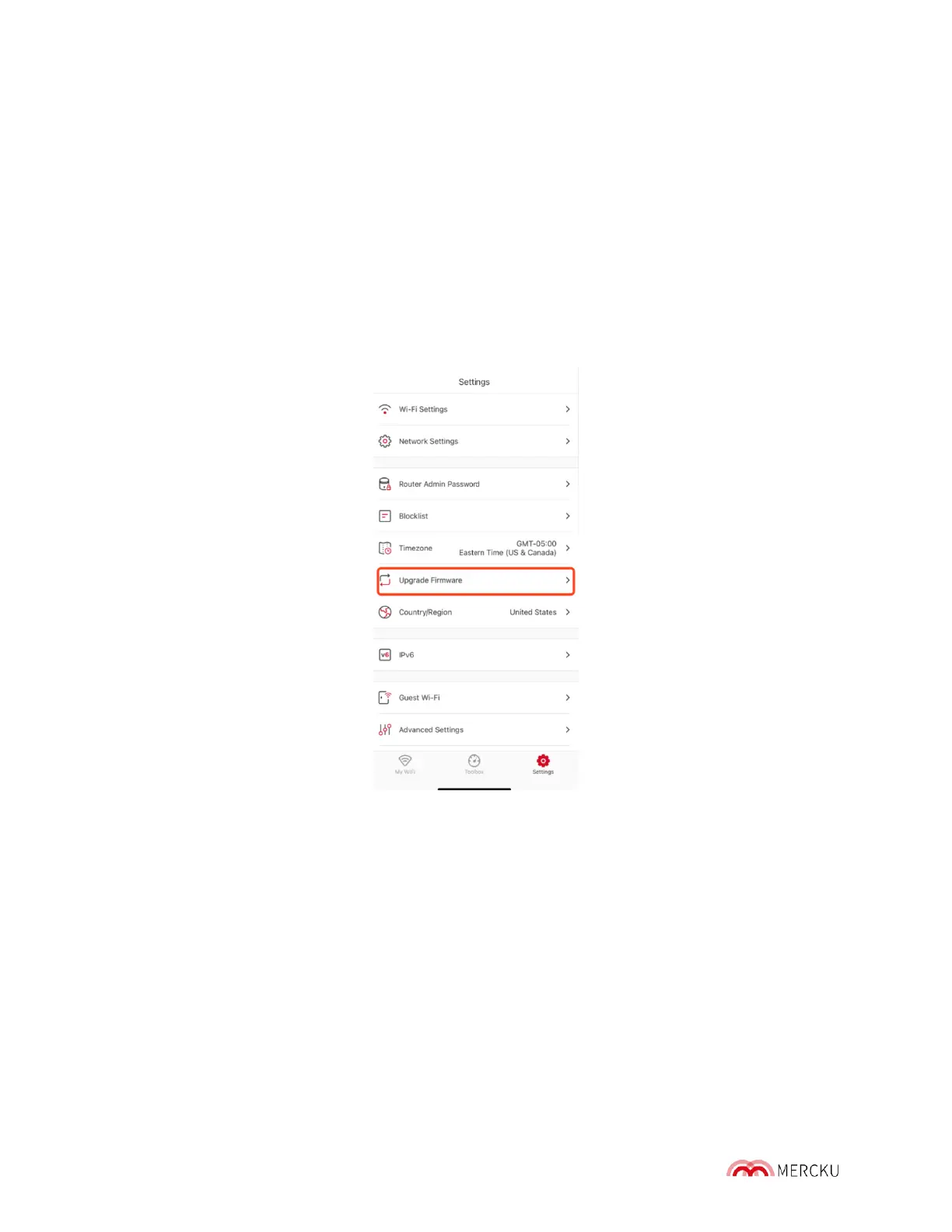
Using the Mercku App:
1. Open the Mercku App on your mobile device
2. Settings > Upgrade Firmware
3. Now select the M6 node that you wish to upgrade > Click Upgrade.
4. Once the upgrade process is over, you can check that you are using the latest
firmware version by going to Settings > Upgrade Firmware. If you are using the latest
firmware, you will see a message displaying the following:



 To Next Page