Page | 31
5.1 Wi-Fi Name and Router Management
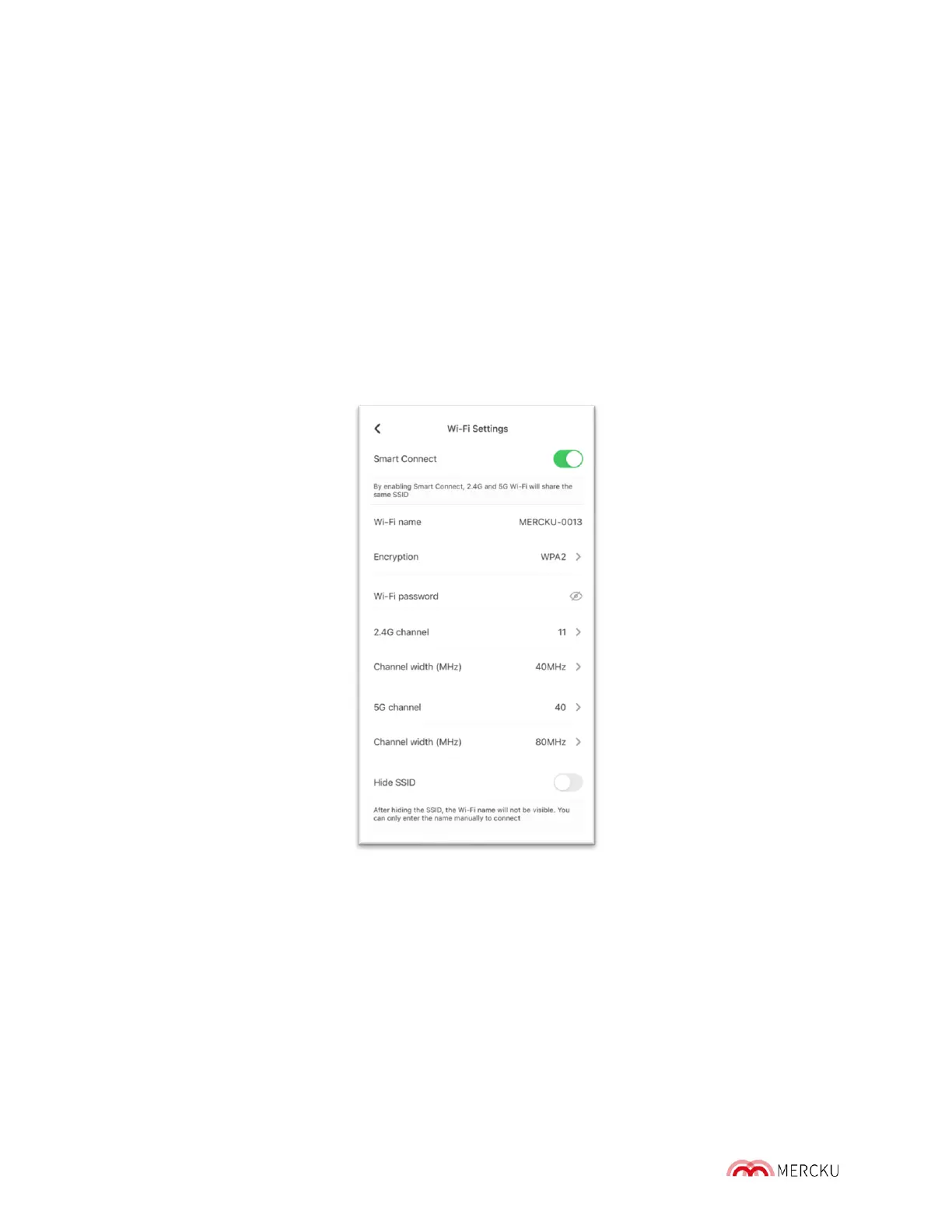
From the Mercku App and Mercku Portal, you can manage your Wi-Fi name (SSID) and its
encryption method.
5.1.1 How to Change Your Wi-Fi Name and Password
Change your Wi-Fi name (SSID) for each band and Wi-Fi password using either the Mercku
App or Portal.
Using the Mercku App:
1. Open the Mercku App on your mobile device
2. Select Settings > Wi-Fi Settings > Enter new or edit SSID under Wi-Fi Name
3. Change your Wi-Fi password under the Wi-Fi password field



 To Next Page