Page | 68
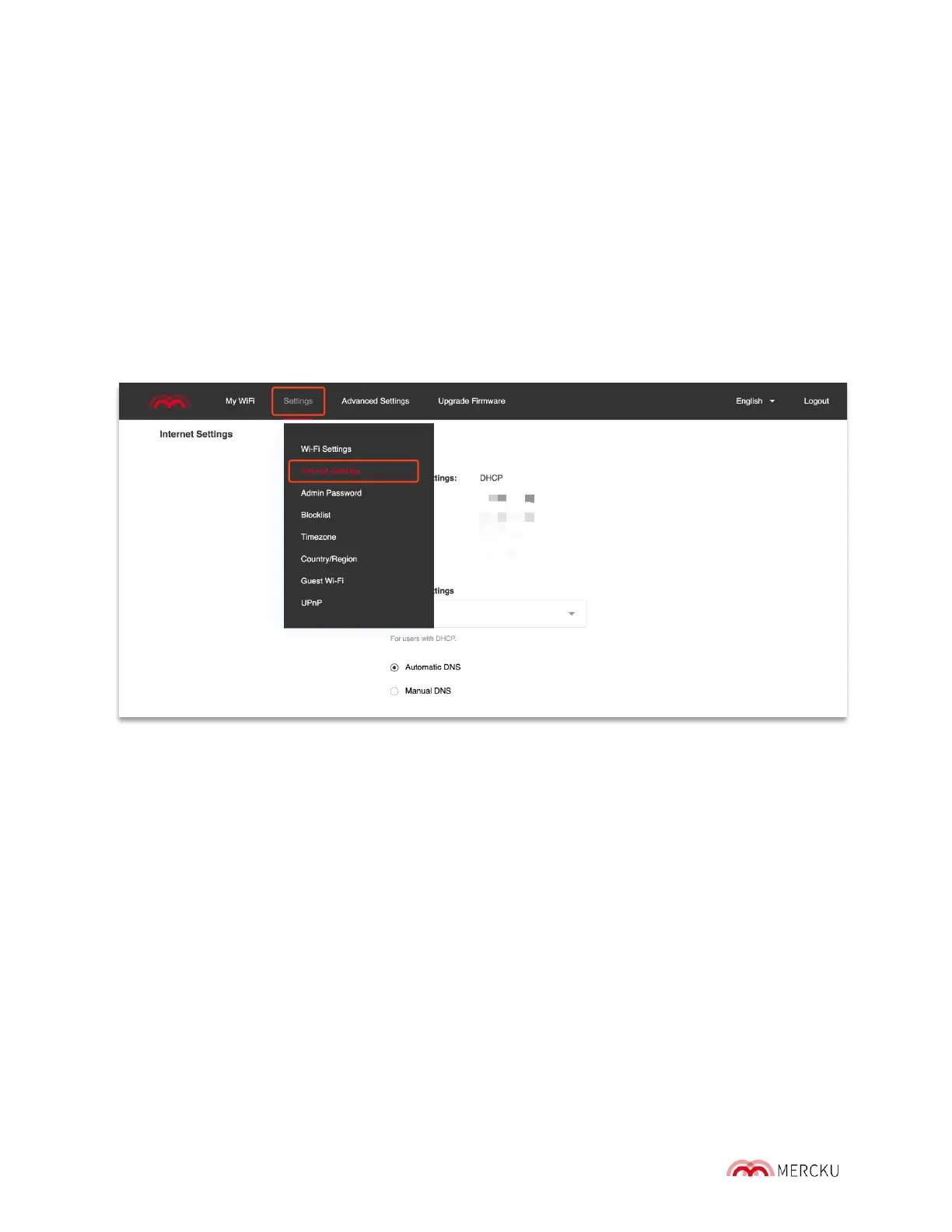
Using the Mercku Portal:
1. Go to Settings > Internet Settings
2. You can change your Internet Settings from DHCP to PPPoE or Static IP. Please
contact your Internet Service Provider (ISP) and request the required information to
do so.
3. You can change your DNS Settings from Automatic to Manual. Please contact your
Internet Service Provider (ISP) for more information about your DNS.
10.2 Internet VLAN Configuration (For PPPoE)
A VLAN represents a broadcast domain. VLANs are identified by a VLAN ID (a number
between 0-4095). Each port on a switch or router can be assigned to a member of a VLAN
(i.e. to allow receiving and sending traffic on that VLAN).
This feature will allow you to enter your VLAN ID and tag it when setting up your internet
connection through PPPoE. Some Internet Service Providers will require a tagged VLAN ID
for PPPoE connection.
You can access the VLAN setting using the Mercku app or Portal.
Using the Mercku App:
1. Open the Mercku app on your mobile device
2. Go to Settings > Internet Settings > > Select PPPoE



 To Next Page