Page | 44
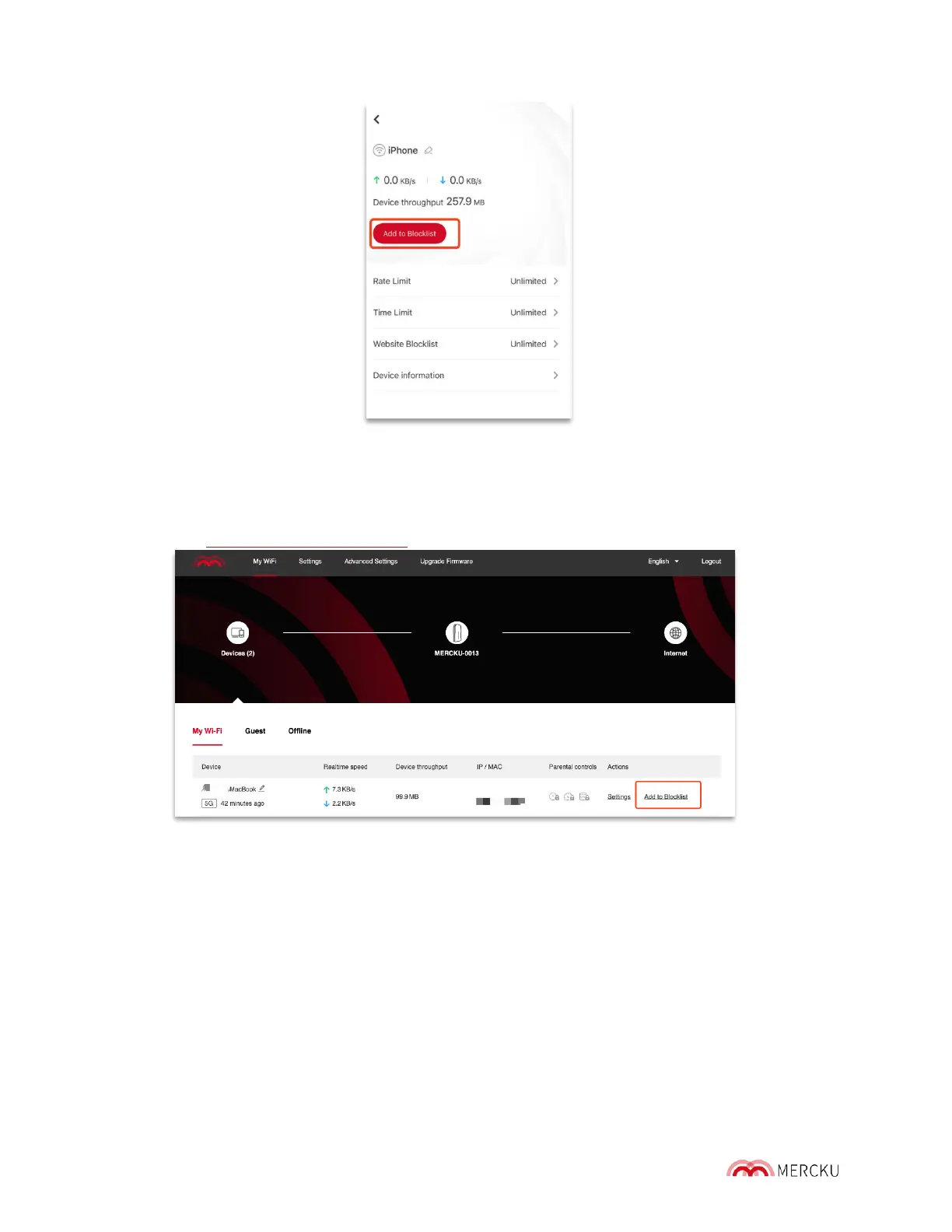
2. Select Settings > Wi-Fi Devices > Select the device you would like to blocklist > Add
to Blocklist
Using the Mercku Portal:
1. Visit http://mywifi.mercku.tech and log in using your Router Admin Password
2. Under My Wi-Fi> Select Devices > Click Add to Blocklist beside the device you want to
blocklist > Confirm
7.4 UPnP
UPnP, which stands for Universal Plug and Play, is a protocol that allows apps and other
devices on the network to open and close ports automatically to connect. For security
purposes, we recommend keeping this feature off.
Using the Mercku App:
1. Open the Mercku App on your mobile device
2. Select Settings > Advanced Settings > UPnP



 To Next Page