Page | 62
9.7 VPN
The M6 currently supports both VPN passthrough and VPN clients.
For VPN passthrough, the M6 can pass VPN traffic between a device inside the router' s
network and the VPN server outside of the network. This function is enabled by default.
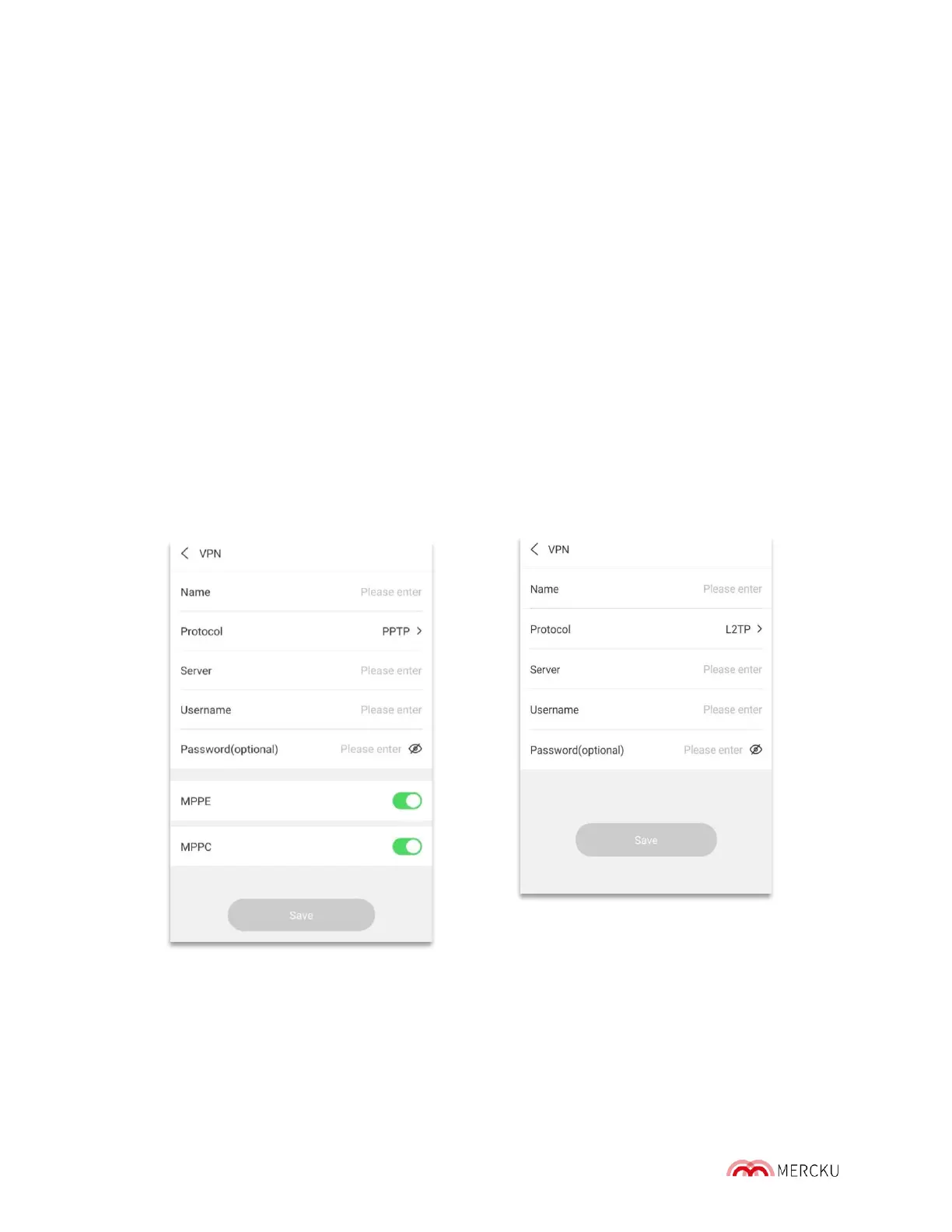
VPN client allows connection to an outside VPN server by VPN traffic directly. The M6
supports PPTP, L2TP, and OpenVPN protocols. In this case, after entering the correct
account and password from the server, devices in the Mercku network will all be able to use
the VPN service.
At this time, our current OpenVPN supports TLS protocol version 1.0, 1.1, and 1.2.
VPN can be configured through both the Mercku App and Portal.
Using the Mercku App:
1. Open the Mercku App on your mobile device
2. Select Settings > Network Settings > VPN > Add
3. Select what protocol your VPN provider uses and enter the appropriate credentials
4. Press Save.



 To Next Page