Page | 54
9.1 Port Forwarding
Port forwarding is a method to make a computer on your home or business network
accessible to computers on the internet despite them being behind your router. With port
forwarding, you can access your router from outside of your network and be redirected to
the computer you need inside of your network. This feature makes devices on the LAN use
the same public IP address to communicate with devices on the internet .
The M6' s port forwarding function can forward one or more ports in your network to a
network on the internet. By configuring this feature, you can share services or systems
within your network to specific Internet users.
You can access the port forwarding feature using the Mercku App or Portal.
Using the Mercku App:
1. Open the Mercku App on your mobile device
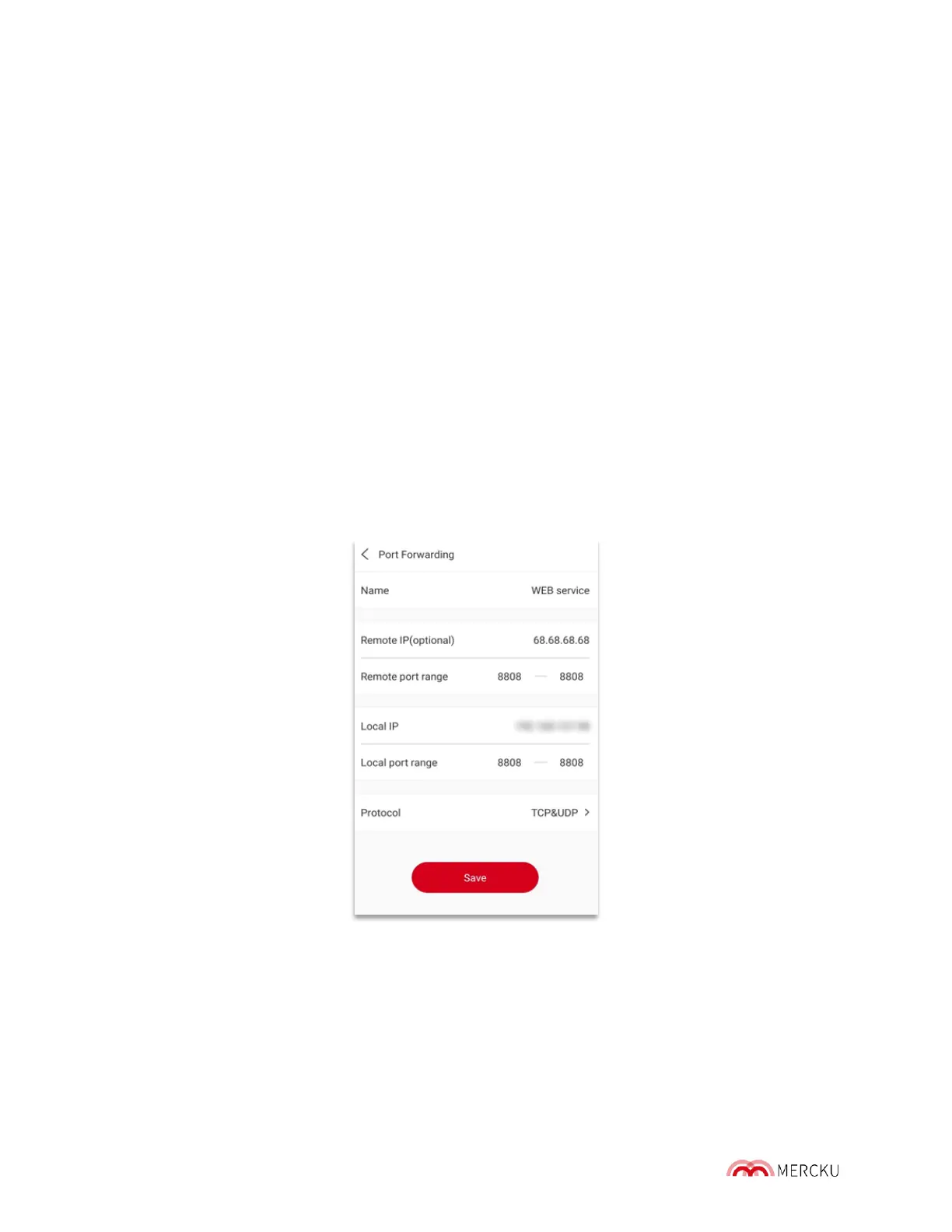
2. Select Settings > Advanced Settings > Port Forwarding > Add
3. Assign permissions to an already connected device, or manually add a new one.
4. Edit permissions with a specific IP address and port range, and select a protocol for
both TCP & UDP, TCP, or UDP.
5. When you' ve finished editing permissions and selecting protocols, click Save.



 To Next Page