Page | 58
There are two ways to change the DHCP LAN IP:
1. To change the DHCP address pool on 192.168.127.1 network: It is sometimes necessary
to expand or shrink the size of the DHCP address pool to have fewer or more addresses
than the router uses by default.
2. To change the LAN IP address: make sure that you have a valid LAN IP address, then
input it in the "IP" column.
Please Note: Do not include the main router' s IP address.
9.4 Set Up a Static DHCP Lease
A static IP address is permanently assigned to your network devices and does not change.
Since routers can change the IP address that is assigned to a device by DHCP, there will be
situations that a fixed IP address is needed, especially in port forwarding. DHCP will provide
temporary IP addresses while static DHCP will lease permanent IP addresses.
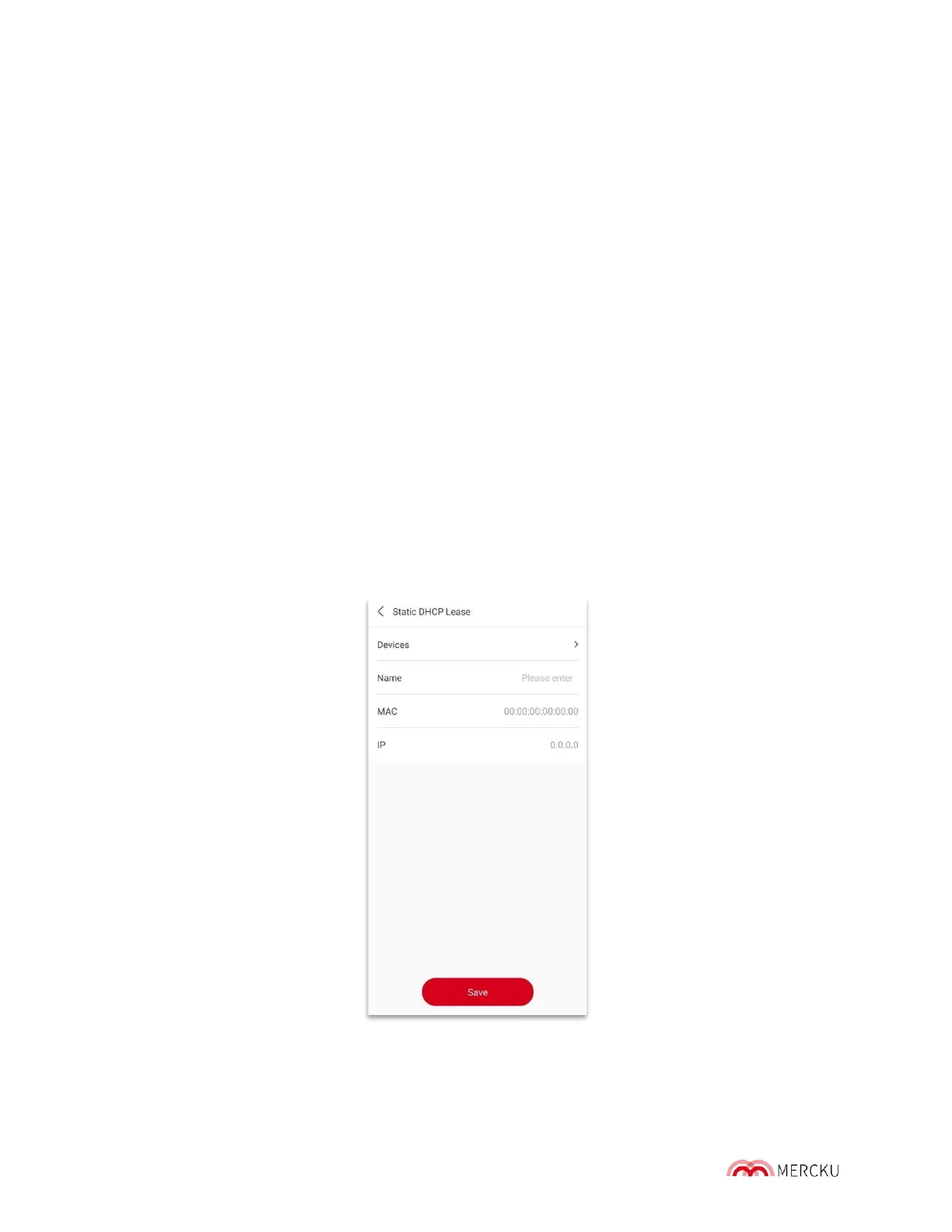
The M6' s static DHCP is a feature to make the DHCP always assign the same IP address to
a certain MAC address.
Setting up a static DHCP lease can be completed through the Mercku App or Portal.
Using the Mercku App:
1. Open the Mercku App on your mobile device
2. Select Settings > Advanced Settings > Static DHCP Lease > Add



 To Next Page