Page | 11
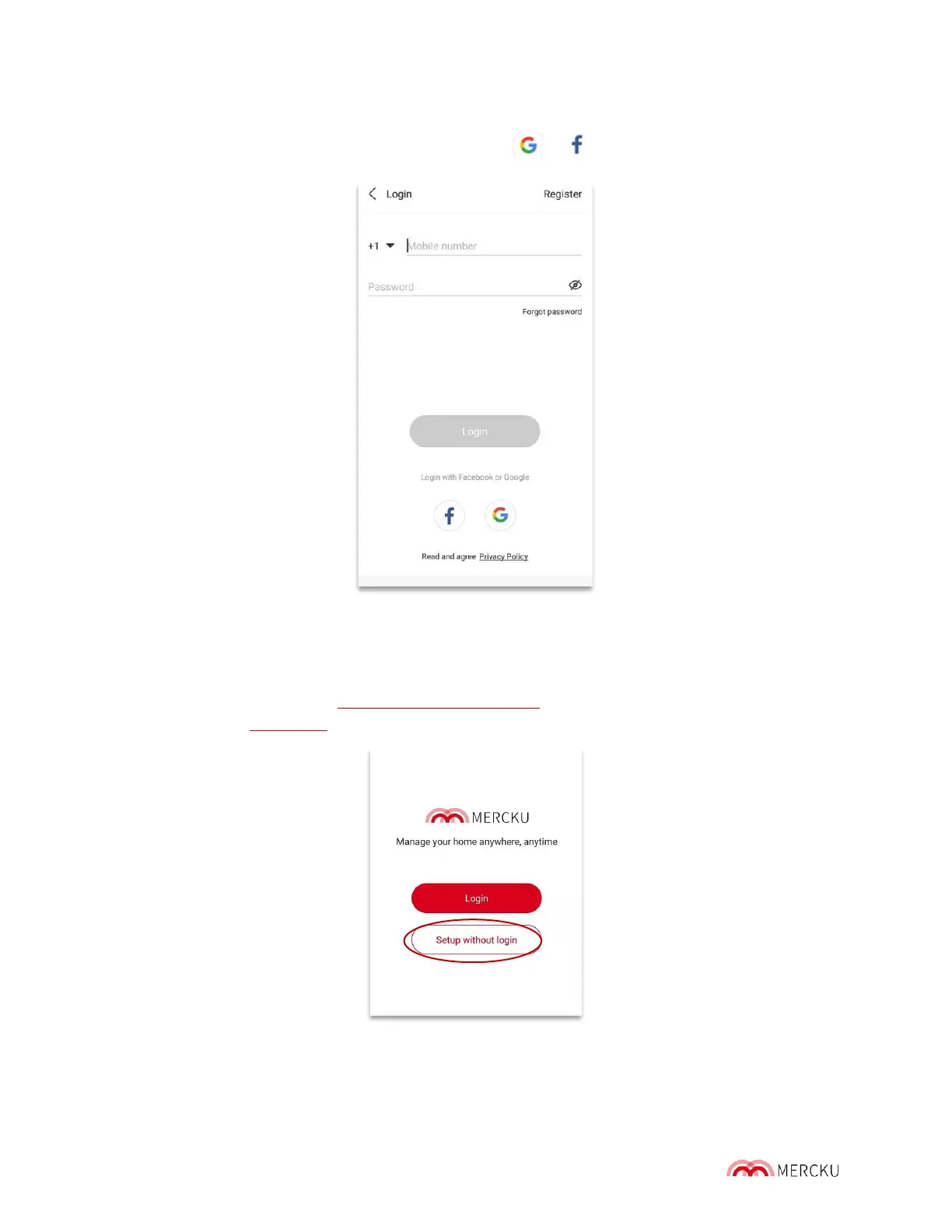
2.2.2 Using your Google or Facebook Account
Go to the Mercku App and click on " Login", select or
2.3 Set Up Your Network Without an Account
When you open the Mercku App, you can select the Setup without login option to set up your
network without linking an account to your phone number, Facebook, or Google account.
Doing so will redirect you to http://mywifi.mercku.tech. Please follow the instructions to set
up your network. Chapter 3 has full setup instructions.



 To Next Page