Page | 60
Using the Mercku Portal:
1. Visit http://mywifi.mercku.tech, and log in using your Router Admin Password
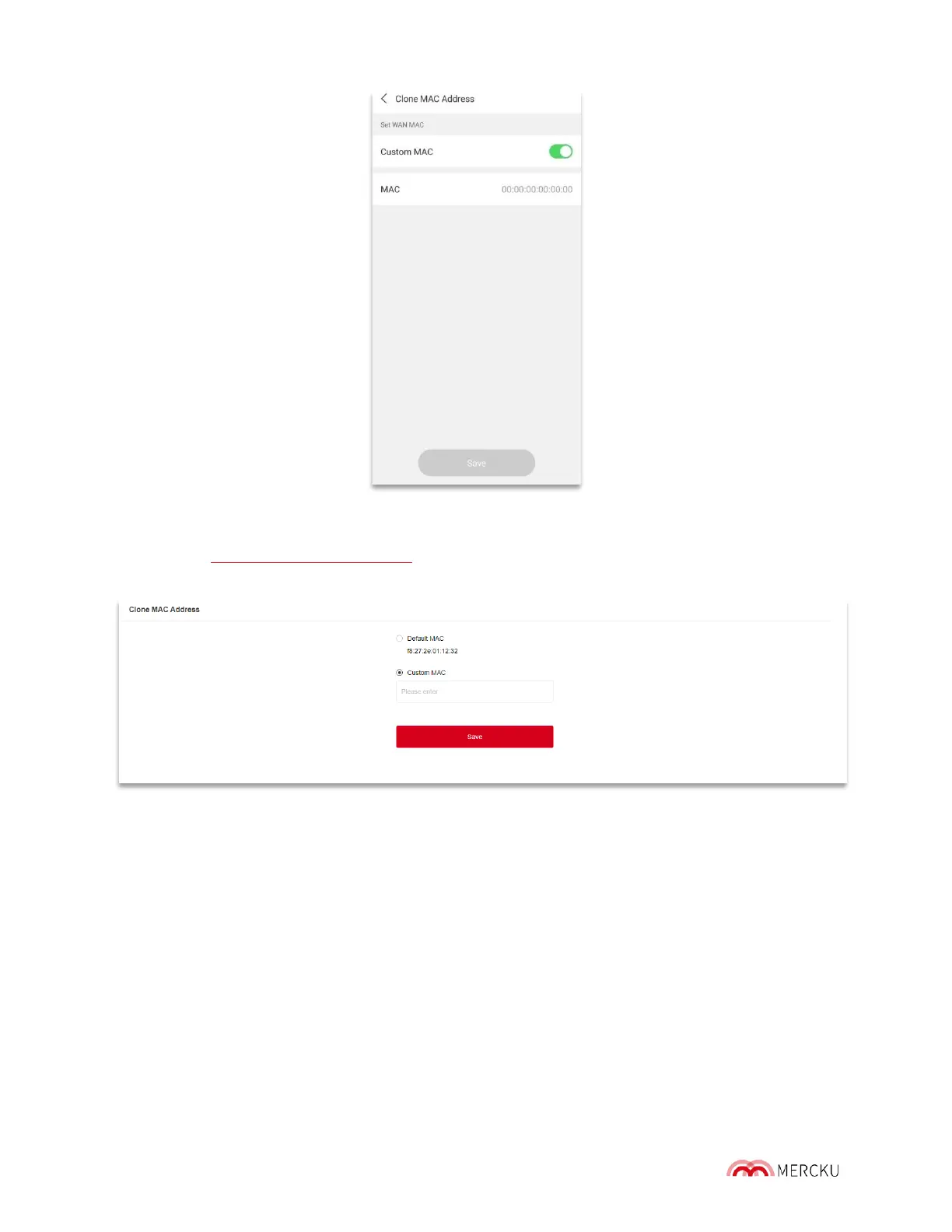
2. Select Advanced Settings > Clone MAC Address
To clone your MAC address you must do the following:
Enable the "Clone MAC Address" and enter t he custom MAC address of the device whose
MAC address you want cloned.
9.6 Set Up a Dynamic DNS Service Account
Dynamic DNS (DDNS) is a service that updates a dynamic IP address to a fixed domain
name. DDNS service enables you to access your home computer from anywhere in the
world and allows anyone hosting a web or FTP server advertise a public name to
prospective users. Most broadband operators only provide dynam ic IP addresses. DDNS
can capture the IP address changes then associates it with the domain name.



 To Next Page