Page | 14
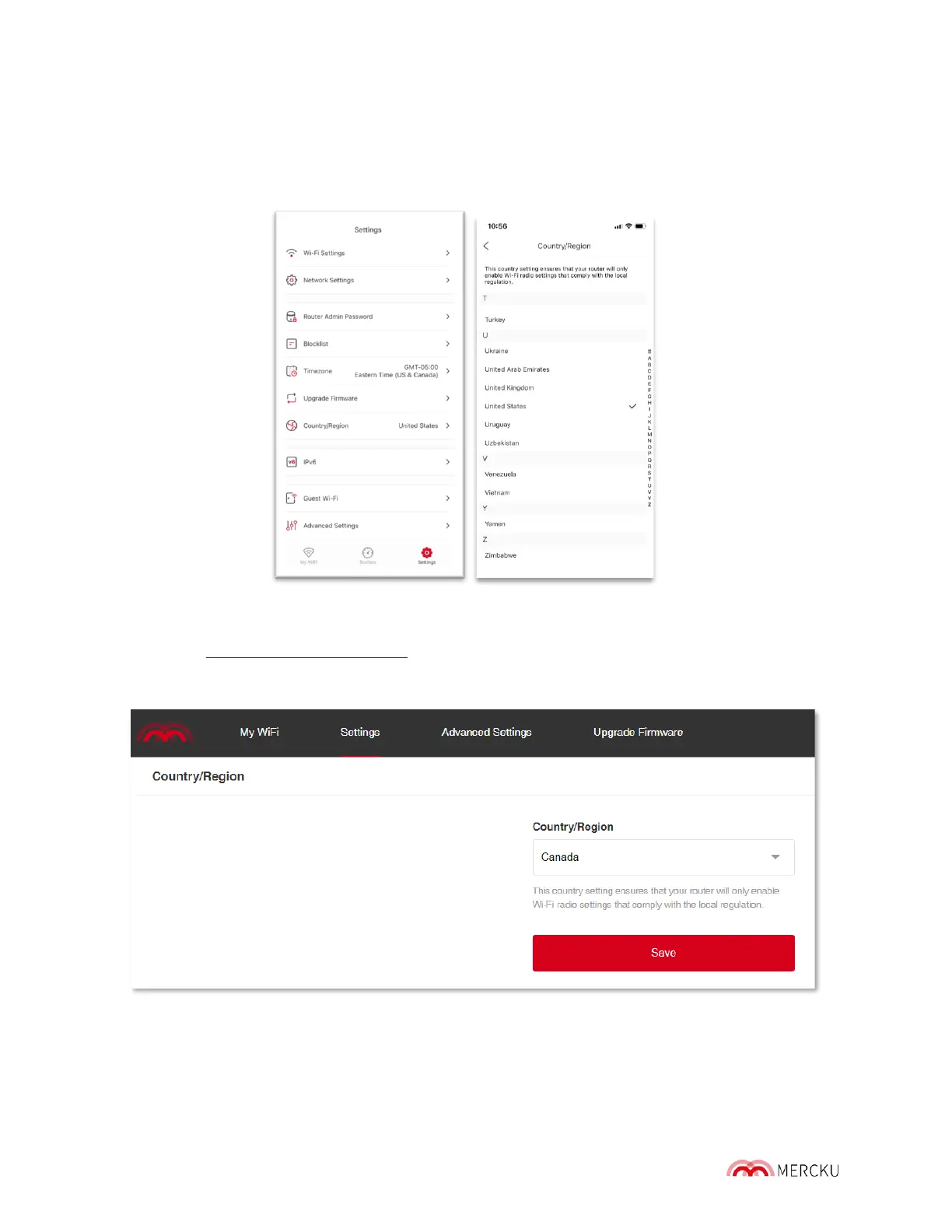
You can change your country/region using either the Mercku App or the web portal.
Using the Mercku App:
1. Open the Mercku App on your mobile device.
2. Go to Settings > Country/Region > Select your country/region from the list.
Using the Mercku web portal:
1. Visit http://mywifi.mercku.tech and log in using your Router Admin Password.
2. Go to Settings > Country/Region > Select your country/region from the list.



 To Next Page