Page | 77
Using the Mercku Web Portal:
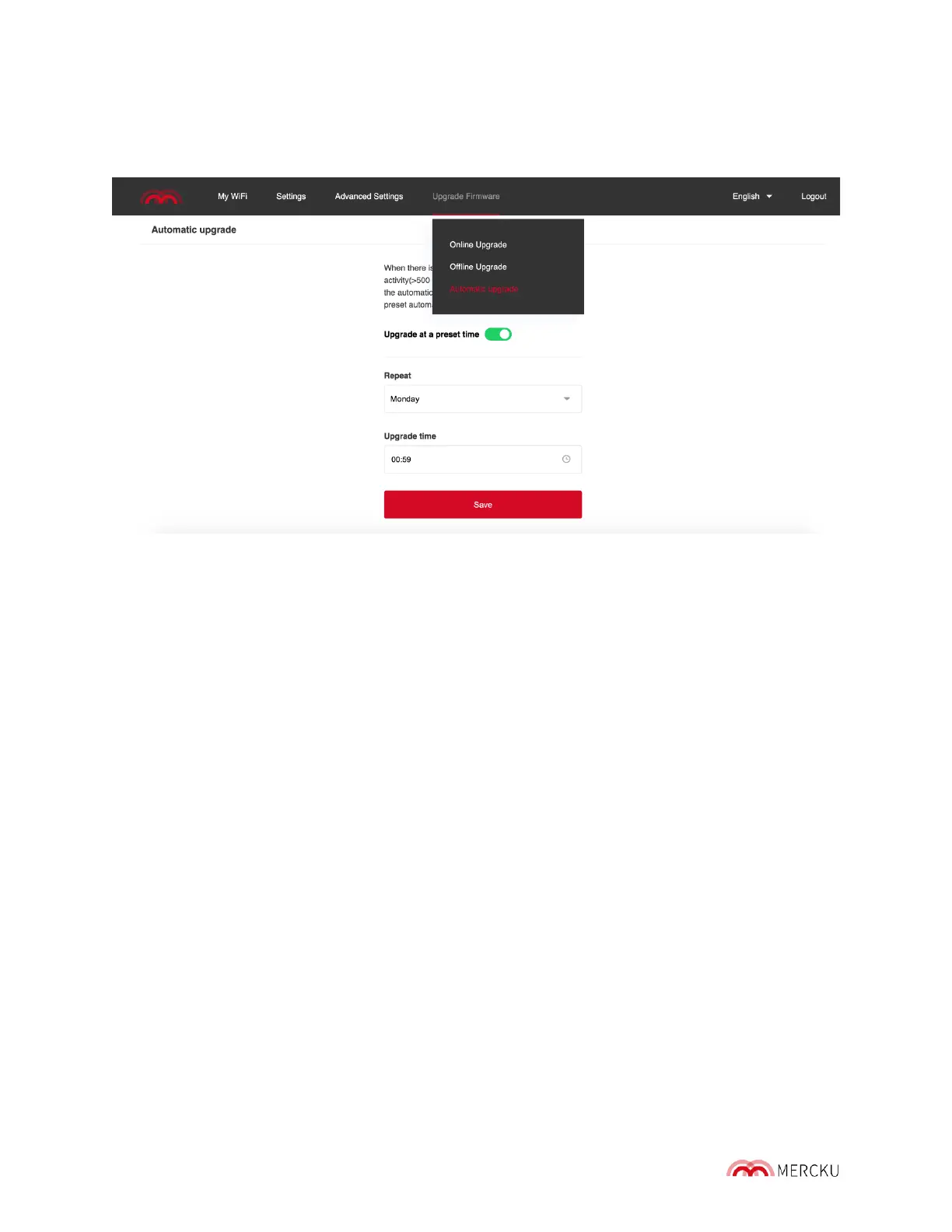
1. Open the Mercku web portal on your device, log in
2. Go to Upgrade Firmware on the top bar > Click "Timer" on the top right
3. Set up a preferable time for automatic firmware upgrade, select a time frame to auto -
detect the latest firmware for the automatic upgrade.



 To Next Page