36 37
5. Programming procedure
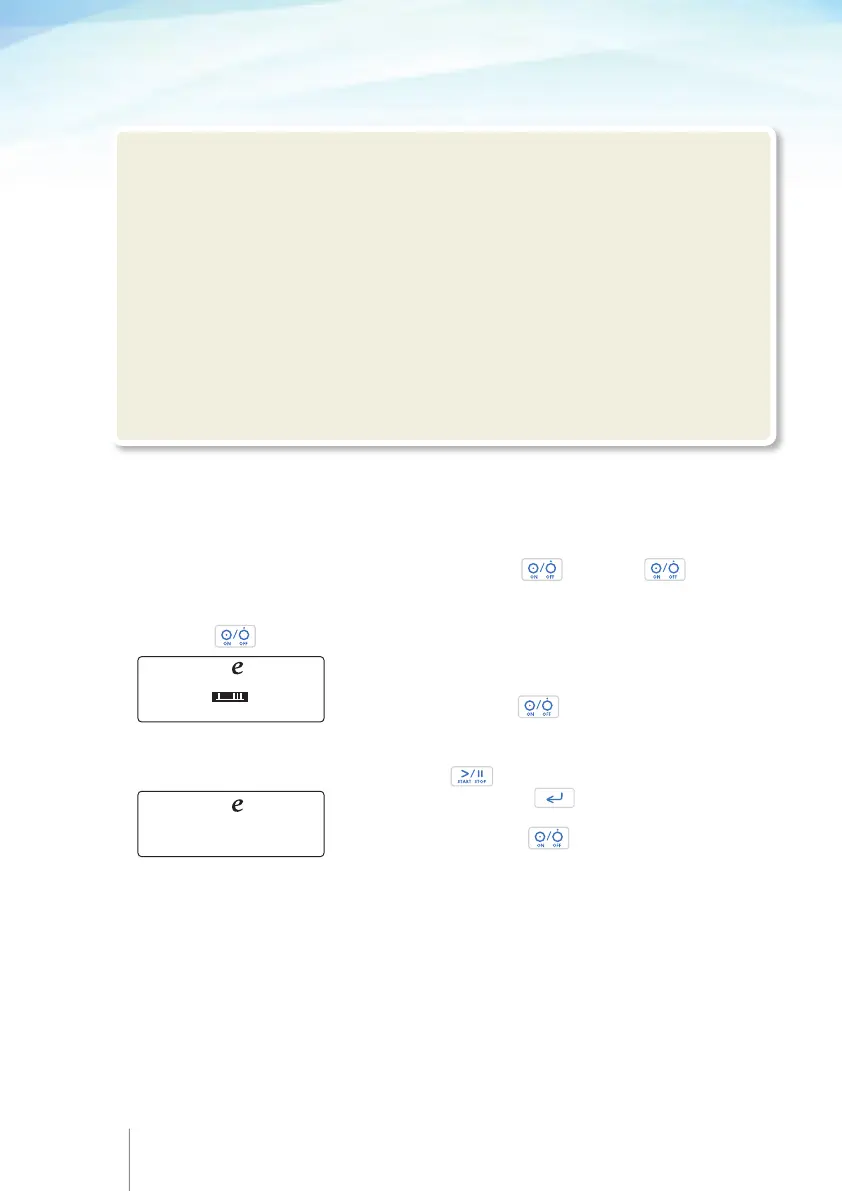
5.1 Turn the pump ON/OFF
To turn the pump ON:
Push and hold down the . Keep the held down
and check that there are no missing dots on the dark display and hear that the buzzer
sounds twice.
Keep the held down and check that date and time displayed are correct, if
not refer to the chapter 9 "Configuration". Pump’s serial
number and Software revision number is also displayed on
this screen. Release the .
To turn the pump OFF:
The pump must be “ON HOLD” in order to turn off. To put
pump “ON HOLD” during infusion press twice to stop infusion, in any other
stage just keep pressing until you reach the “ON
HOLD” screen.
Push and hold down the until the OFF screen
appears.
5.2 Programming the pump
The user can program the pump by using the following options:
•
By selecting and programming an existing (built-in) delivery mode
•
By selecting a pre-configured protocol (through the protocol library)
!Warning
•
We recommend the default codes of the pump to be changed (through the configuration
menu) in order to secure the access to different actions related to each code.
•
The supervisor of the infusion should decide to whom each code and its related actions
should be distributed. Incorrect pump programming could result in death or serious injury
to the patient.
•
Always inspect the Rythmic™ Evolution pump and its accessories for damaged plastic
parts, wires and presence of liquids on its surface, prior to use. If the pump or accessories
are dropped, hit, subjected to excessive moisture and/ or beyond temperature limits,
immediately take it out of use and return it to authorized service department for inspection.
Rythmic™ volution
S/N:234567890123/V1.0A
4JAN 2013 11:54:02
Rythmic™ volution
OFF
www.micrelmed.com



 To Next Page