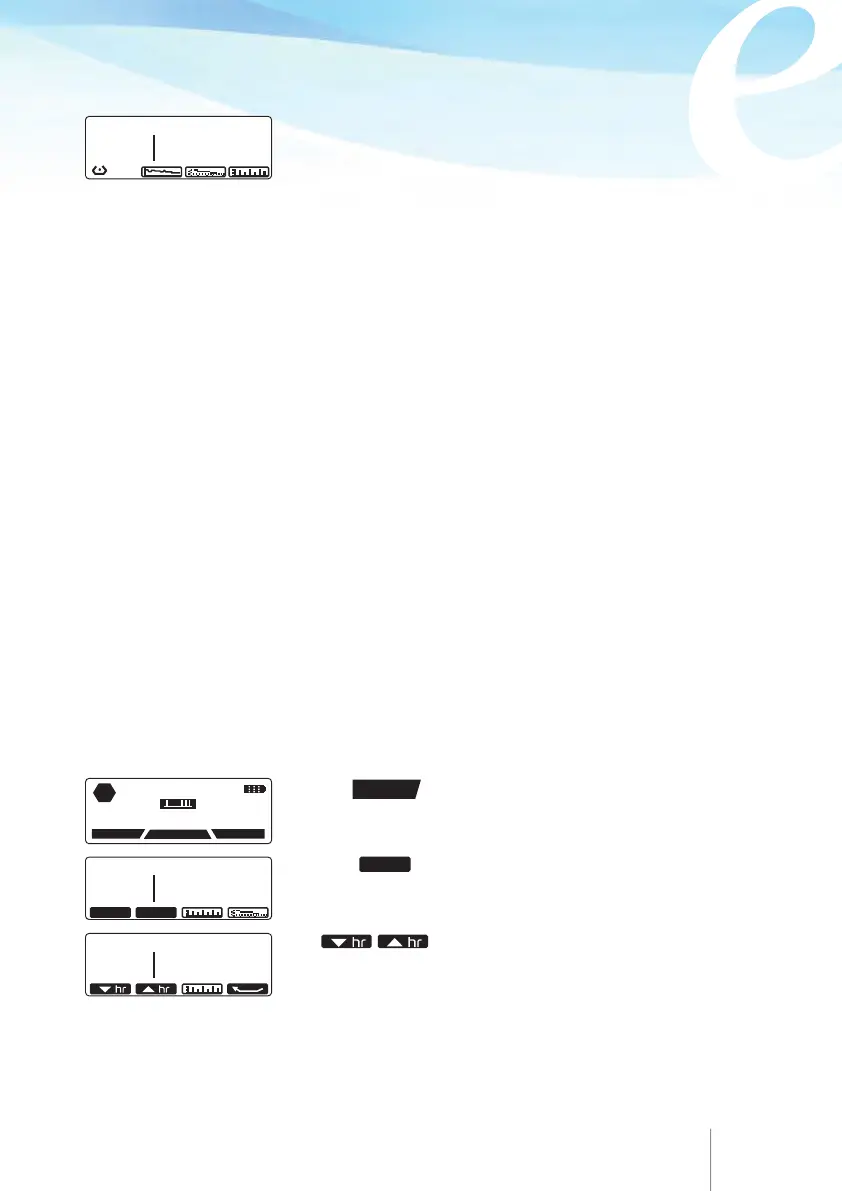
7.3.1 Viewing infusion progress and bolus counters per hour
Total Infused per hour
This indicates the volume infused within each hour (actual time) and also the number
of patient bolus demanded and given.
When the pump is on hold, the user can review infusion progress and bolus counters
per hour :
Press the
HISTORY
key to enter history and review the
current infusion progress.
Press the
key.
This screen displays the Infused Volume and the volume
infused due to patient bolus.
SINCE: 11 APR 2014 11: 22
INFUSED BOLUS
97.0 ml 10.0 ml
60 61
Bolus demand
This indicates the number of patient bolus demand, arising from either the patient
handset or the bolus button. Clinician override boluses and automatic boluses are
not counted as patient bolus demand.
Bolus given
This is a counter that totals the patient boluses delivered to the patient. Clinician
override boluses and automatic boluses are not counted as patient bolus given. A
patient bolus is counted as given, when it has been fully delivered.
Infused volume
This indicates the total volume infused from the beginning of infusion.
Note:
The total infused volume may appear higher than the sum of Currently Infused
volumes due to the fact that the currently infused volumes have a single digit
precision and thus can round off to a lower value.
22 DEC 02 -22:45
PUMP ON HOLD
HISTORY
PROTOCOL
PROGRAM
STOP
SINCE: 11 APR 2014 11: 22
INFUSED BOLUS
97.0
ml DEMAND : 7
GIVEN : 5
hr / hr CLEAR
hr / hr
Use keys to scroll up and down to review
hour by hour the infused volume, patient bolus demand and
patient bolus delivered down to the beginning of the infusion
or down to the last time the counter has been cleared.
/H: 6H 7H/ 11 APR
INFUSED BOLUS
37.0
ml DEMAND : 7
GIVEN : 5



 To Next Page