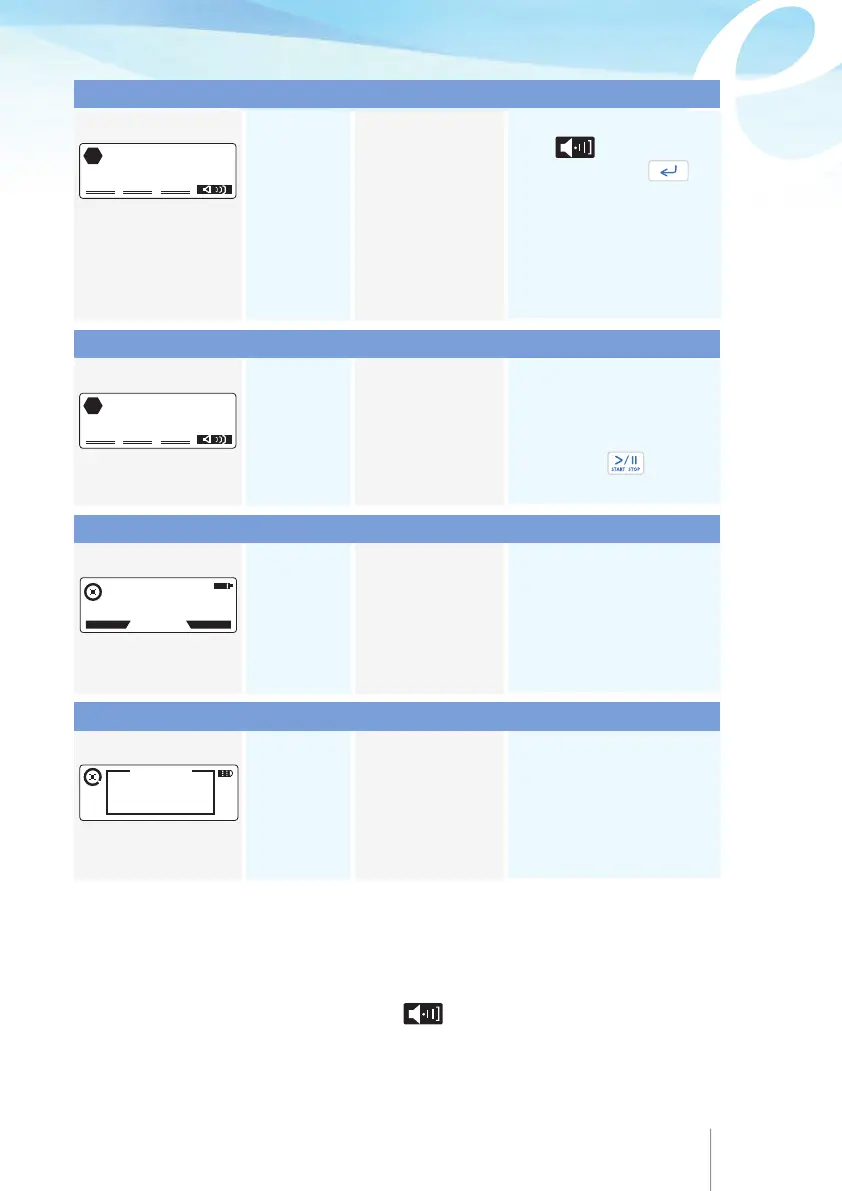
68 69
End of Infusion
Door is open
Dose limit alarm
Bolus limit alarm
Audible YES
Visual YES
Acoustic tone:
Continuous
Audible YES
Visual YES
Acoustic tone:
Continuous
Audible ΝΟ
Visual YES
Audible ΝΟ
Visual YES
Cause
Infusion finished, the
programmed volume
to be infused has
been delivered.
Cause
The tubing cover is
not properly closed or
the administration set
has not been properly
loaded into the pump.
Cause
The delivered volume
within the specific
time has reached the
limit.
Cause
The number of
delivered patient
bolus within the
specific time has
reached the limit.
Action
Press to acknowledge
the alarm and press to
put the “PUMP ON HOLD”.
Turn the pump OFF or
change the bag and continue
with infusion by pressing
PROGRAM and entering the
change bag code.
Action
Check the placement of the
administration set and the
tubing cover, it should be
closed. Press twice to
resume the infusion.
Action
Wait for the limit to be
elapse, infusion will resume
automatically. Or, stop infusion
and enter the programming
menu
to
modify this parameter.
Action
Wait for the limit to be elapsed,
patient bolus will automatically
be authorized. Or, stop infusion
and enter the programming
menu to modify this parameter.
Alarm message
Alarm message
Alarm message
Alarm message
END OF INFUSION
STOP
DOOR IS OPEN
STOP
11 APR 2014 11:45
DOSE LIMIT REACHED
35 min TO RESUME
HISTORY
PROTOCOL
BOLUS NOT
AUTHORISED
BEFORE 3' 41''
BOLUS LIMIT
8.3 Technical Alarms
Whenever technical alarms are produced, the infusion stops and a coded alarm
identification message is displayed. Press key to silence the acoustic tone for
one hour, but maintain the alarm message on the display. The buzzer is deactivated
temporarily, should another audible alarm condition occur, the buzzer will sound again.
Type of signal
Type of signal
Type of signal
Type of signal



 To Next Page