7. Historical Data & event log
7.1 Overview
The pump keeps track of the following groups of information:
1. Infusion protocol
Current active protocol (even after modification / titration from the user).
2. Infusion progress and patient bolus counters total and per hour
Volume infused to patient & patient bolus information for the total infusion and also
for each hour.
3. Infusion graphs
Graphical display of infused volume, patient bolus demands / given, clinician
override bolus and pain level.
4. Infusion events log
Protocol prescriptions that have been programmed & detailed device operational
information.
The above groups are accessible either during infusion or when the pump is on hold,
or exclusively through the uploading to PC functionality. The following sections will
outline how the user can access each group.
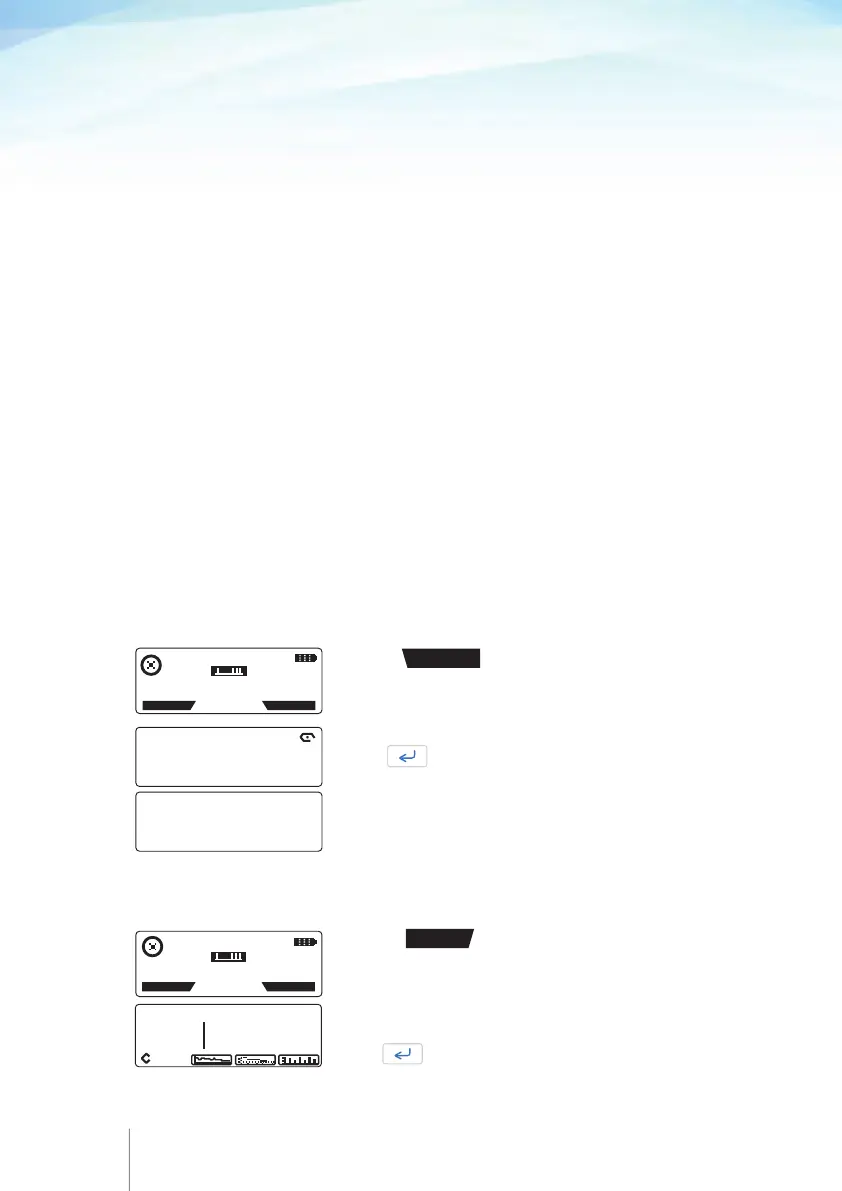
7.3 Viewing infusion progress and counters
11 APR 2014 11:45
PUMP RUNNING
HISTORY
PROTOCOL
Press the
HISTORY
key to enter history and review the
current infusion progress.
This screen displays the Infused Volume, the patient Bolus
demand and patient Bolus given parameters, if any.
Press once to view the next screen.
SINCE: 11 APR 2014 11: 22
INFUSED BOLUS
97.0 ml DEMAND : 7
GIVEN : 5
60 61
7.2 Viewing infusion protocol
During infusion or when the pump is on hold, the user has the ability to view the current
infusion protocol.
Press the
PROTOCOL
key to review the parameters of the
current infusion protocol.
The parameters of the current protocol will be displayed.
Press to scroll pages.
BOLUS 5.0 ml
LOCKOUT 15 min
DOSE LIMIT 180ml /4hr
VOL TB INF 100.2 ml
BASAL RATE 30.1 ml / hr
LOAD DOSE 2.0 ml
11 APR 2014 11:45
PUMP RUNNING
HISTORY
PROTOCOL



 To Next Page