38 39
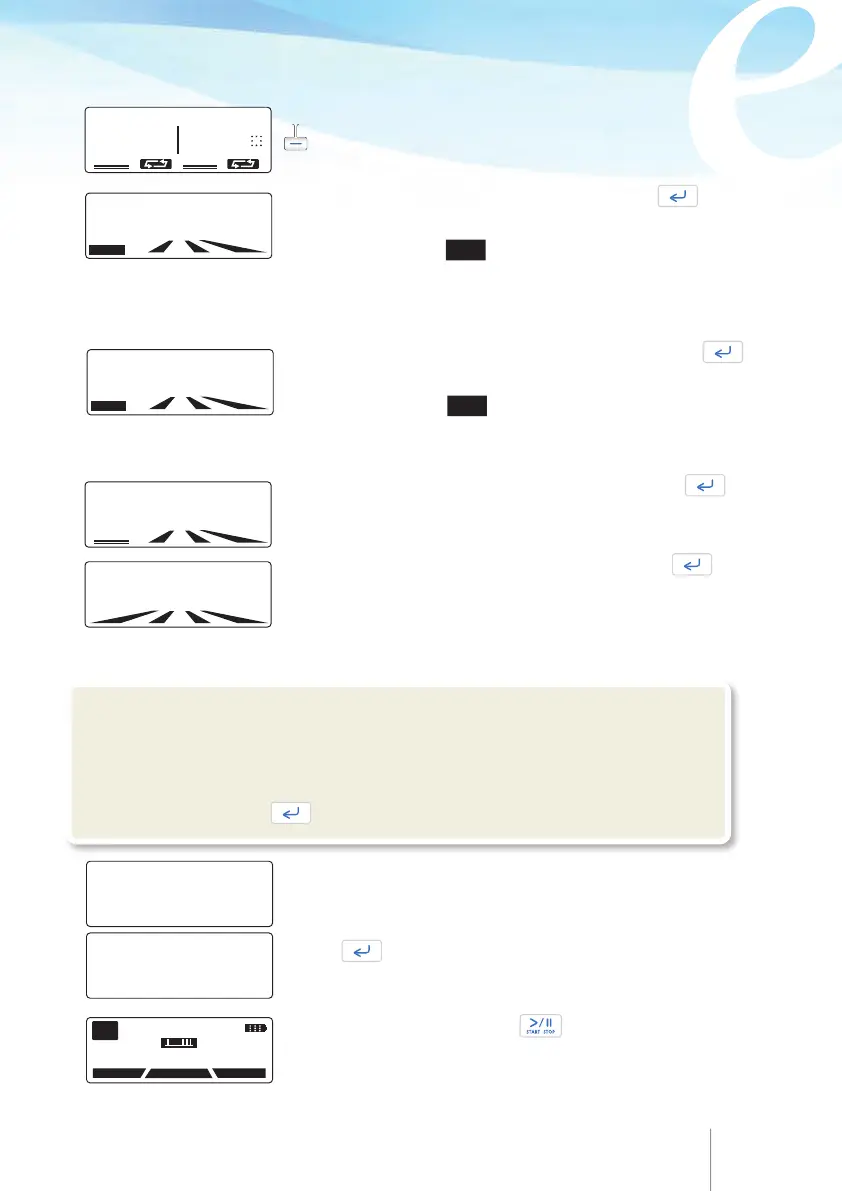
Enter the
LOADING DOSE
value, if required and press
Note:
If this parameter is not required, the value 000.0 should
be entered.
Select one of the two limits by pressing the appropriate
key.
Enter the
DOSE LIMIT
value in minutes and press .
DOSE LIMIT
observation window can be changed in this
screen by pressing the
TIME soft key.
MAX BOLUS
in the dose limit screen displays the maximum
possible number of patient bolus that the patient can get
within the preset period of time.
or
Enter the VOLUME TO BE INFUSED
value and press .
MAX/24H
volume indication at the top of the screen
indicate the maximum volume that a patient can receive
within 24 hours, according to the above programmed
values of each parameter.
Enter the patient
BOLUS LIMIT
value in minutes and press
BOLUS LIMIT
observation window can be changed in this
screen by pressing the
TIME soft key.
Note:
If dose limit or bolus limit is not required, the value 0000
should be entered.
SELECT LIMIT
DOSE BOLUS PER
LIMIT
HOURS
LOADING DOSE
02.0 m1
MAX/ 24H 1010m1
VOLUME TO BE INFUSED
0160 m1
2 MAX BOLUS
DOSE
LIMIT
0180 m1/4hr
TIME
BOLUS
LIMIT
010 BOL /4hr
TIME
At the end of programming a summary of protocol appears
on screen.
Press to scroll down the protocol.
VOL TB INF 160.0 m1
BASAL RATE 30.1 m1/hr
LOAD DOSE 2.0 m1
BOLUS 5.0 m1
LOCKOUT 15 min
DOSE LIMIT 180 m1/4hr
If Protocol is correct, press twice to start the
infusion.
11 APR 2014 11:45
PUMP ON HOLD
HISTORY
PROTOCOL
PROGRAM
PGM
!Warning
Always validate infusion protocol values by checking all parameters, prior to start the
infusion. If the Protocol values are not correct, please, restart the programming
procedure by pressing when you are on the "PUMP ON HOLD" screen.
.
.



 To Next Page