Chapter 12 Serial Bus Trigger and Decode (Optional)
123
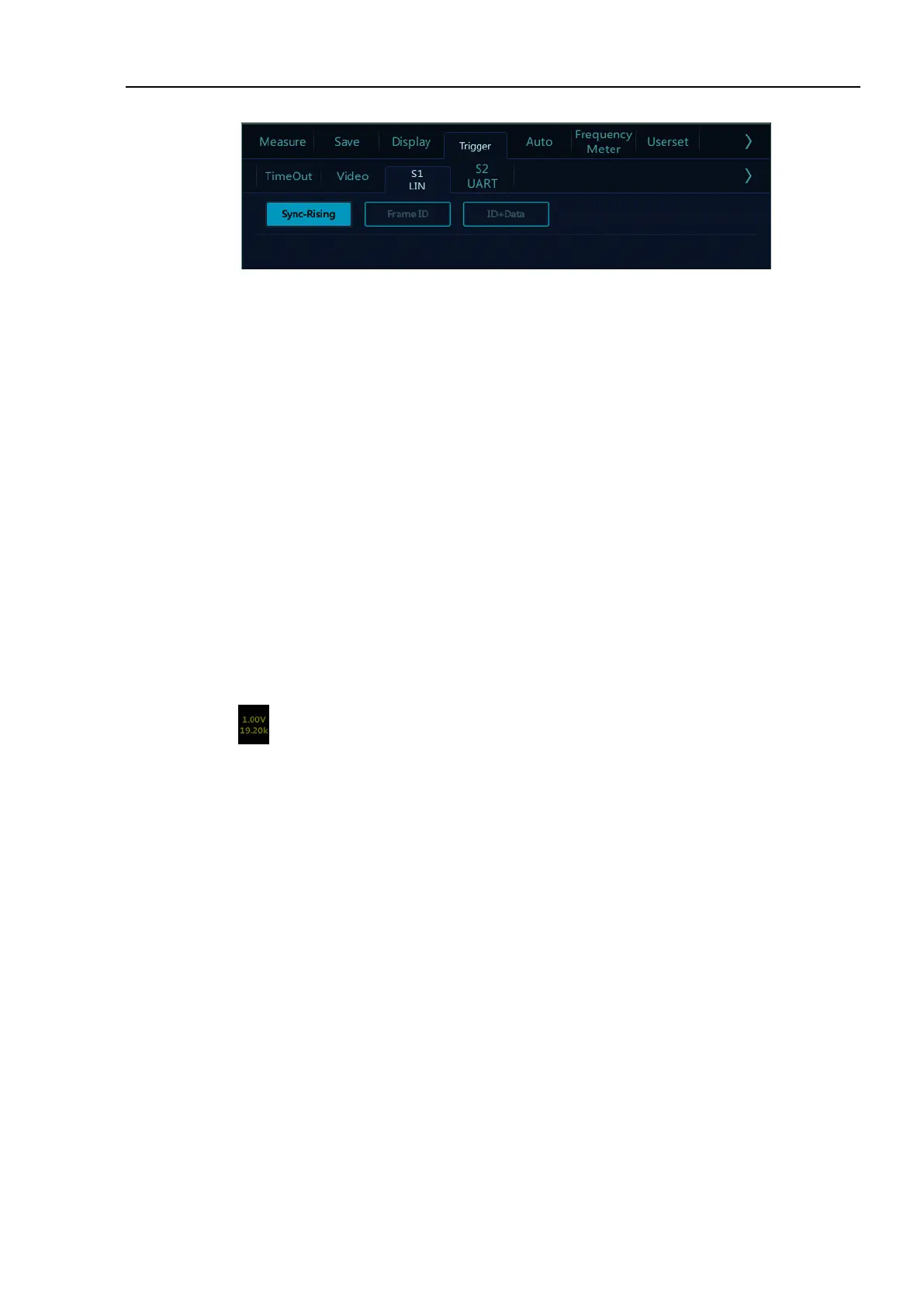
Figure 12-10 LIN Trigger Mode Configuration Menu
a) Sync-Rising – When the “Sync Interval” of LIN bus ends, the rising edge triggers.
b) Frame ID — Triggered when a frame with an ID equal to the set value is detected. Select “Frame ID”,
click data on the touch screen, and use the pop-up virtual keyboard to modify it.
c) ID + Data—triggered when a frame with ID and data equal to the set value is detected. After selecting
“ID + Data”, click ID or data, and set them.
⚫ LIN serial decode
Ch1 is connected to measured signal. The idle level is high and the baud rate is 19.2 kb/s. The trigger mode
is synchronous rising edge. Please follow these steps:
(1) Tap S1 to open the decode channel, and click again to open the bus configuration menu;
(2) Select the bus type as “LIN”, click “Ch1”, “Idle High”, “19.20kb/s”, and then close the menu;
(3) Open the trigger mode configuration menu and click “Sync-Rising”;
(4) Click configuration information to open the decode channel threshold level adjustment box, and
drag the adjustment box upward and downward to adjust the threshold level; adjust the threshold level
according to the signal amplitude level to make the signal stably triggered. The LIN trigger graphic
interface is shown in Figure 12-12:



 To Next Page