128
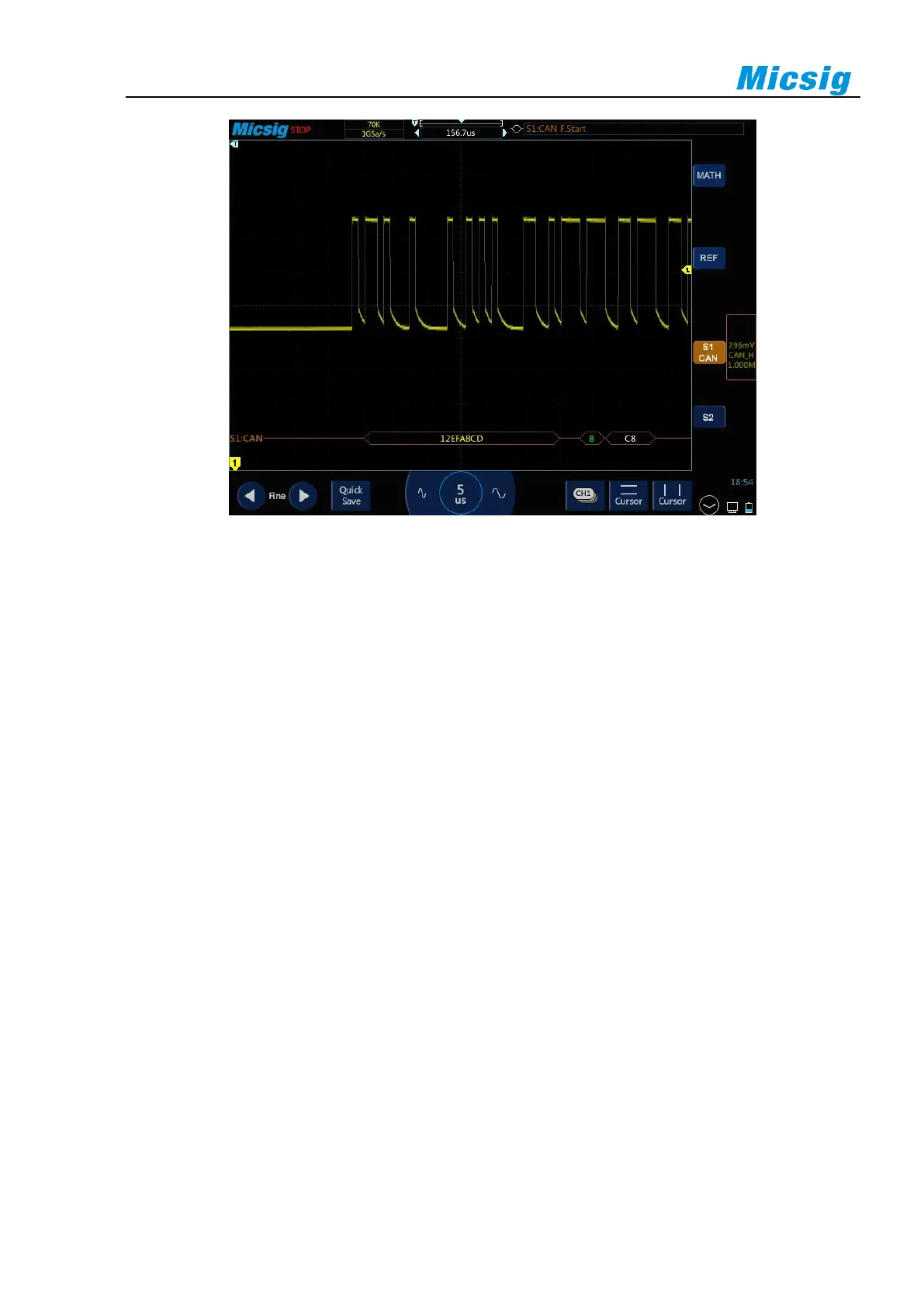
Figure 12-16 CAN Graphic Interface
CAN decode data packet description:
(1) Decode data packet displays real-time data about the bus activities.
(2) Decode data displays as hexadecimal system.
(3) “Frame ID” displays in yellow, “Data” displays in white, and “DLC” and “ CRC” codes display in
green. If there is frame error, it is displayed in red “E”.
(4) When “?” appears, the time base needs to be adjusted to view decode results, and “!” indicates that the
bus waveform corresponding to the decode data packet is incomplete and the data cannot be displayed
correctly.



 To Next Page