Chapter 3 Horizontal System
27
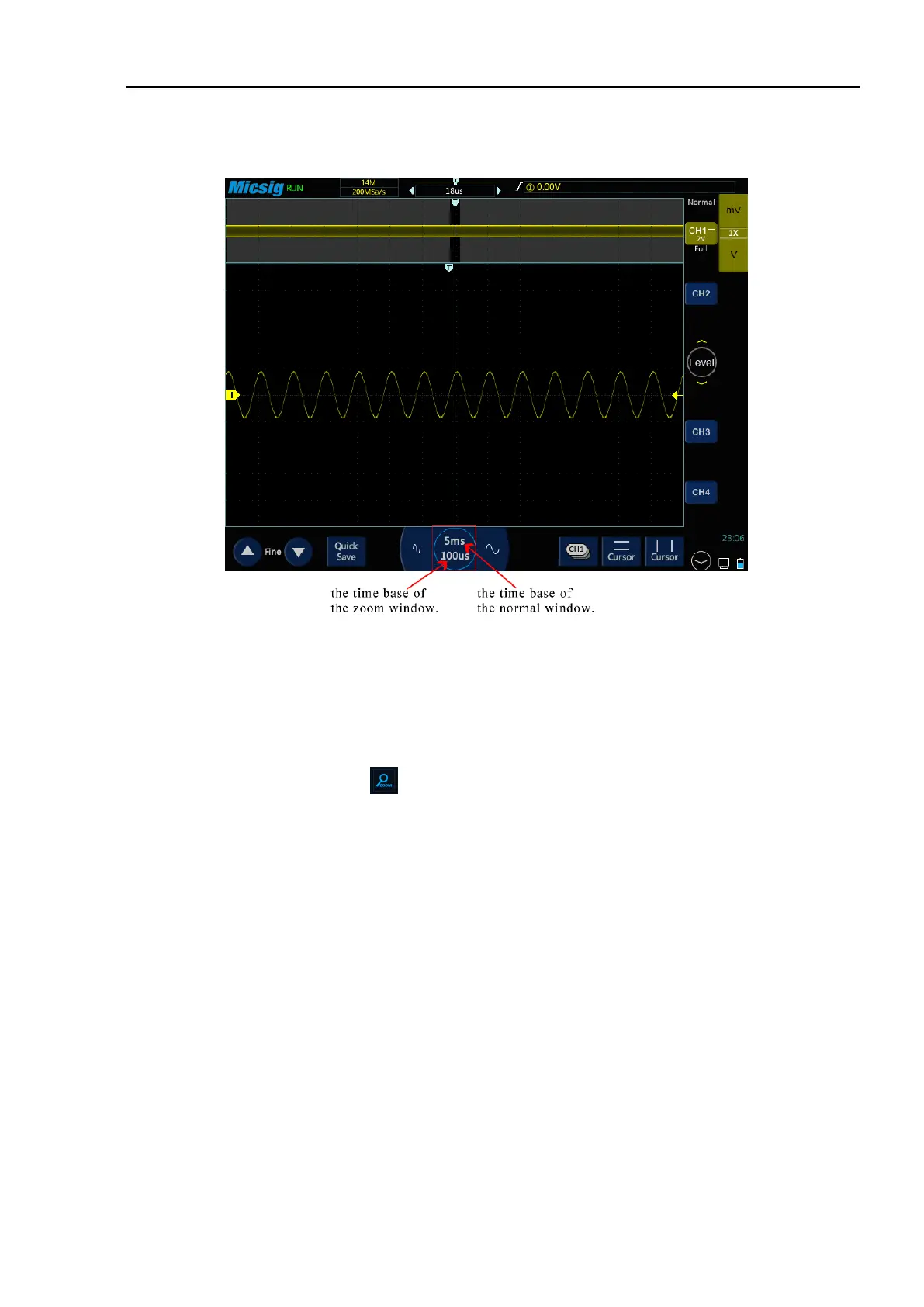
into two parts (see Figure 4-11 Zoom Interface). The upper part of the display screen shows the normal display
window view and the lower part shows the zoomed display window.
Figure 3-11 Zoom Interface
Zoom window view is the enlarged portion of the normal display window. You can use “Zoom” to view a portion
of the normal window that is horizontally expanded to learn more about signal analysis.
Zoom on/off:
1) Open the pull-up menu and tap button to turn the zoom function on/off.
2) Put three fingers on the touch screen at the same time, slide down to open zoom mode; slide up to turn off
zoom mode. Figure 3-12 shows the operation:



 To Next Page