Milli-Q® Direct 8/16 System 77
Replacing the Progard® Cartridge and Vent Filter, Continued
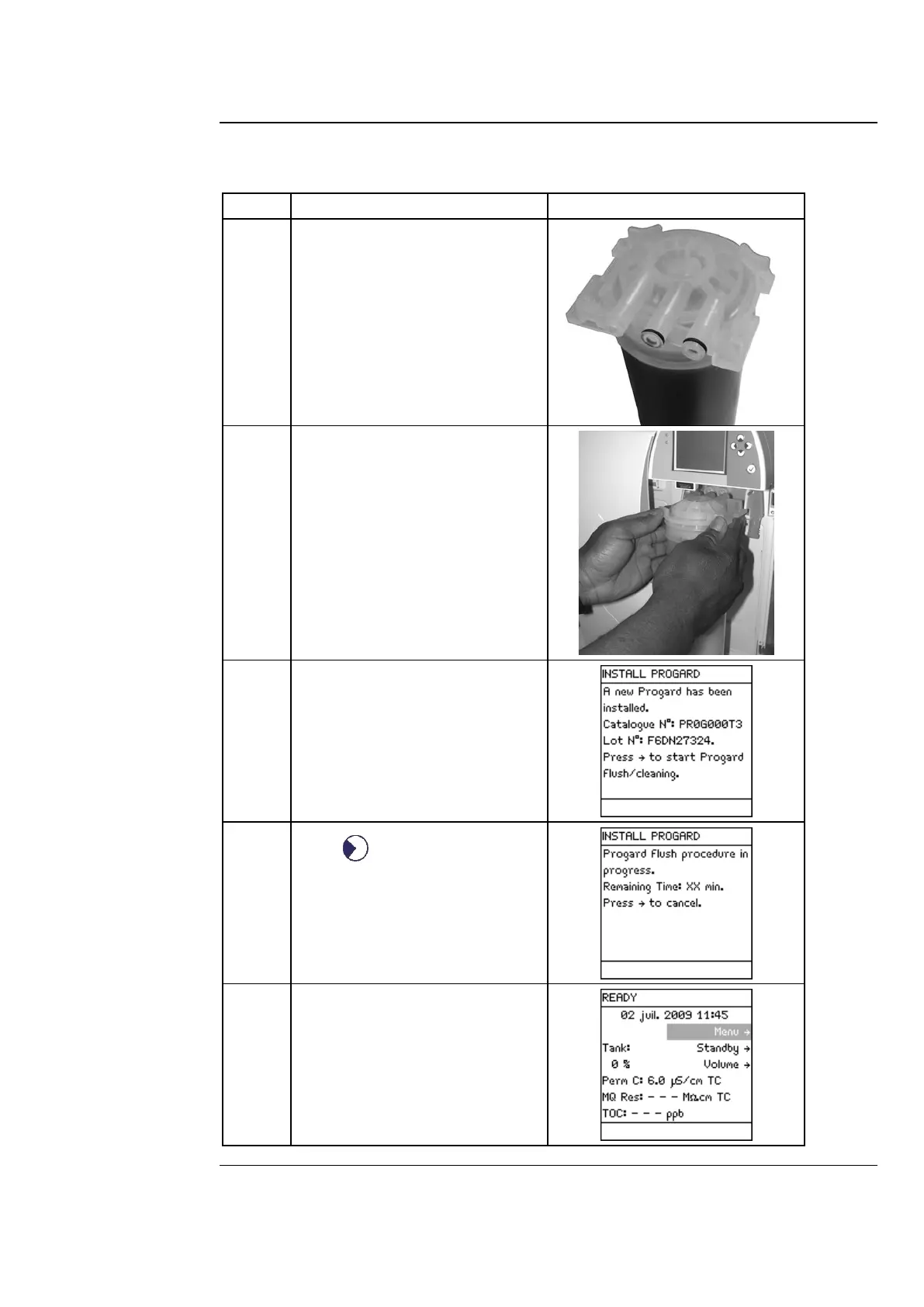
Follow the steps below to install a new Progard® Cartridge.
Remove the covers on the 2
ports of the Progard® Cartridge.
Wet the O-rings with water.
Install the Progard® Cartridge
until it is fully seated.
Close the right door.
When a new Progard® Cartridge
is installed, the LCD looks like
this.
Press .
When the Progard® Cartridge
flush has finished, the Water
System goes to READY Mode.



 To Next Page