– 2.8 –
TURNING THE POWER ON
*Be sure to check to ascertain that the pinch rollers have been raised before turning
the power on.
* Turn on the power switch of the device after turning on the power to the host
computer. If the aforementioned order is not correctly followed, the device can
malfunction.
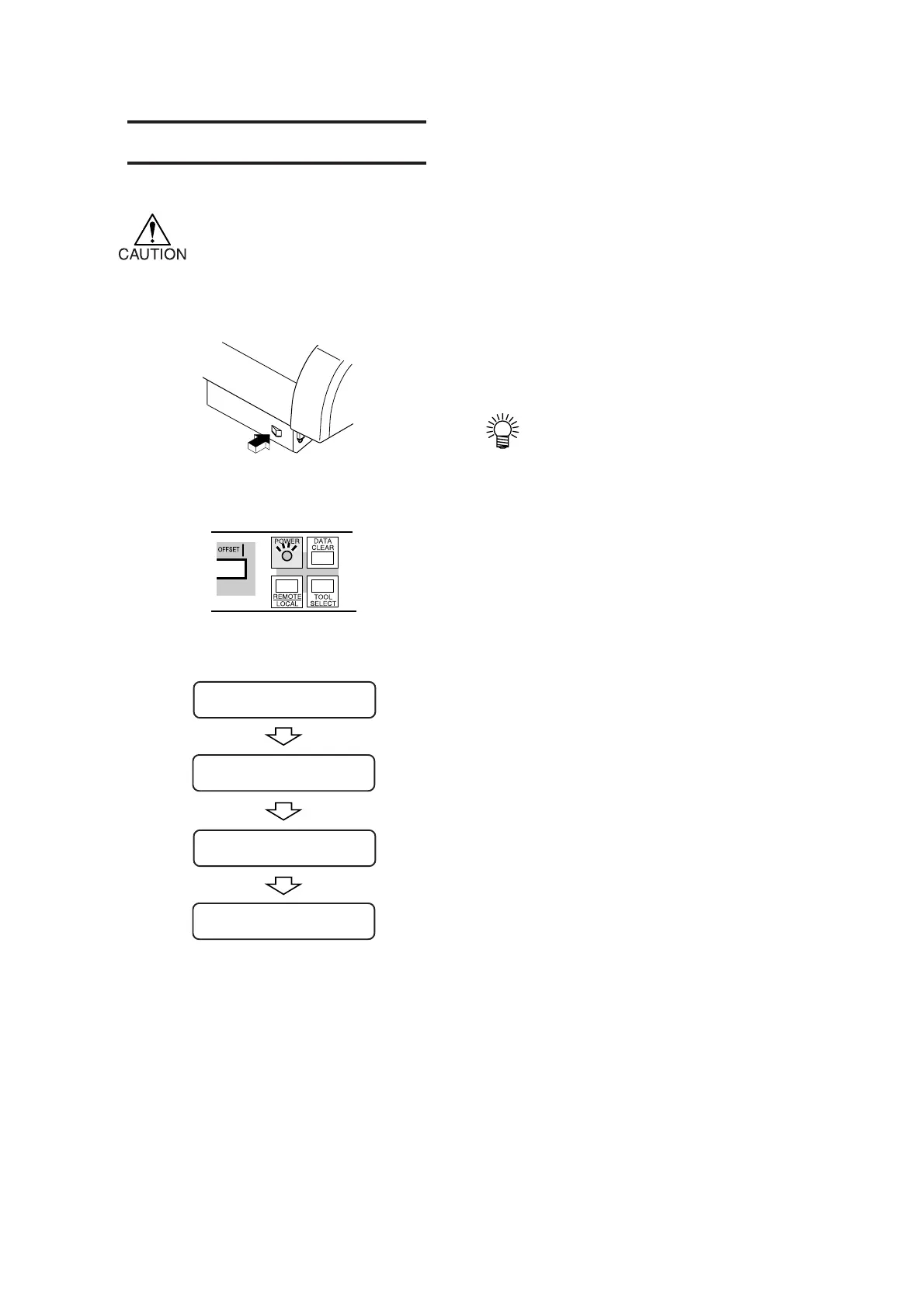
1) Press the “ | ” side of the power switch.
• When the device is turned on, the
device will enter operation modes
in the predetermined order. Refer
to page 2.4 for the operation modes.
2) The POWER indicator lamp lights up
in green.
The sheet suction fan rotates.
3) Check the receiving buffer.
Then, the tool conditions for the currently
selected tool appears on the LCD.
CUT1 20 050 0.30
BUFFER = 2048KB
CG AUTO-6H
*
.
**
BOOT











 To Next Page