– 3.8 –
EXPLANATION OF FUNCTIONS
Settings of the functions and detailed explanation of the functions are described below.
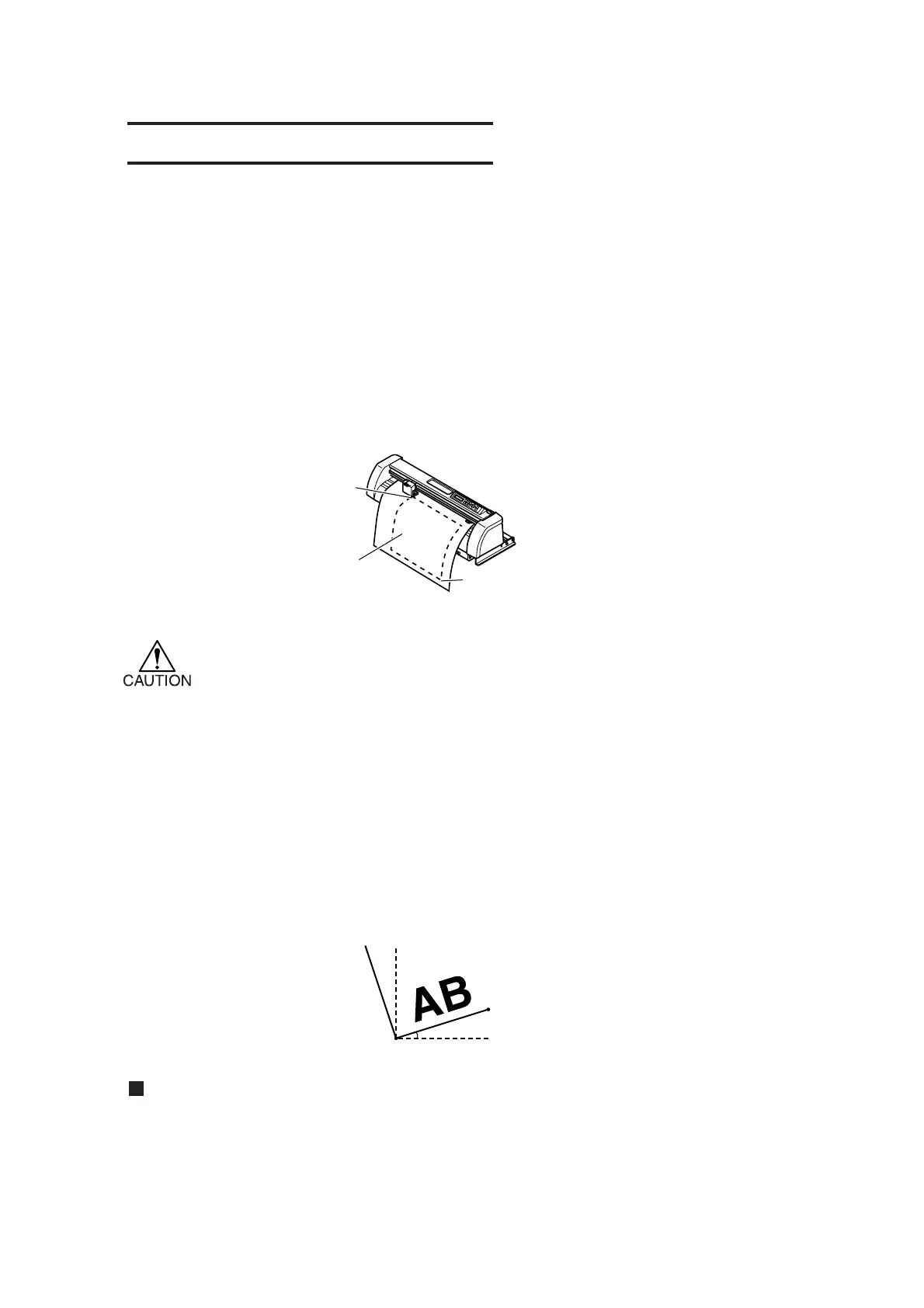
Cutting area
An area in which the device performs cutting (plotting) is specified.
The area that has a diagonal line extending from the origin and a given UL (upper left) point is the
effective cutting area. If you tilt the sheet set lever toward you, the cut area specified will be cleared.
CAUTION! * Be sure to specify an upper left point in the area that is located in the normal direction
from the origin.
*Be sure to specify an upper left point in the area that is located in the normal
direction from the origin.
* Be sure to set an origin in the cutting area. If you establish an origin outside the
cutting area, an operation error will result.
Two-point axis alignment
To cut the contour of a printed matter that has been position on the machine, the axis of the printed
matter has to be aligned with that of the machine.
Axial inclination (θ) is corrected between the origin and correction point specified.
To clear the alignment point, raise the sheet set lever.
Setting value
–45° to 45°
Correction point
Origin
Point UL
Cut area specified
Origin











 To Next Page