– 3.14 –
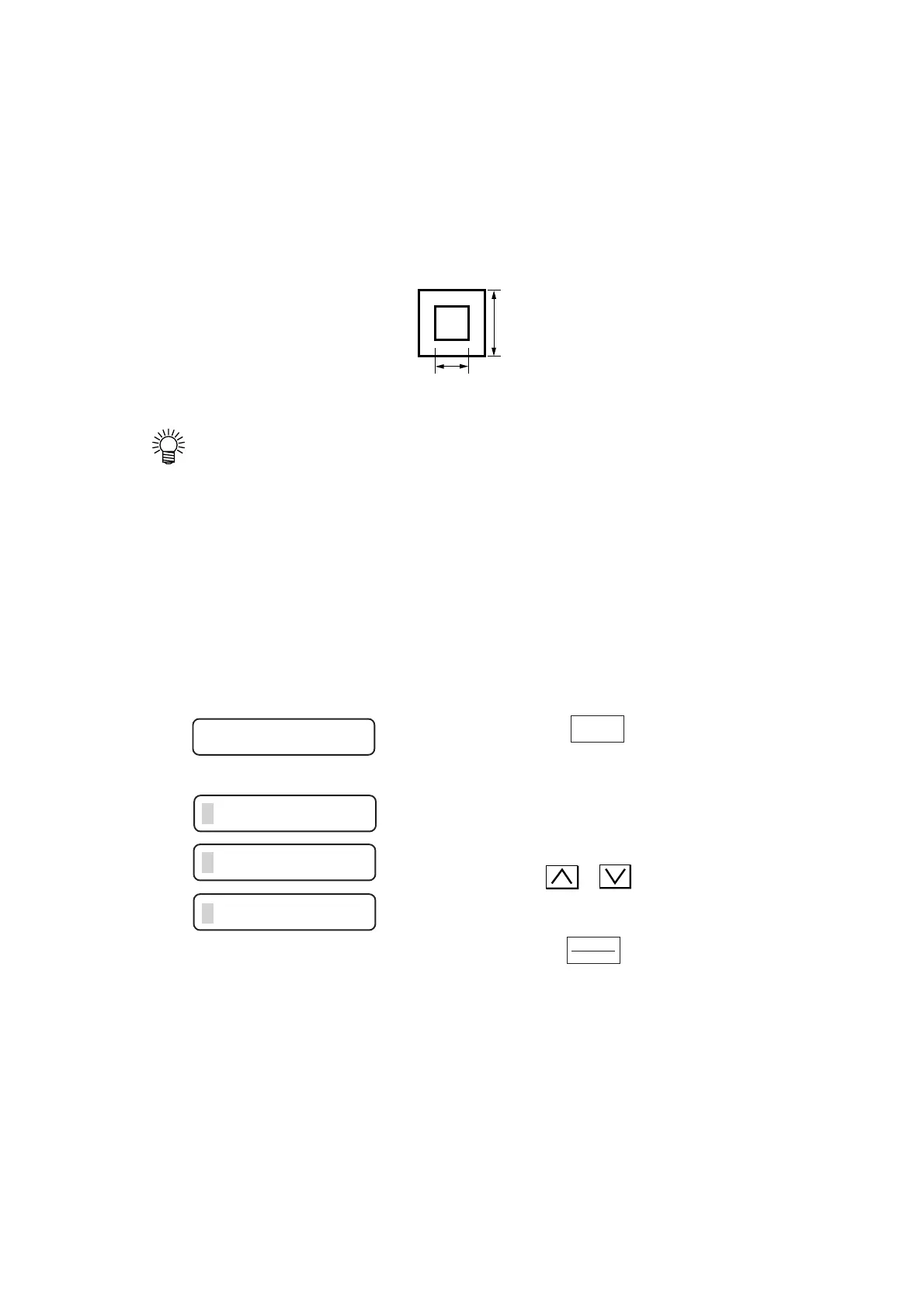
Test cutting [SQUARE]
In the case where you have changed the type of sheet or tool and cutting conditions have been
changed correspondingly, the test cutting function is used to execute test cutting to check that the
cutting conditions such as SPEED, PRESSURE and OFFSET are appropriate.
In the test cutting, the device cuts two different types of squares.
•Change the settings for cutting conditions, if necessary, depending on how the
squares are cut.
• The device executes the [SQUARE] at the current tool location.
Distance compensation [DIST. COMP]
In the case where the device feeds the sheet by a long distance, an error in the cutting length can
arise according to the sheet thickness. The distance compensation function is used to correct the
error.
Three different compensation can be stored.
1) Press the key to select [DIST.
COMP].
2) The currently selected enter number
and scale setting will appear on the
LCD.
Press the or key to select the number
to be entered or used.
3) Press the key.
The reference length (unit: mm) that was used
in the previous correction will appear on the
LCD.
15 mm
10mm
FUNCTION
ENTER
HOLD
DIST. COMP. <ENT>
S1 : 1. 0000 1. 0000
S2 : 1. 0000 1. 0000
S3 : 1. 0000 1. 0000











 To Next Page