– 3.15 –
If no distance compensation has been
performed, the minimum reference length will
appear on the LCD.
• The length display shown below
means that the [DIST. COMP] was
executed using the mark detecting
function or the [DIST. COMP] was
changed over to the [MM/INCH].
A press on the
or key will
enable the inputting of a numeric.
4) Input a reference length.
Select the reference lengths (unit: mm) in
directions A and B using the
or key.
Specify the reference length with the
key.
• If you change the reference lengths
in direction A and B, the distance
correction value will be cleared.
If you only change the distance compensation
number, press the
key.
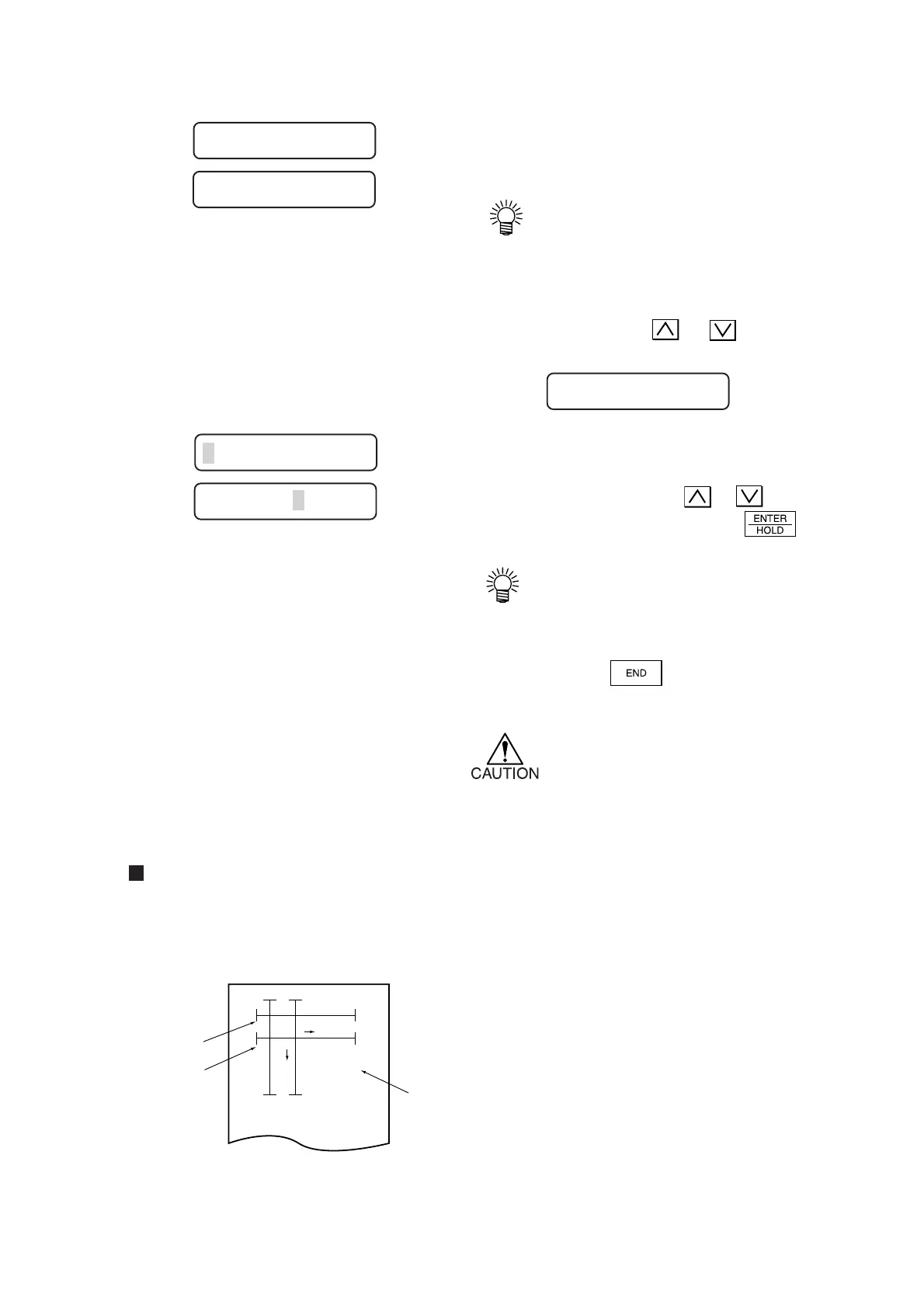
5) The device plots an adjustment pattern.
* If no sheet is placed on the device,
or the sheet size is too small to plot
a reference length, the device will
not conduct plotting and proceed to
the correction value inputting stage.
Compensation value
Find compensation values referring to the description given below.
Compensation value = Measurement of the OFF line – Reference length input
Example)
Reference length input = 1000 mm
Measurement of the OFF line = 999.0 mm
999.0 – 1000 = –1.0 mm
As a result, the compensation value to be
input will be “–1.0 mm.”
OFF
ON
A
B
A*1.00000
(1000mm+0.0mm)
B*1.00000
(400mm+0.0mm)
OFF
ON
Reference line
Distance compensation
adjustment pattern
Compensated
line
Compensation
rate
A
*
1. 000 B
*
1. 000
A=500 B=200
A=1000 B=200
A=1000 B=200
A=– – – – B=– – – –











 To Next Page