– 2.4 –
BASIC OPERATION OF THE KEYS
Basic operation of the keys mounted on the operation panel is described below.
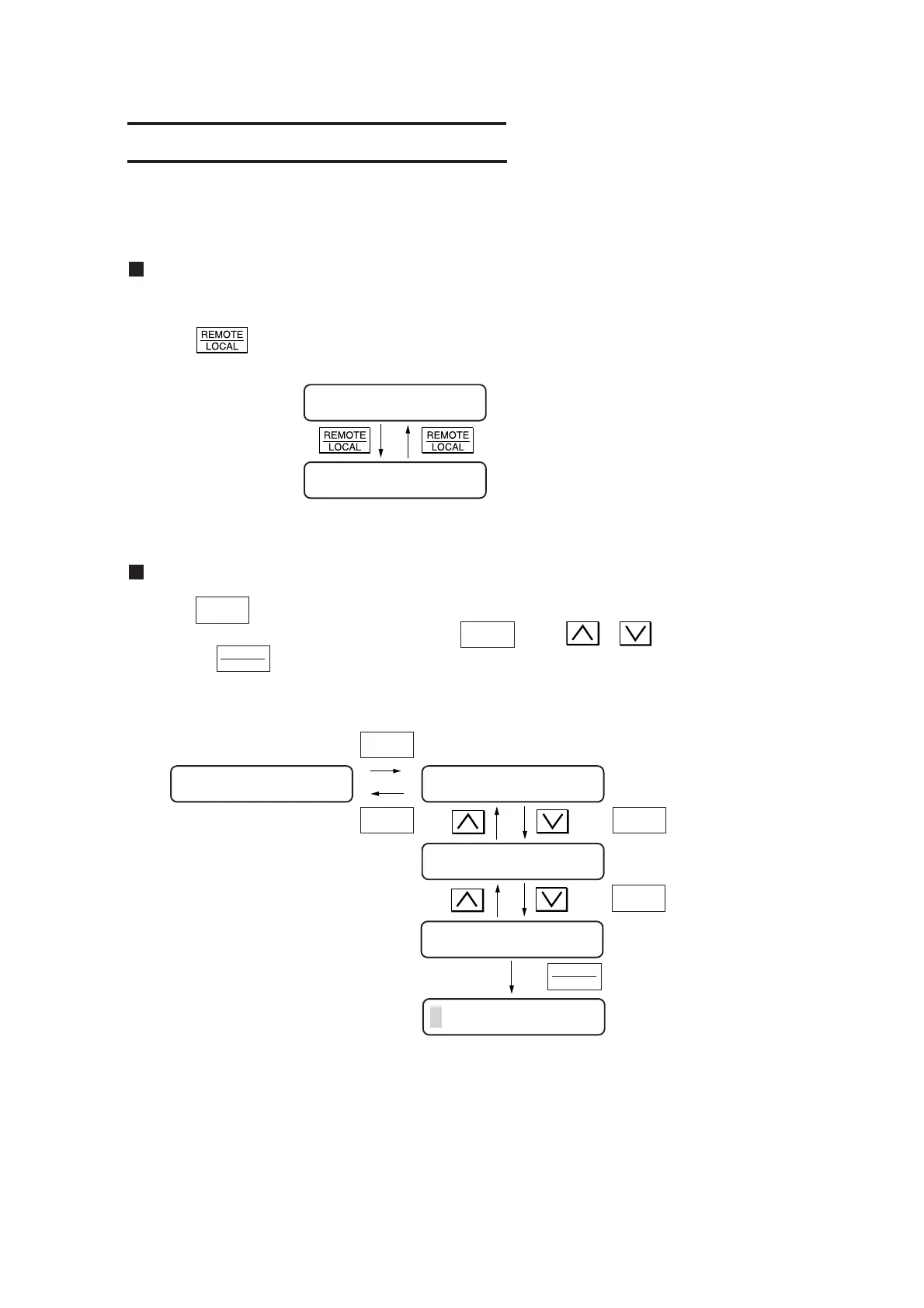
Changing the operation mode
Refer to page 2.9 for the explanation of operation modes.
Press the
key to change over the operation mode between the remote mode and local mode.
Remote mode
Local mode
Selecting the function menu
Press the key under the local mode to select the function menu.
Function menu will be displayed every time the key or or key is pressed.
Pressing the key will execute the menu displayed.
Refer to Chapter 3 for the types of function menus.
FUNCTION
FUNCTION
FUNCTION
ENTER
HOLD
< Distance compensation
function is selected >
END
FUNCTION
FUNCTION
ENTER
HOLD
Local mode
CUT1
**
REMOTE
**
CUT1 20 050 0.30
CUT1 20 050 0.30 No. COPIES <ENT>
SQUARE CUT<ENT>
DIST. COMP <ENT>
S1 : 1.0000 1.0000











 To Next Page