– 2.14 –
LOADING A SHEET OF MEDIA
Either a cut sheet or a roll sheet can be loaded on the device.
The pinch rollers and grid rollers hold the sheet in position.
Specify the location of the pinch rollers to match the sheet to be used.
The table given below shows the width of sheet that can be loaded on the device and the maximum
cutting area of the device.
Sheet width
mm inch
CG-60EX 110 to 624 24
CG-100EX 110 to 711 24
755 to 912 30
871 to 1028 36, 42
CG-130EX 110 to 711 24
755 to 1070 30, 36, 42
1167 to 1324 48, 50, 52
• After loading a sheet of media on the device, execute the sheet detection (see page
2.24).
In the case where a long sheet of media is used, only the sheet width can be detected
(see page 2.25).
Maximum cutting area
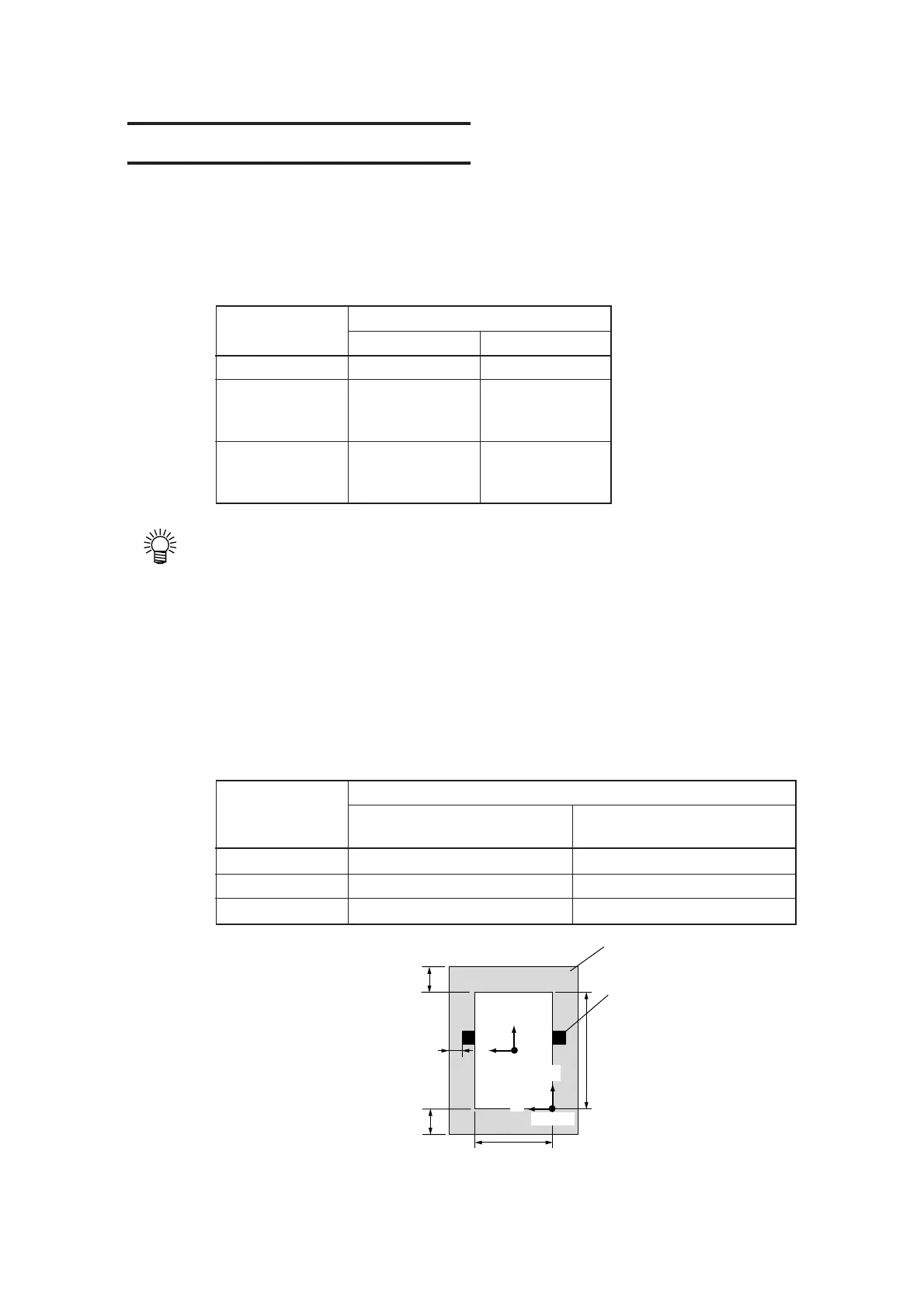
The maximum cutting area (the area in which cutting (plotting) is enabled) varies depending on the
location of pinch rollers and that of the origin. The white portion of the illustration shown below
represents the maximum cutting area.
Cutting area
The origin is set at the lower The origin is set at the center
right corner of the area. of the area.
CG-60EX 600 mm x 51 m 600 mm x 3 m
CG-100EX 1005 mm x 51 m 1005 mm x 51 m
CG-130EX 1300 mm x 51 m 1300 mm x 51 m
Model name
Model name
B
Sheet
Dead space
Pinch roller
Cutting
length
Origin
Cutting width
5 mm
or more
A
Origin
A
B
Rear dead space
Tool location: Far side 30 mm
Tool location: This side 40 mm
Front dead space
Tool location: Far side 20 mm
Tool location: This side 10 mm
Dead space:
The area in which cutting is disabled.











 To Next Page