– iv –
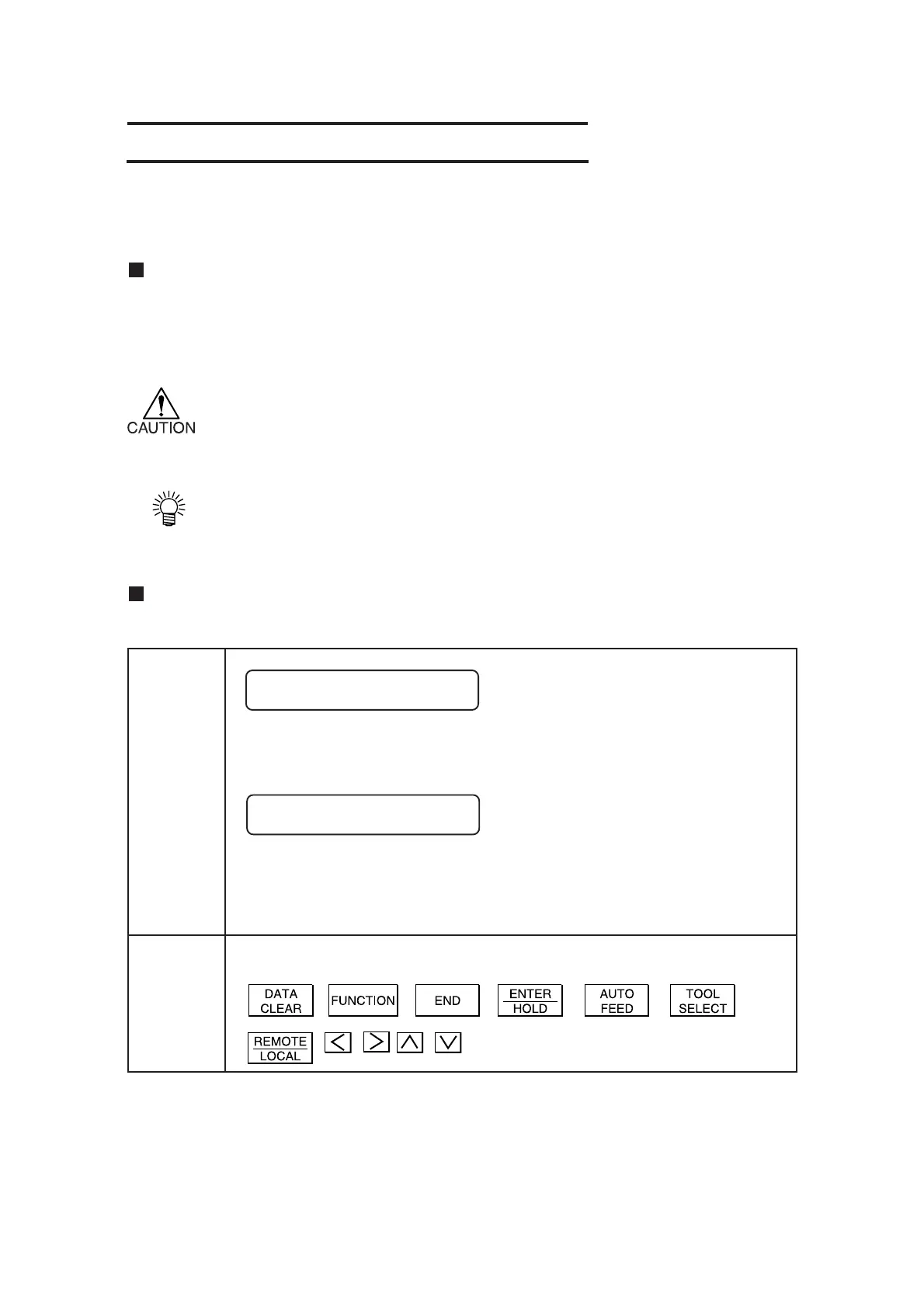
This represents the description shown on the display panel of the device.
For the purpose of this volume, it is given in brackets as [SET UP].
In such a case as to enter a setting, the cursor location flashes on and off on the
display panel. For the purpose of this volume, the cursor location that flashes
on and off is given with crosshatched.
Keys are represented as given below both in the illustrations and the text.
Display
HOW TO USE THE OPERATION MANUAL
About this Operation Manual
Signs and symbols
For the purpose of this Operation Manual, the below-stated signs are attached to important items
and helpful descriptions to be remembered to prevent possible accidents and troubles and to make
the most out of the device.
This represents a caution.
It is attached to items and descriptions given to warn the customer against possible risks
of personal injury, failures of the device or incorrect data.
This represents a hint.
It is attached to items and descriptions given to help the customer for better results.
Display panel/keys
The display panel and keys appear in the below-stated style.
Key
SET UP <ENT>
CENTER ORIGIN











 To Next Page