– 2.27 –
Putting the cutting (plotting) on hold
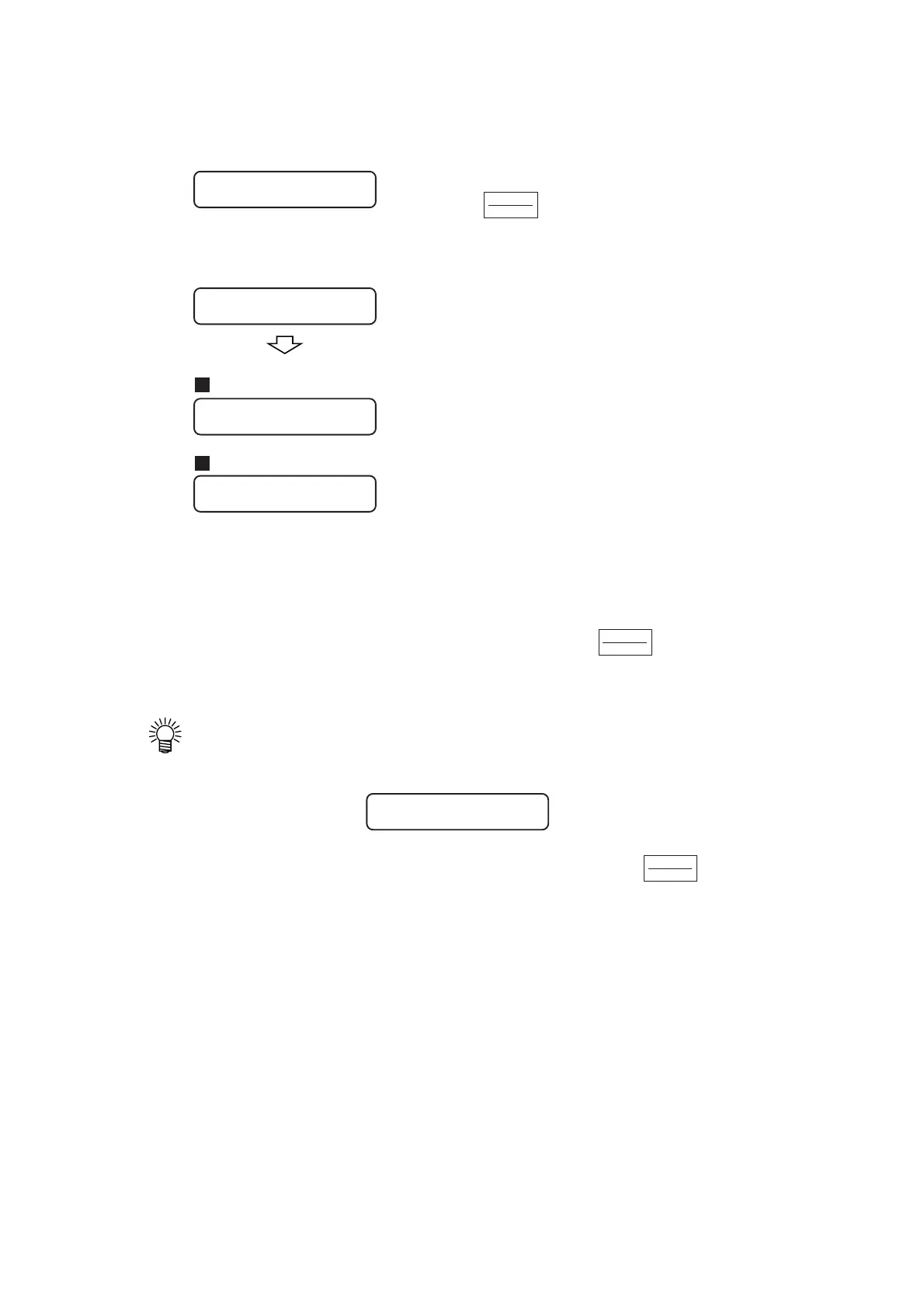
To temporarily stop the device during cutting (plotting), press the key once. Another
press on the same key will allow the device to resume cutting (plotting).
• If any function that initiates some action or any operation that can affect the
command coordinate system is executed during a pause period, the error message
shown below will appear on the LCD.
In the event that the error message appears on the LCD, press the key to cut the
remaining portion of data or execute data clearing (see page 3-10).
Starting cutting (plotting)
3) After the set of the origin, press the
key.
The display on the LCD will change over to
the remote mode.
4) Send data from the host computer to
the device.
Once the device receives data, the device will
give the remaining amount of data while
performing cutting (plotting).
When the device completes cutting (plotting),
the display shown on the left will appear on
the LCD.
REMOTE
LOCAL
When selecting the cutter
When selecting the pen
REMOTE
LOCAL
REMOTE
LOCAL
CUT1
**
REMOTE
**
CUT1
*
1356KB
*
CUT1
**
REMOTE
**
PEN
**
REMOTE
**
ERR34 DAT REMAIN











 To Next Page