– 3.24 –
POUNCING [POUNCING]
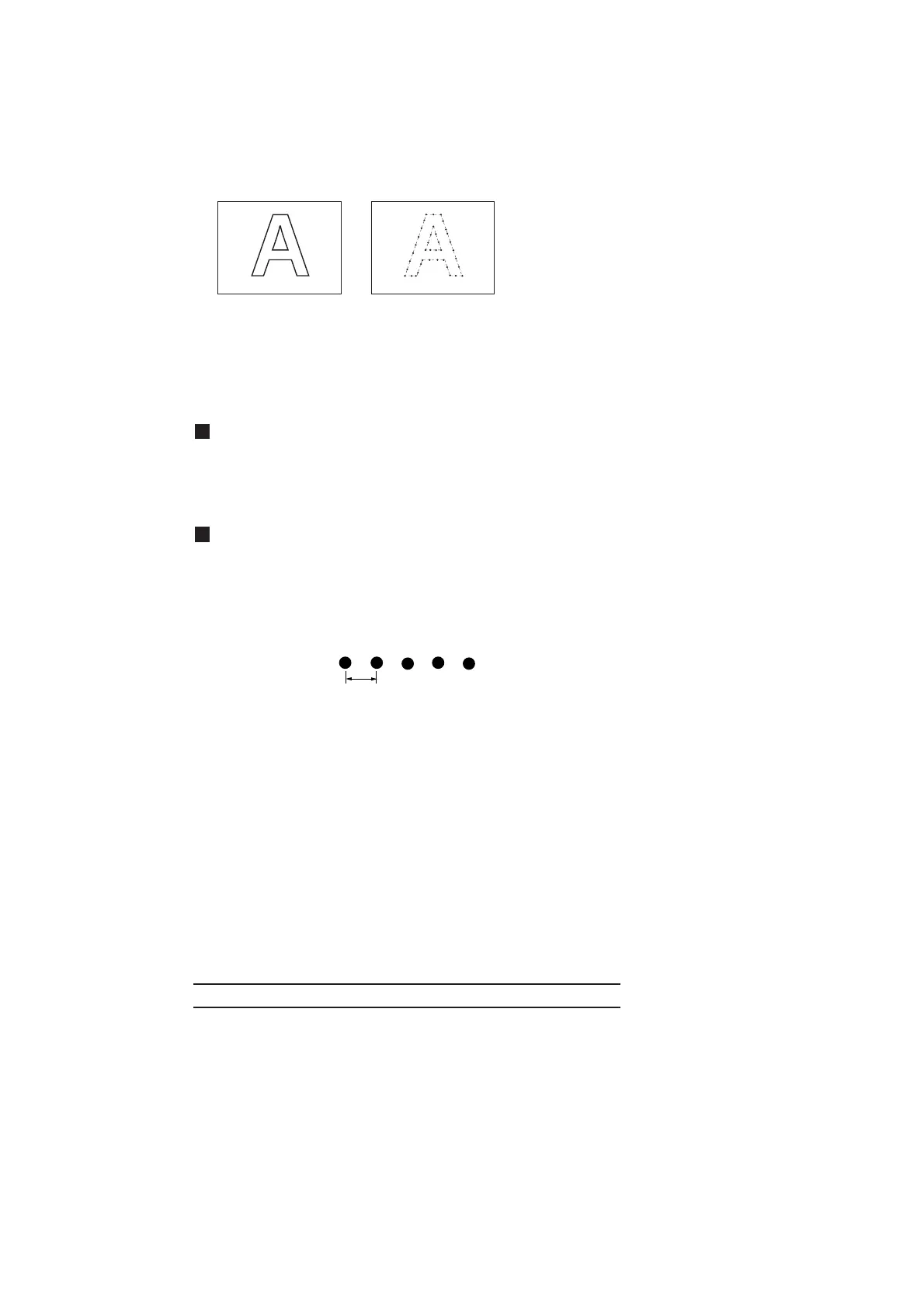
Pouncing is a perforated pattern. The pattern is as described below;
Standard cutting Pouncing
• To use special pouncing tool
In order to create perforated pattern, pin (pouncing tool) and paper must be used.
Setting value (Make a choice and input it)
OFF : The pouncing function is rendered ineffective.
ON : The pouncing function is rendered effective.
Setting of the pouncing conditions
SPEED : 1 to 10cm/s(1cm/s step)
15,20,25,30,35,40,50,60,70,80cm/s
PRESSURE : 10 to 300(g)
Dot interval : 1 to 100 (mm)
* The use of pouncing pattern is to mark the position for signs applying marking
power of the pounced paper.
Command priority setting [PRIORITY]
This function is used to specify the setting that is given priority in terms of the following commands;
either the setting established on the device or that established on the host computer is given priority.
Command name Command
Pen selection command SP:
Pen lowering speed setting command VS:
Pen lifting speed setting command ZA:
Acceleration setting command AS:
Pen pressure setting command FS:, ZF:
Blade-tip correction setting command ZO:
Dot interval











 To Next Page