– 3.37 –
Sorting [SORTING]
The sorting function is used to re-arrange the pieces of cutting data transmitted from the host
computer to change the order of cutting. Pieces of data to be transmitted to the plotter by
application will be arranged in the order in which they are created or edited.
If data read through a scanner is modified, the modified portion of data will be placed at the
end of data. As a result, bag data cannot be plotted with one-stroke of pen. In such a case,
the use of sorting function re-arranges the pieces of data in the correct order to enable one-
stroke plotting.
• The auto-feed function works to draw the roll sheet by the length of data to be
cut and slacken the sheet. This function is effective when the [SORTING] is set
to the ON state.
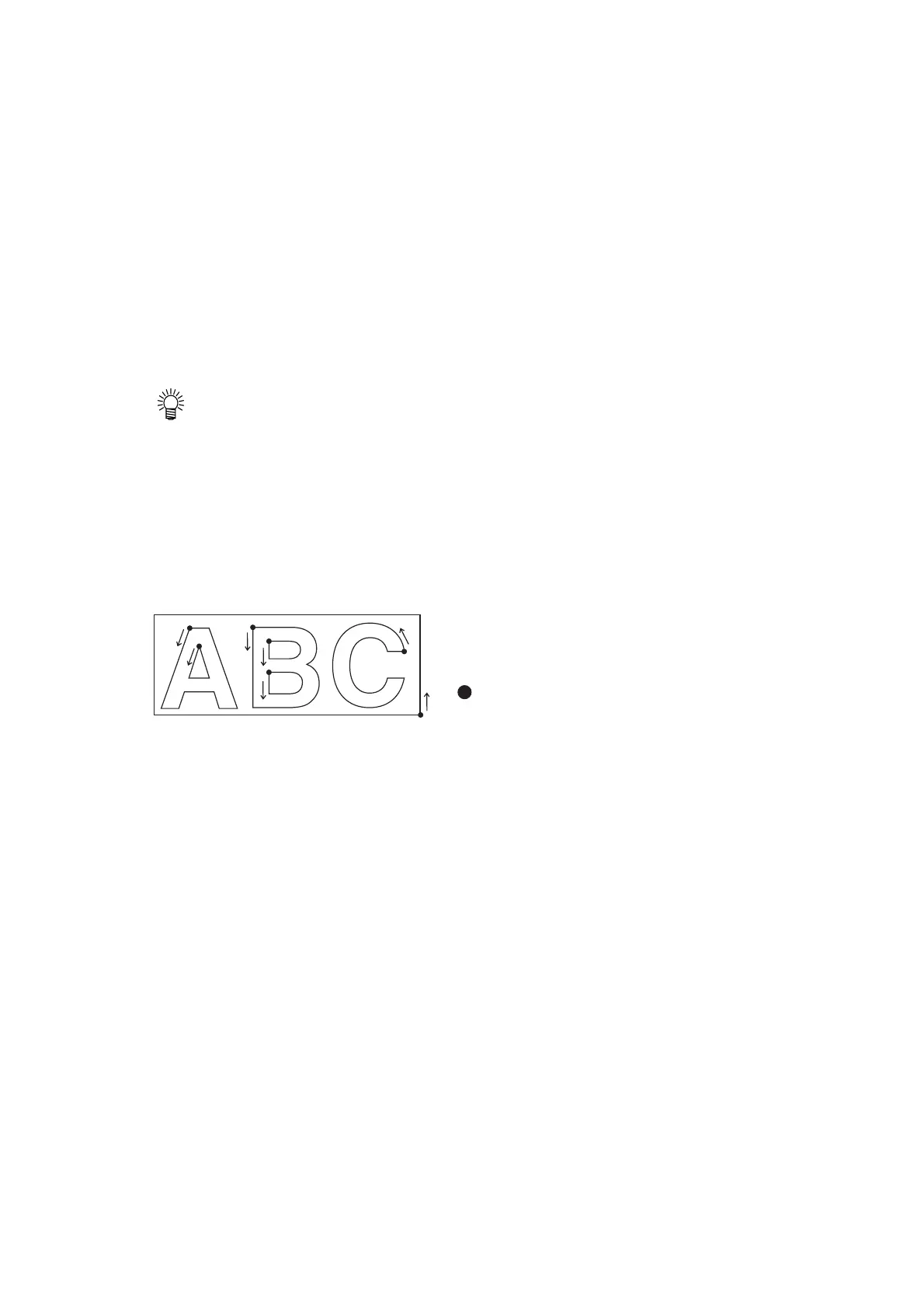
When the sorting is effective, a block of data from the starting point of pendown to the
ending point of penup is taken as a unit for cutting. After the completion of cutting of one
block, another block of data of which starting point is nearest to the completed data will be
cut.
For data transmitted from the host computer, the
starting position and cutting direction will not
be changed.
: Starting point of data = Starting point
of cutting
Arrow : Direction of data = Cutting direction
Number : Block cutting order
When an area is specified, blocks of data that are located within the area are given cutting
priority over the blocks located outside the area. Once all blocks of data located within the
specified area have been cut, the area will be automatically expanded in the direction in
which the sheet is fed to enable cutting on an area-by-area basis.
7
6
4
3
5
2
1











 To Next Page