– 3.36 –
4) After the registration marks are de-
tected, length (A) provided between
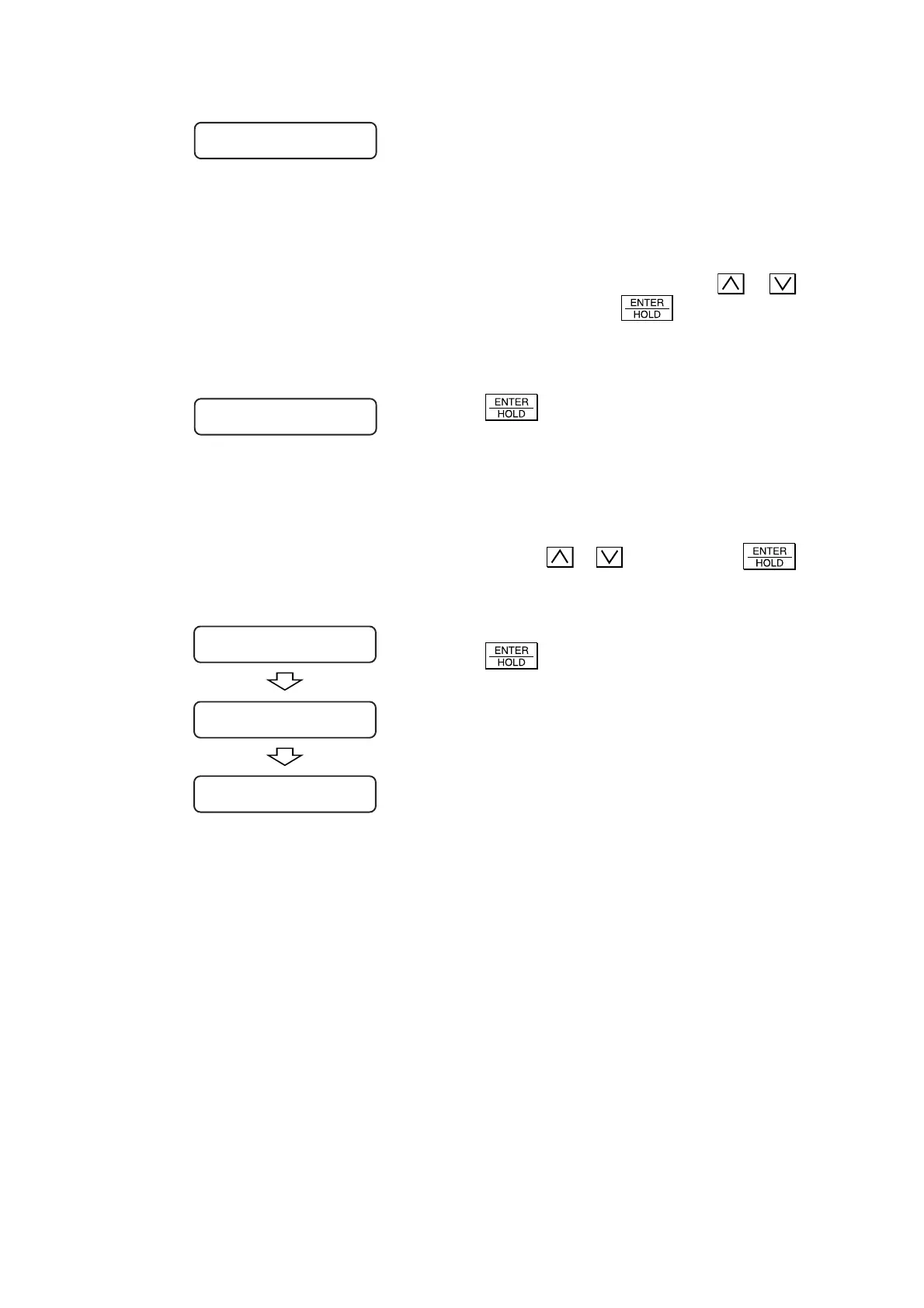
TP1 and TP2 will be shown on the LCD.
As with the case where the full-automatic
detection is performed, if the length A shown
on the LCD is different from that contained in
the data, input the latter using the
or
key and press the key to enter the
length input.
If the length A displayed on the LCD is same
with that contained in the data, press also the
key.
5) Now, length (B) provided between TP1
and TP3 will be shown on the LCD.
If the length (B) shown on the LCD is different
from that contained in the data, input the latter
using the
or key and press the
key to enter the length input.
If the length B displayed on the LCD is same
with that contained in the data, press also the
key.
6) Set the origin.
A =
***
.
*
B =
***
.
*
A =
***
.
*
B =
***
.
*
* *
ORIGIN
* *
A =
***
.
*
B =
***
.
*
CUT1 20 050 0. 30











 To Next Page