– 3.35 –
7) Set the origin.
Semi-automatic registration marks detection
In the case where mark 1 (TP1) is not located at the rightmost end of the sheet and cannot be laid out
at the predetermined position described earlier, detect marks under the semi-automatic mode.
1 ) Place the sheet on the device and turn
the sheet set lever toward you.
Then, the pinch rollers will retain the sheet and
the device will perform the sheet detection.
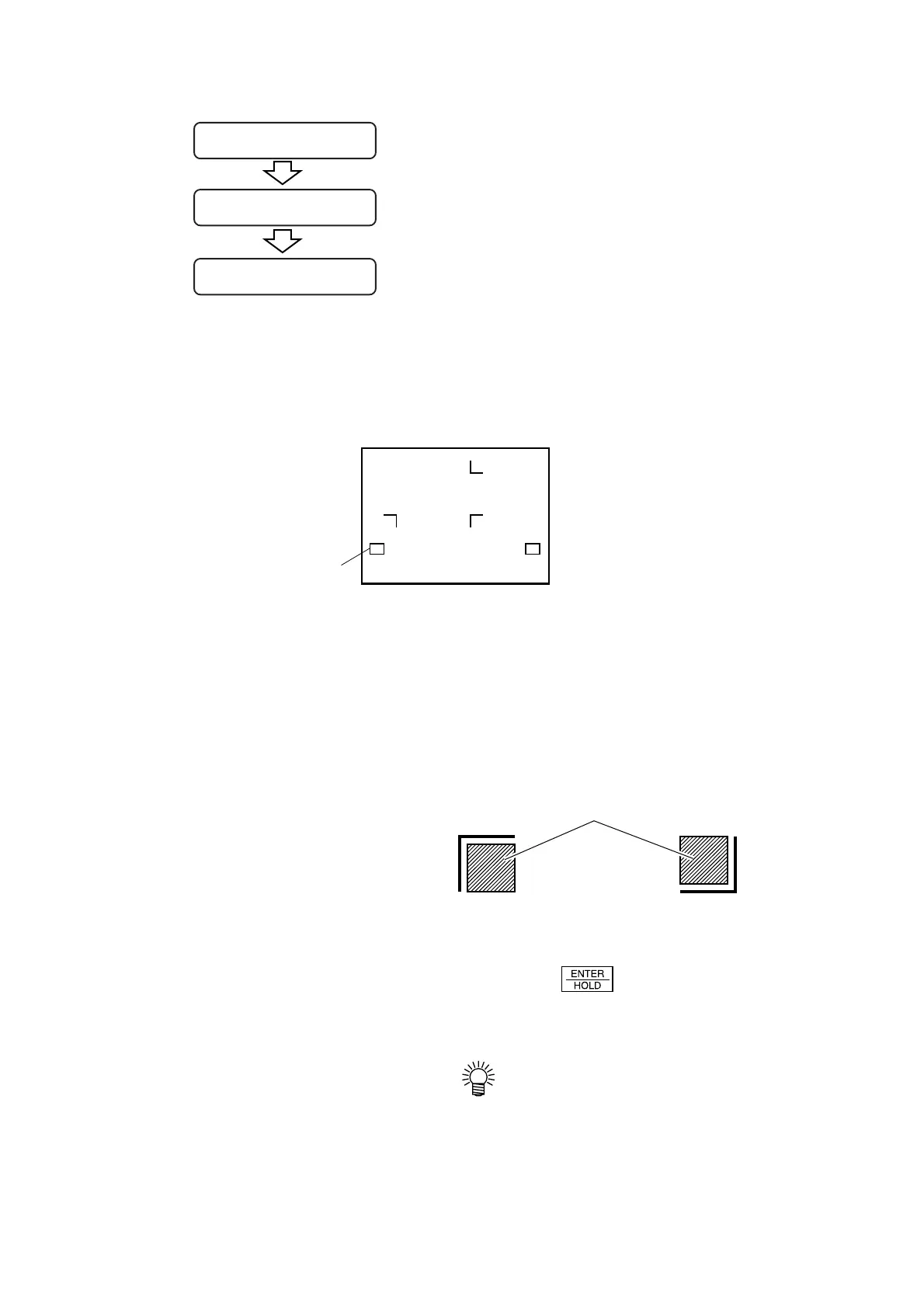
2 ) Move the cutter blade tip with the jog
key (arrow key) until it rests in the area
illustrated on the left.
3) Press the key.
Detection of registration TP1, TP2 and TP3 will
start.
• In the case where TP3 is not required
to be detected, refer to “Operation
settings for detection of registration
marks.”
If any of the marks cannot be
detected, the message shown on the
left will appear on the LCD. In this
case, set the sheet properly.
* *
ORIGIN
* *
A =
***
.
*
B =
***
.
*
CUT1 20 050 0. 30
TP1TP3
Pinch roller
TP2
Moving area of the blade tip of cutter
MARK FORM: TYPE1 MARK FORM: TYPE2











 To Next Page