– 2.17 –
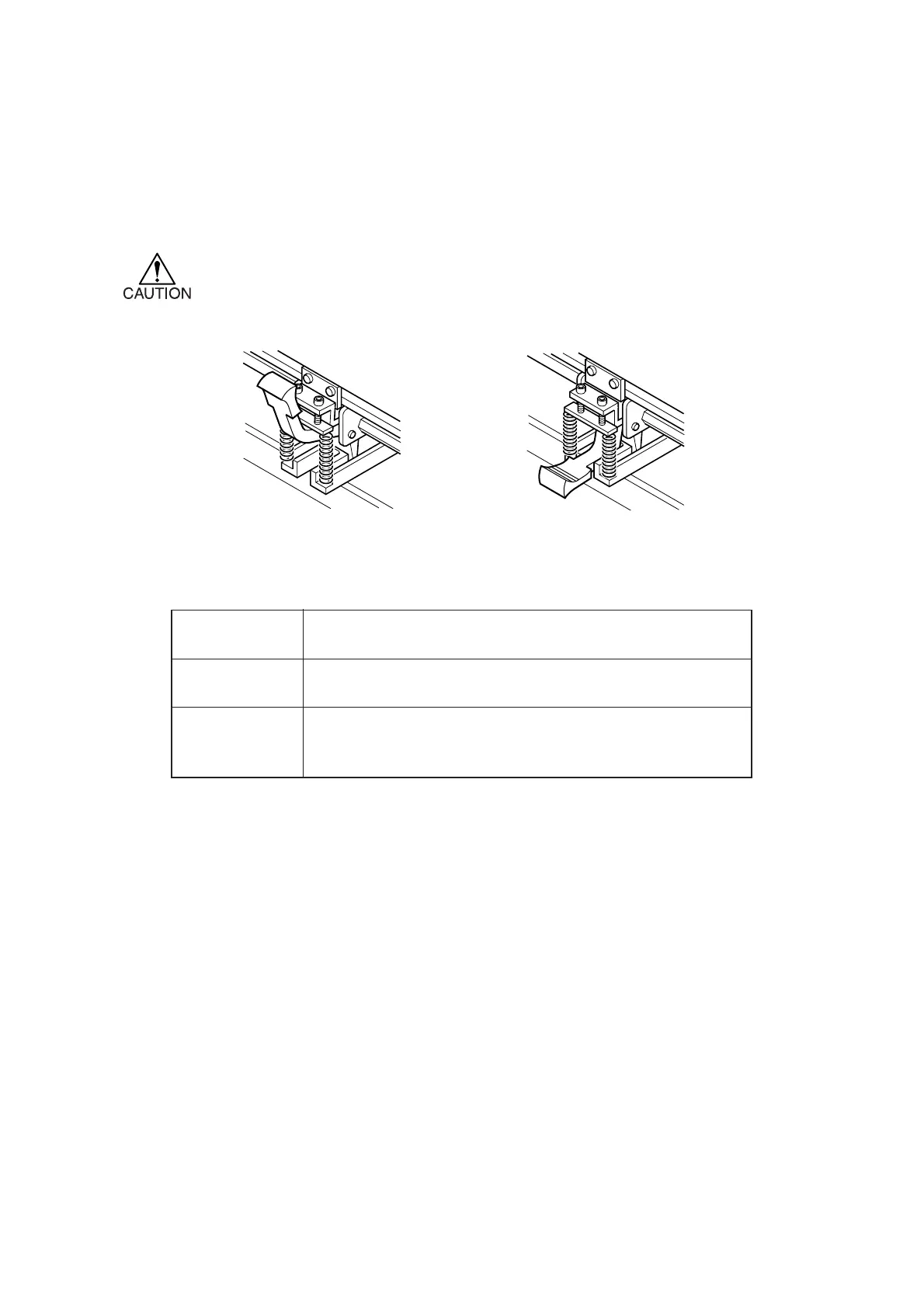
High mode:
Raise the clamp force up/down lever.
Low mode:
Lower the clamp force up/down lever.
Clamp force
up/down lever
High mode For cutting the sheet.
In the case where heavy-weight paper (70 kg or more) is used.
Low mode In the case where light-weight paper (less than 70 kg) is used.
In the case where impressions of the pinch rollers should not be
left on the sheet of media.
Selecting the clamp force
The clamp force of the sheet clamp can be changed in two levels using the clamp lever. Select
higher or lower level of the clamp force that matches the sheet to be used.
* Set the clamp force of the left and right sheet clamps equally. If the clamp pressure
is not set to an equal level, the sheet could deviate from the correct position. To
cut a long media, set the clamp force to the higher level.
Application











 To Next Page