– 3.26 –
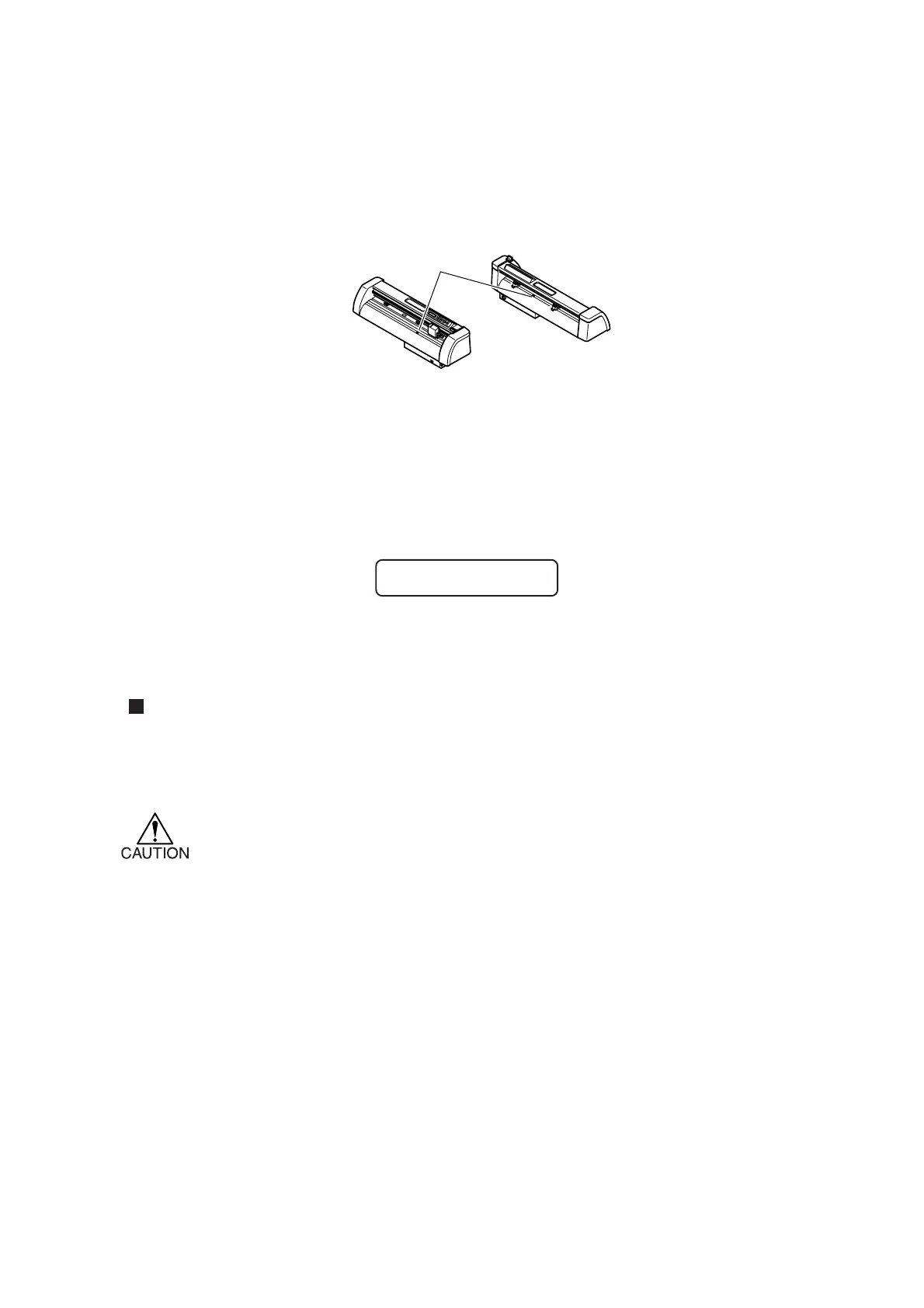
Sheet sensor [SHEETsensor]
The sheet sensor detects the presence/absence of a sheet and the sheet length. Two sheet sensors are
mounted on the platen.
In the case where any of the following types of sheet is used, the sheet sensors will not be able to
detect it to give the error message shown below.
• Transparent sheet that does not reflect the light coming from the sheet sensor.
• The sheet of which wrong side is black that does not reflect the light coming from
the sheet sensor.
In this case, cutting is enabled by setting the [SHEET SENSOR] function contained in the SET UP
of FUNCTION to OFF.
Setting value (Make a choice and input it)
OFF : The sheet sensor function is rendered ineffective.
ON : The sheet sensor function is rendered effective.
*In the case where the [SHEET SENSOR] function is set to the OFF state, a cutting
area has to be established since the device may cut data that exceeds the sheet or
continue cutting if there is no sheet left.
Sheet sensor
**
NO SHEET
**











 To Next Page