– 3.23 –
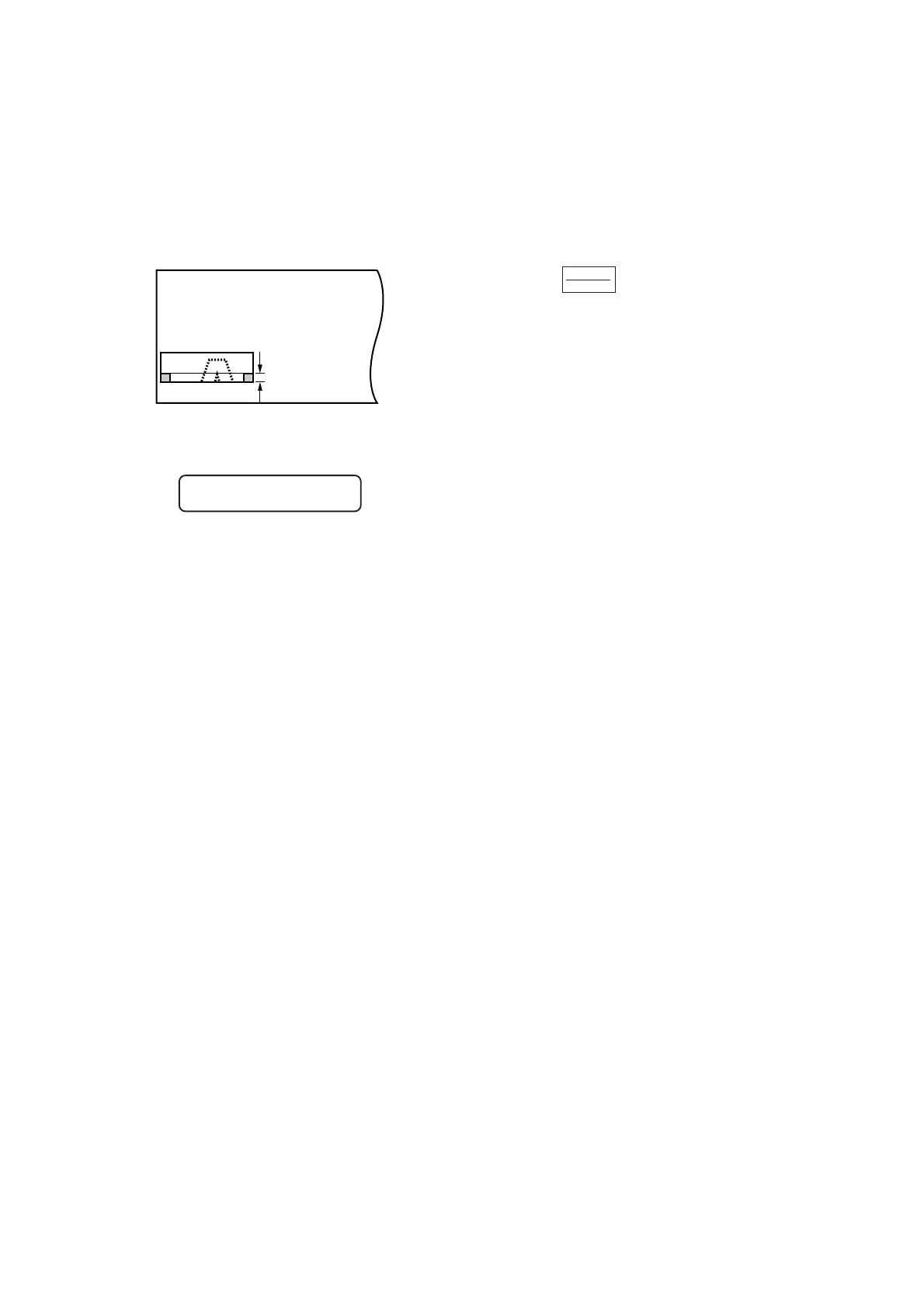
5) Establish a new origin.
Move on the sheet using the jog key (arrow
key) to establish an origin.
If the sheet has no space for cutting, replace
the sheet with a new one.
6) Press the key to set the device in
the remote mode.
Feed the sheet by the maximum sheet length
required by data on cutting and start cutting.
If the sheet is not fed or the sheet is not
sufficiently long, replace the sheet with a larger
one in the aforementioned step 5) .
7) Carry out steps t and y in repetition.
Repeat those steps continuously until there is
no data that exceeds the sheet width.
Upon completion of those steps, the LCD
display will give the tool conditions.
CUT1 20 050 0. 30
REMOTE
LOCAL
Adhesion
allowance 1 cm











 To Next Page