– 3.16 –
•To reset the distance compensation function, input “0, 0” respectively to the
compensation values for A- and B-axis.
Settings of reference lines (Make a choice and input it)
•For “mm”:
A-axis : 500, 1000, 1500, 2500 mm
B-axis : 60EX : 200, 400 mm
100EX : 200, 400, 600, 800 mm
130EX : 200, 400, 600, 800, 1000, 1200 mm
• For “inch”:
A-axis : 24, 36, 48, 60, 72, 96 inch
B-axis : 60EX : 6, 12, 18
100EX : 6, 12, 18, 24, 30, 36
130EX : 6, 12, 18, 24, 30, 36, 42, 48
Settings of compensation range (numerical input)
A-axis : ±5 % (0.1 mm step)
B-axis : ±5 % (0.1 mm step)
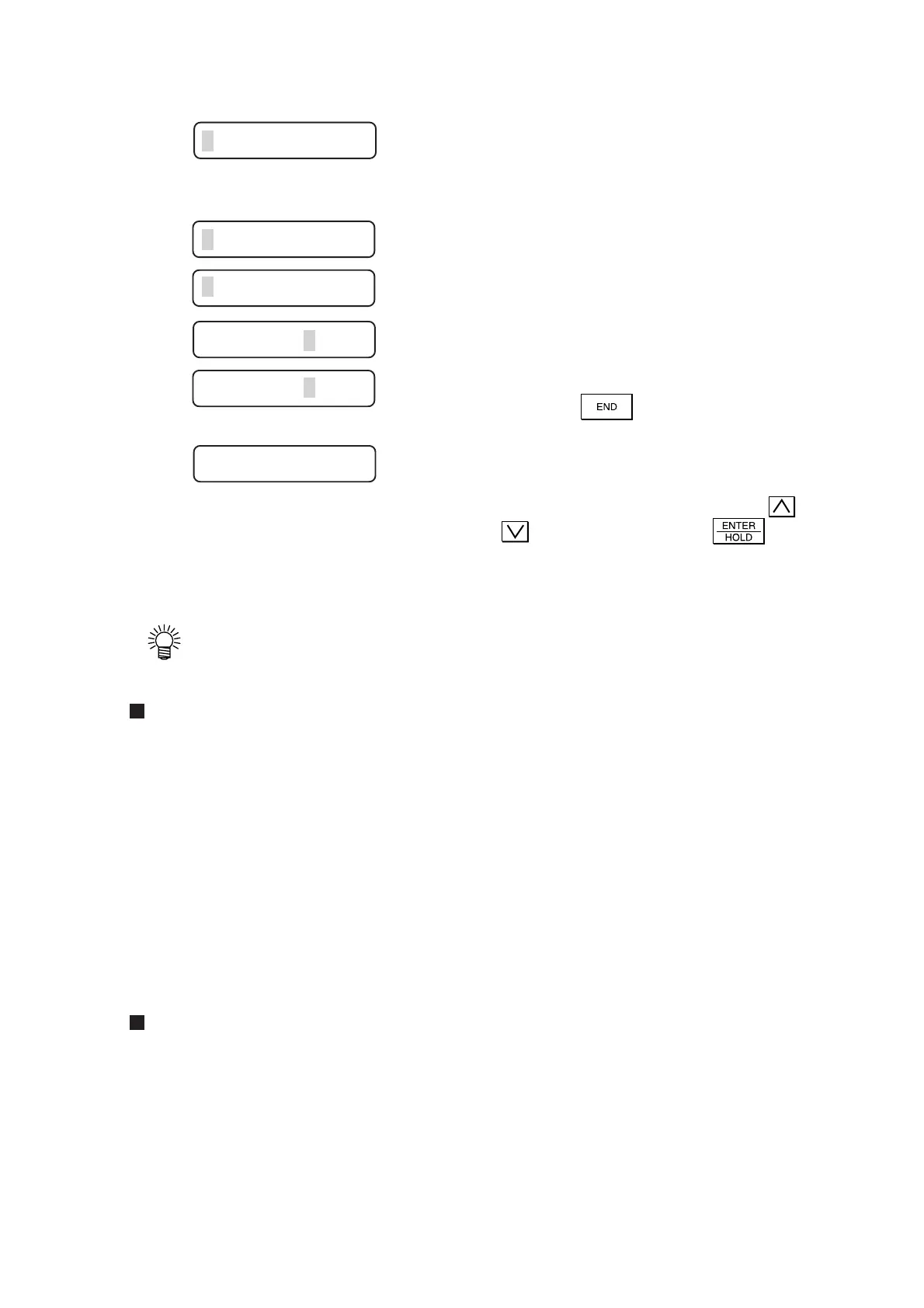
6) Upon completion of plotting, the device
will give the current compensation
value on the LCD.
7) Measure the ON line along A- and B-
axis.
If any of the measurements of the ON lines
differs from the corresponding reference value,
input a compensation value.
If the measurements are same with the
corresponding reference values, terminate the
function with
key.
8) Select the compensation values in A and
B directions.
Select the compensation value using the
or key and specify it with the key.
After the completion of compensation, the
device will enter the local mode.
A=0. 0 B=0. 0
A=1. 0 B=0. 0
A=1. 0 B=0. 5
A=1. 0 B=0. 5
A=1. 0 B=0. 0
PEN 40 060











 To Next Page