– 2.20 –
ROLL F LEAF
4) The display shown on the LCD changes.
Press the key to select “ROLL.”
The device performs the sheet detection (see
page 2.24), then performs a dummy cut (see
page 3.28).
The display panel gives the indication as shown
on the left.
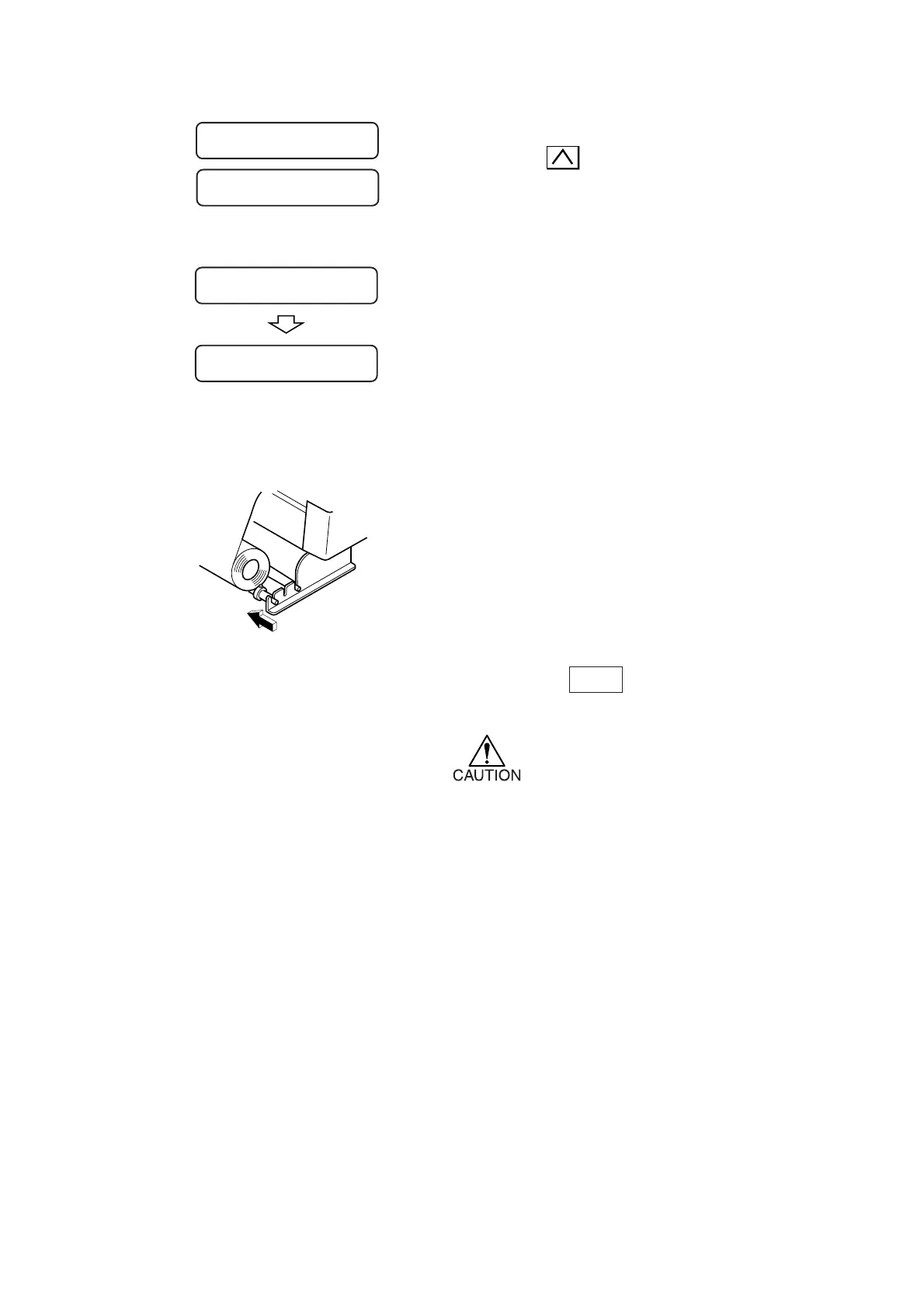
5) Secure the roll sheet with the sheet set
rings.
Move the respective sheet set rings to the
rightmost and leftmost ends of the roll sheet
and fix them by tightening screws to secure the
roll.
6) Press the key to draw out the
sheet by the length to be used.
*In the case where a roll sheet is
used, draw out the sheet wound to
slacken it.
Displays the detected size of the leaf sheet.
A =
****
B = 559
Unit: mm
Displays the currently specified tool conditions.
AUTO
FEED
ROLL < R > LEAF
CUT1 20 050 0.30
<
<











 To Next Page