– 2.22 –
ROLL F LEAF
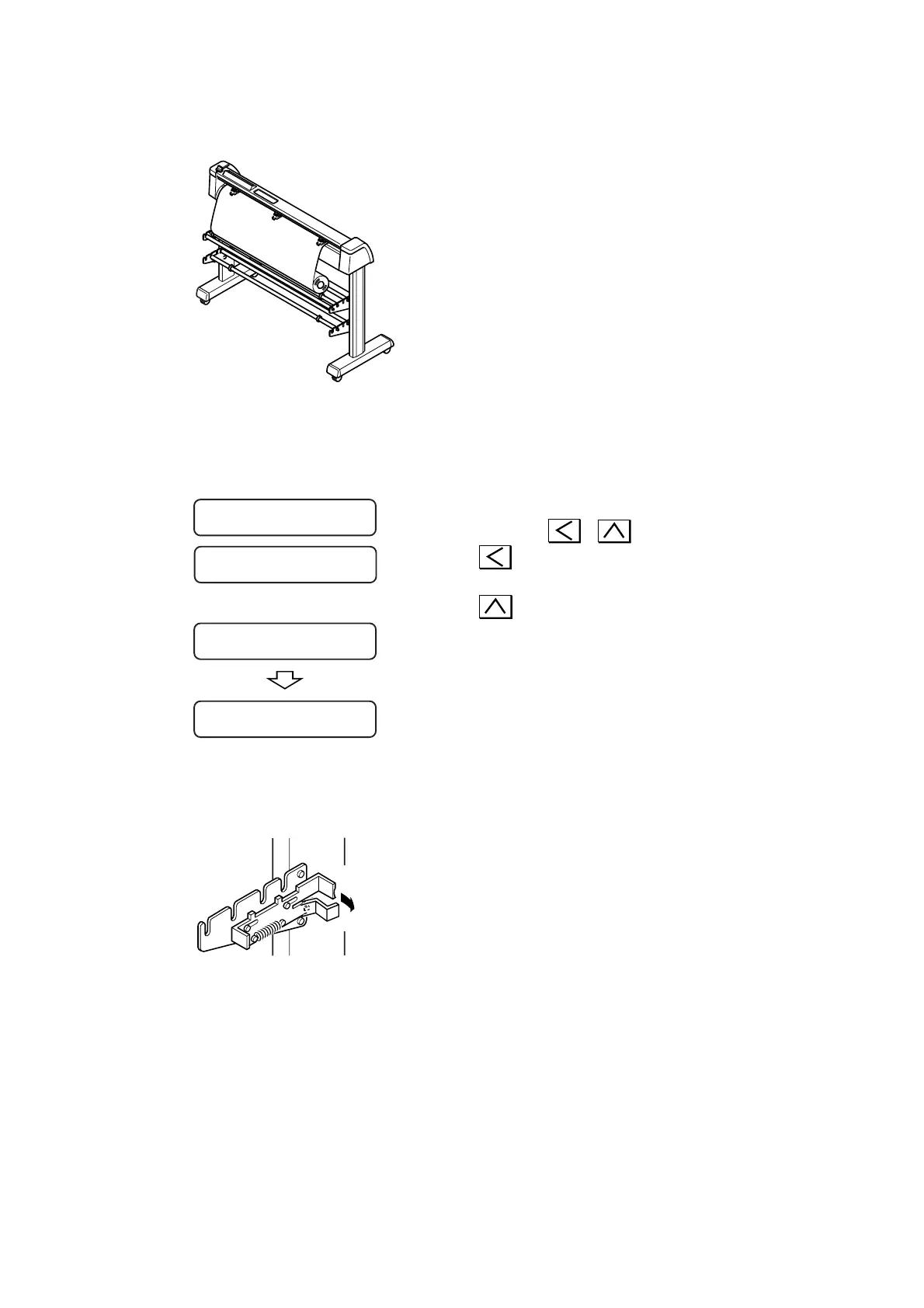
4) Hold a sheet.
Draw the sheet to tense it.
Tilt the sheet set lever away from you.
•In the case where the power to the
device has been turned on:
The suction fan will rotate to adhere
the rolled sheet by suction.
•In the case where the power to the
device has been turned off:
The suction fan will not rotate.
It is, therefore, necessary to tilt the sheet set
lever away from you while retaining the sheet
with your left hand to prevent the sheet from
warping.
5) The display shown on the LCD changes.
Press the or key to select “ROLL.”
: In the case where the roll sheet is loaded
this side
: In the case where the roll sheet is loaded
far side
The device detects the width and front end of
the rolled sheet.
After giving the width of sheet on the LCD,
the sheet will conduct a dummy cut (see page
3.29) and displays the currently specified tool
conditions.
6) Release the roll stopper.
Draw the roll stopper toward you from the front
side of the main unit.
A =
****
B = 559
Release
ROLL < R > LEAF
CUT1 20 050 0.30
<
<











 To Next Page