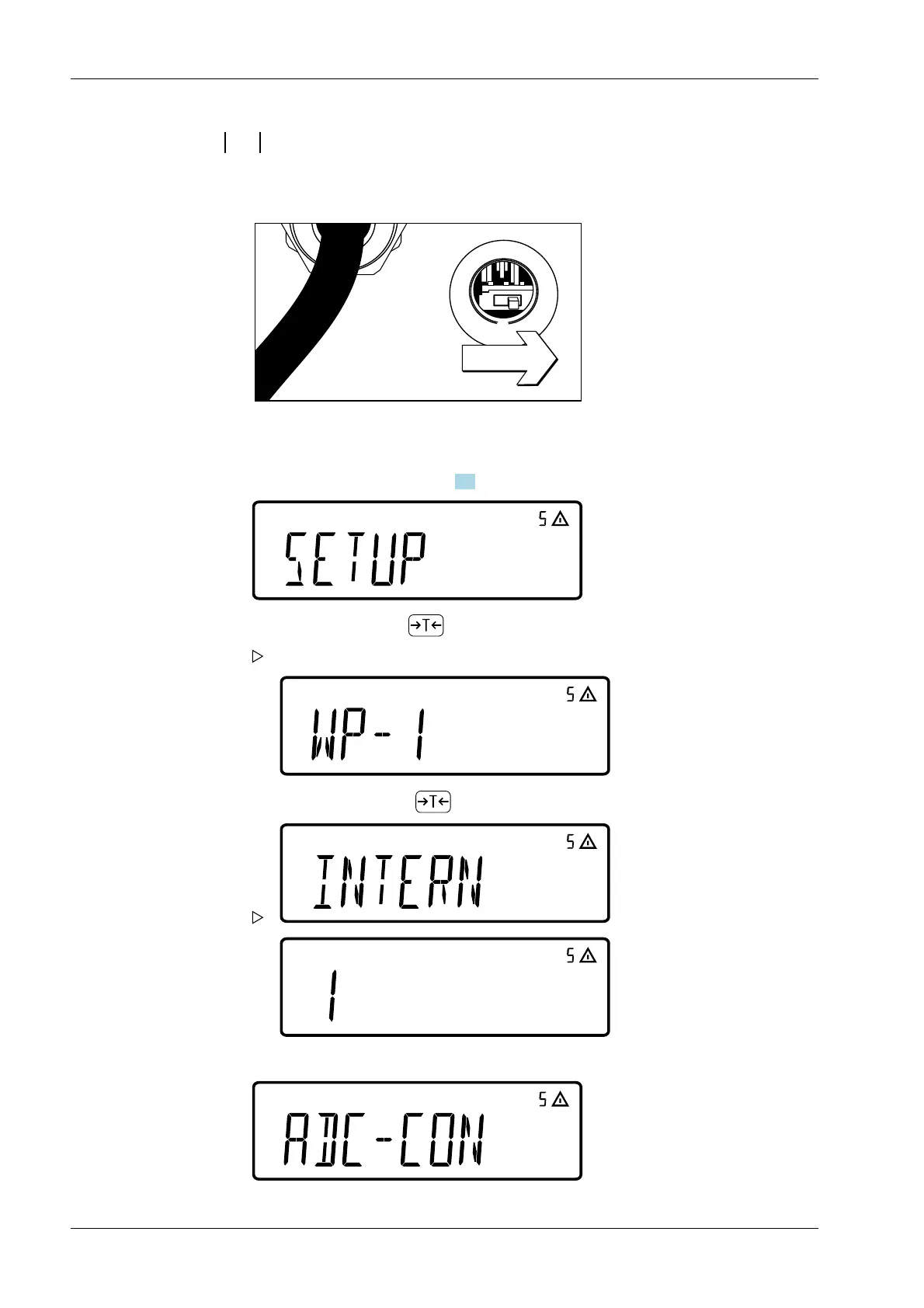
5.5.3.2 Conguring the ADC converter
Open the locking switch
Set service mode (see Chapter 5.3).
Select the ADC conguration menu item:
1. Remove the cover cap from the back of the housing on the indicator
2. Push the switch to the right ("open position")
3. Select[SETUP] with key .
The rst parameter in the sub-menu [SETUP] is displayed: [WP-1].
4. Conrm [WP-1] with key .
Ex Indicator Midrics 1 (MIXS1) 5 Getting started
EN-36 Minebea Intec



 To Next Page