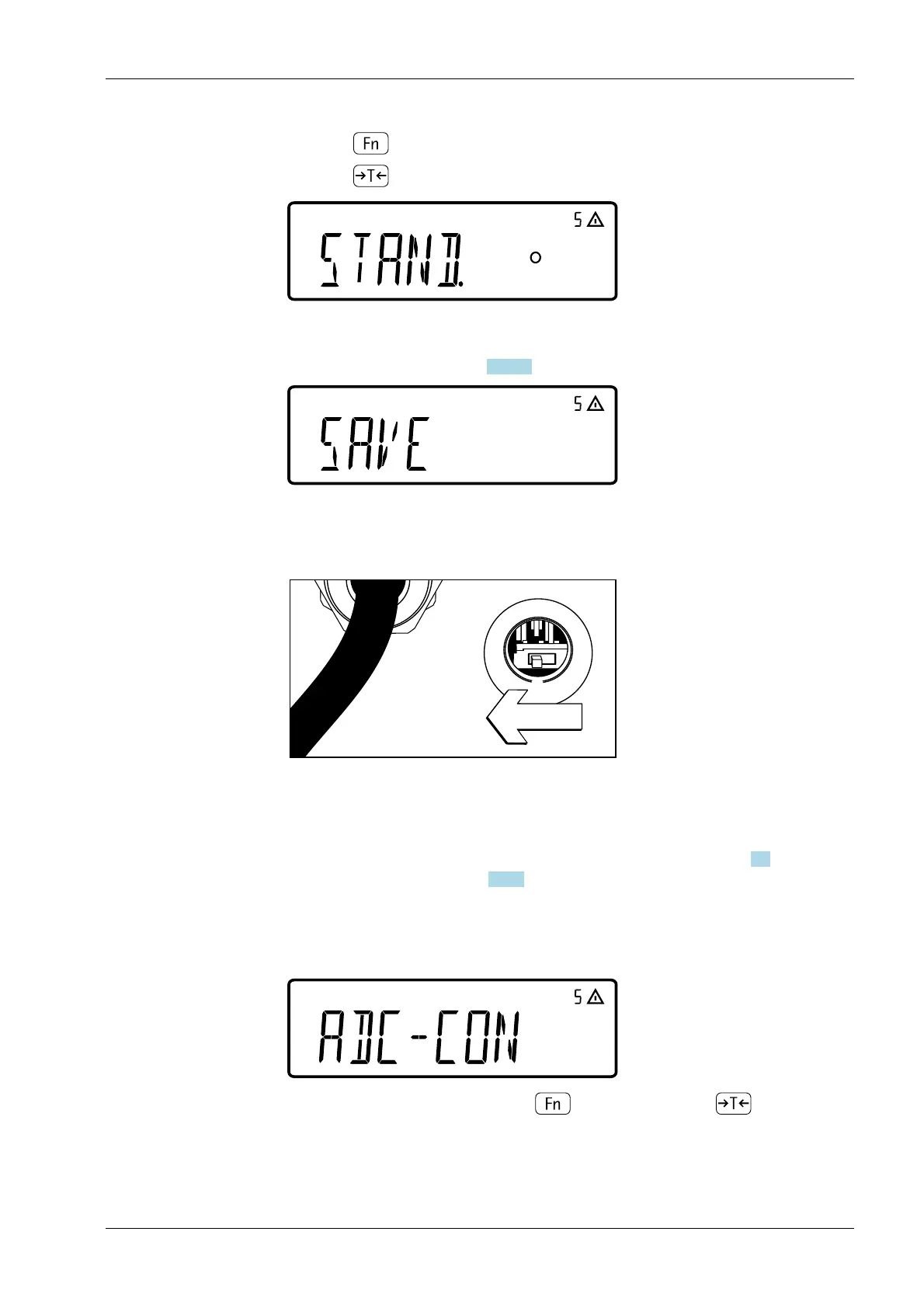
Close the locking switch
After you have completed the ADC conguration, you must perform an adjustment
(calibration and linearization) for the weighing platform (see Chapters 7.2
"Calibration/Adjustment" and 5.5.11 "Adjustment without weights")
5.5.3.3 Example 1: Entering or changing values for the single-range scale
Enter or change the values for standard conguration with a single-range scale in the set
unit under [SETUP]- [WP-1]- [INTERN]- [1.7.x].
Default conguration
5. Press key until the menu item [ADC-CON] is displayed.
6. Press key to save the selection.
7. Select whether a standard conguration [STAND.] or a verication conguration
[VERIF.] is to be carried out (e.g. standard conguration in this example). For details
on the procedure see Chapter 5.5.3.3 "Example 1".
8. After the conguration has been completed, save the data under the menu item
[SAVE].
9. Push the locking switch to the left ("closed position").
10. Close the cover cap on the back of the housing on the indicator.
1. Select the [ADC-CON] menu with key and conrm with key .
5 Getting started Ex Indicator Midrics 1 (MIXS1)
Minebea Intec EN-37



 To Next Page