6. Usage
MiR500 User guide (en) 09/2019 - v.1.3 ©Copyright 2018-2020: Mobile Industrial Robots A/S. 115
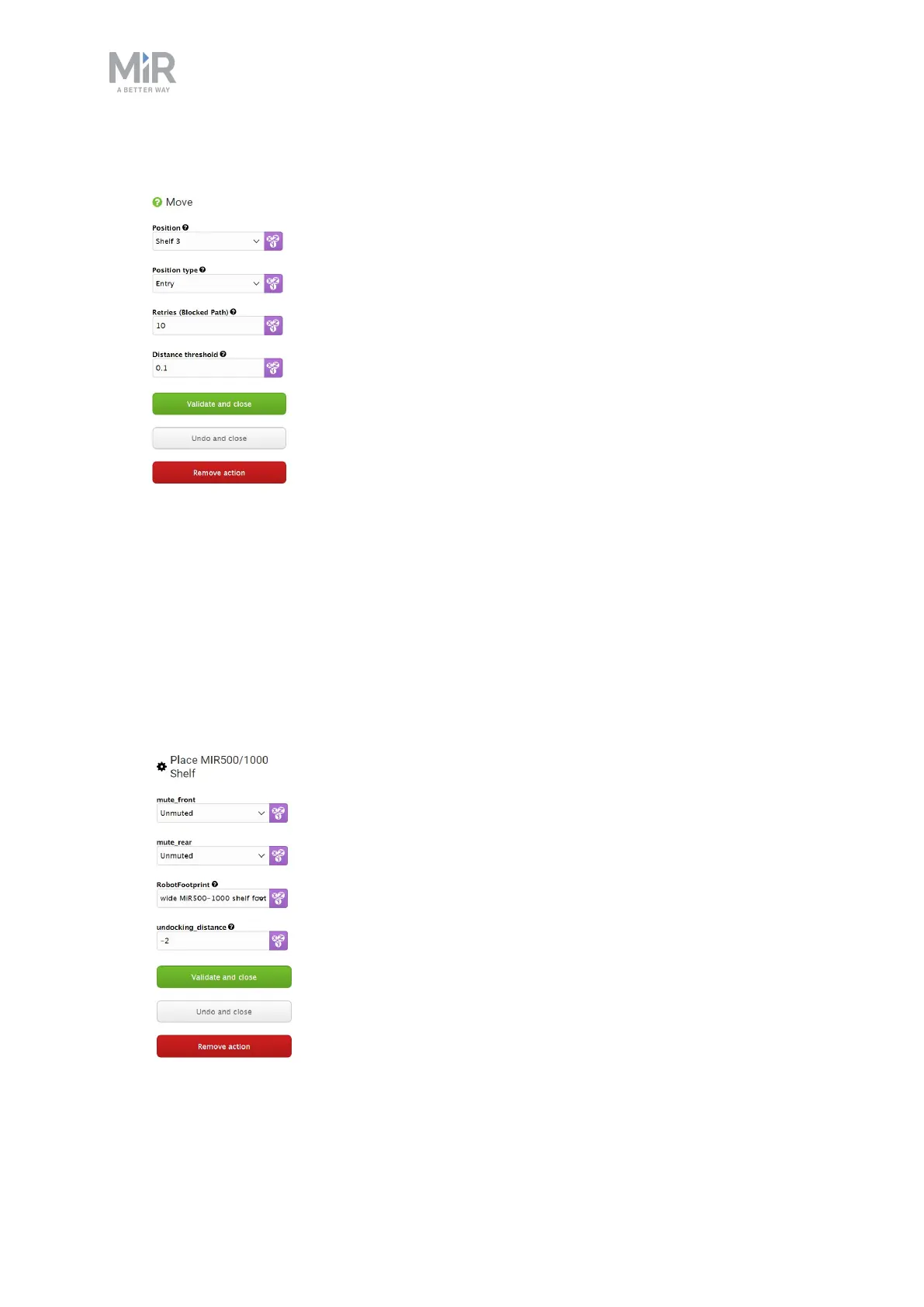
12. Under Position type, select Entry. Select Validate and close.
13. Under Place MiR500/1000 Shelf, select Mute front or Mute rear if you want the safety
scanners to be muted on the front or rear. This can be necessary if the shelf is located
near other obstacles (see Mark potentially hazardous floor areas). The safety scanners
are muted to the sides by default in the place shelf template so the robot doesn't go into
protective stop when driving away from the shelf.
14. Under Footprint, select the footprint that matches your shelf.
15. Under Undocking distance, select the undocking distance in meters. A negative value
makes the robot undock in reverse, and a positive value makes the robot move forward
when undocking. Select Validate and close.



 To Next Page