Chapter 5 Preparation for Programming 5-23
* Empty Alarm: The feeder is empty.
* Diff SWLoc: Indicated with slashes when the actual feeder position is different from the position
recognized by software.
[Error History Tab]
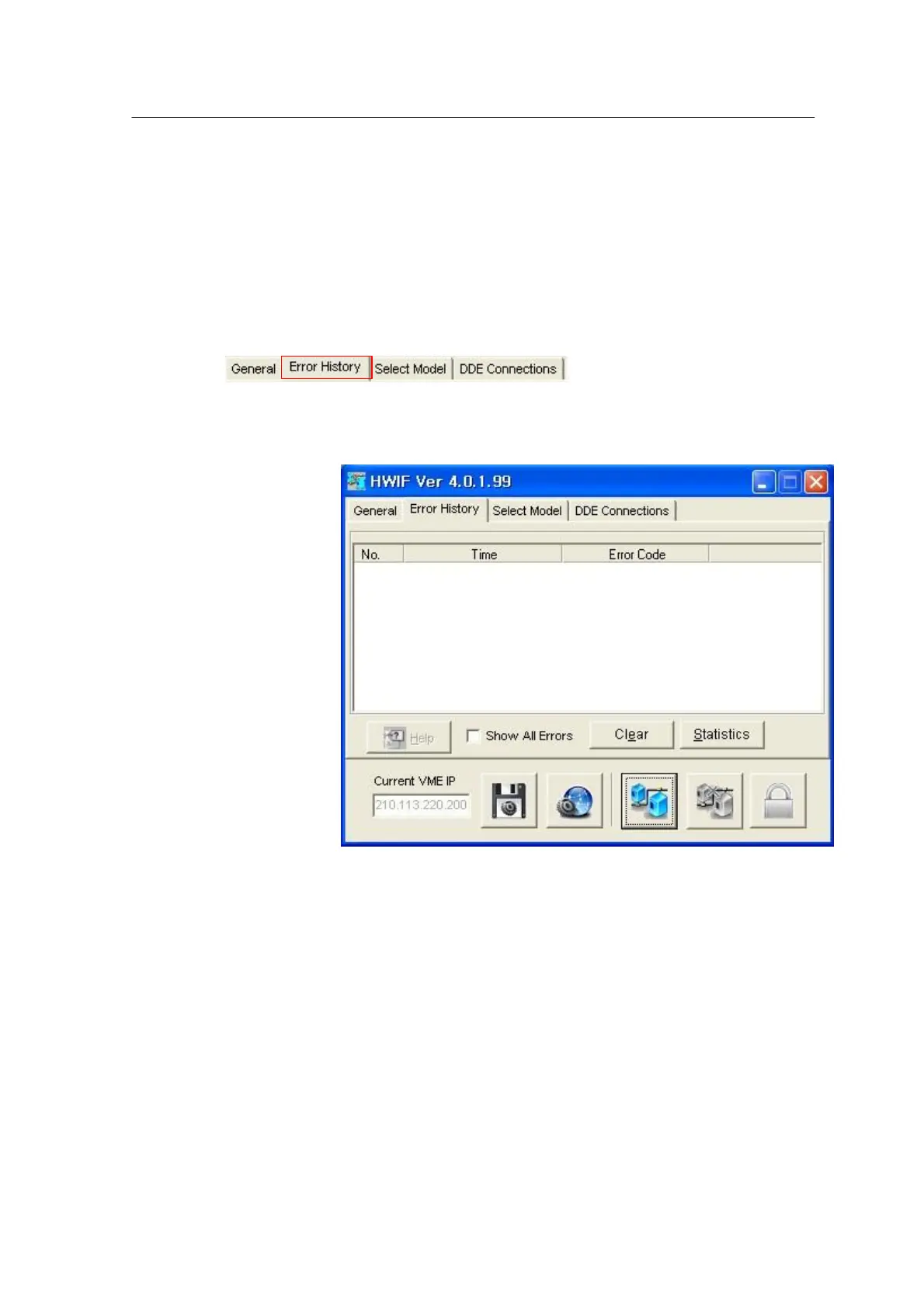
Error History shows the errors occurred today and is enabled when the Use Logging option is
selected. The following window appears when the Error History tab is selected.
<Figure 3-16 가 Error history window >
The list shows error codes and time. All errors occurred today are listed when ‘Show All Errors’ is
checked. If this option is not checked, all error occurred after Clear will be displayed.
• Help: Shows the description of error, probable reasons and help for measures.
• Statistics: Shows the statistics on error groups including error count, details of error and graphic
information.



 To Next Page