제 7 장 SET UP 7-5
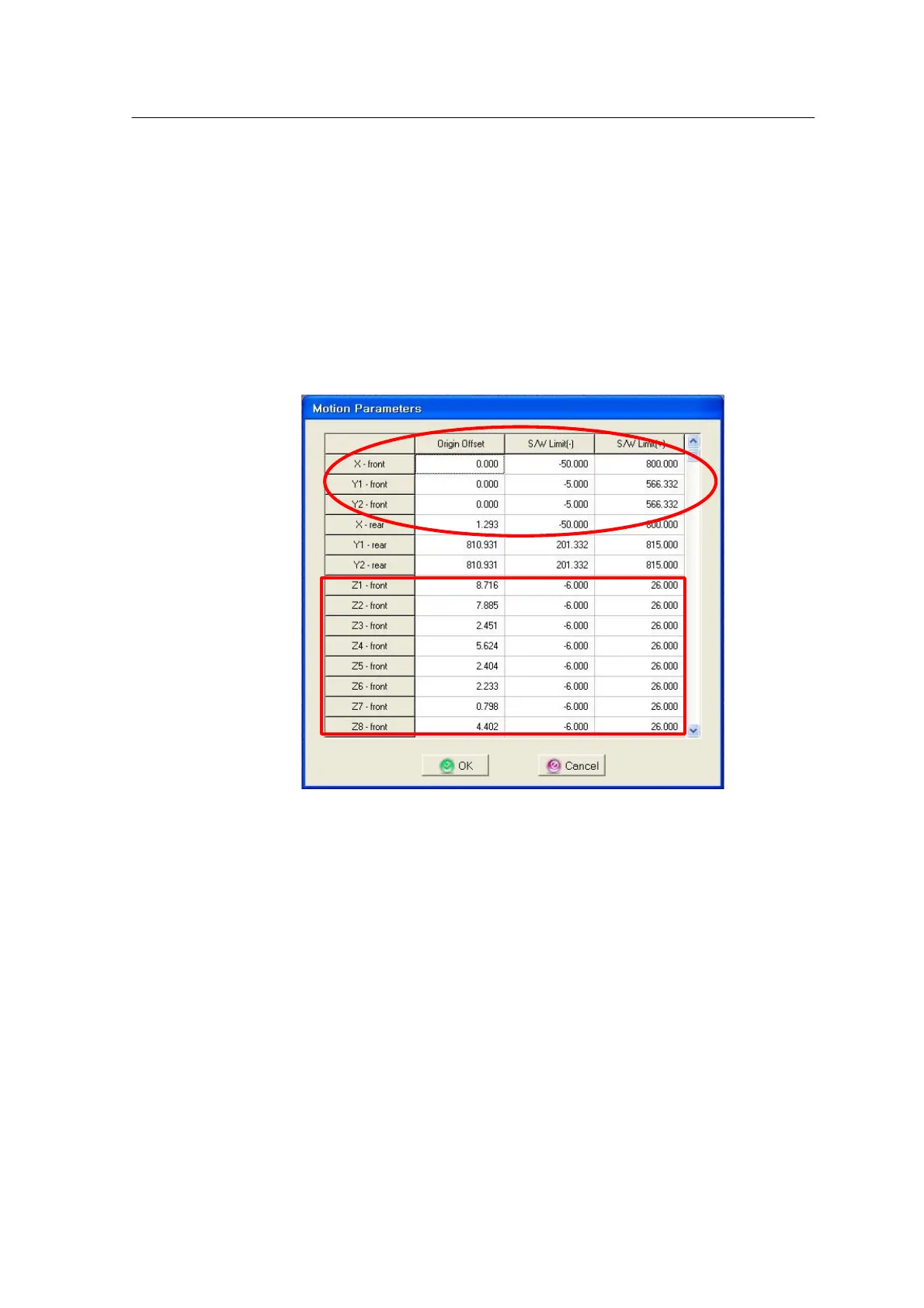
Setting SW Limit and After homing has normally been completed, set Origin Offset
and SW Limit as
Z-Origin Offset
shown below.
Set Z axis, FY2, Conveyor Width, Origin Offset of R, etc.
It is desirable to set a reference position for measuring the Origin
Offset to the upper surface of the Machine Reference Mark. It is
recommended to measure the height after Z-axis servo off but it is
also possible to measure the Z-axis height by pneumatics.
For Z-axis Minus Limit, enter the value 2mm lower than the Z-axis
H/W Limit. Set Plus Limit to 26 in case of Module Head and to the
value 1mm higher than the H/W Limit in case of Precision Head.



 To Next Page