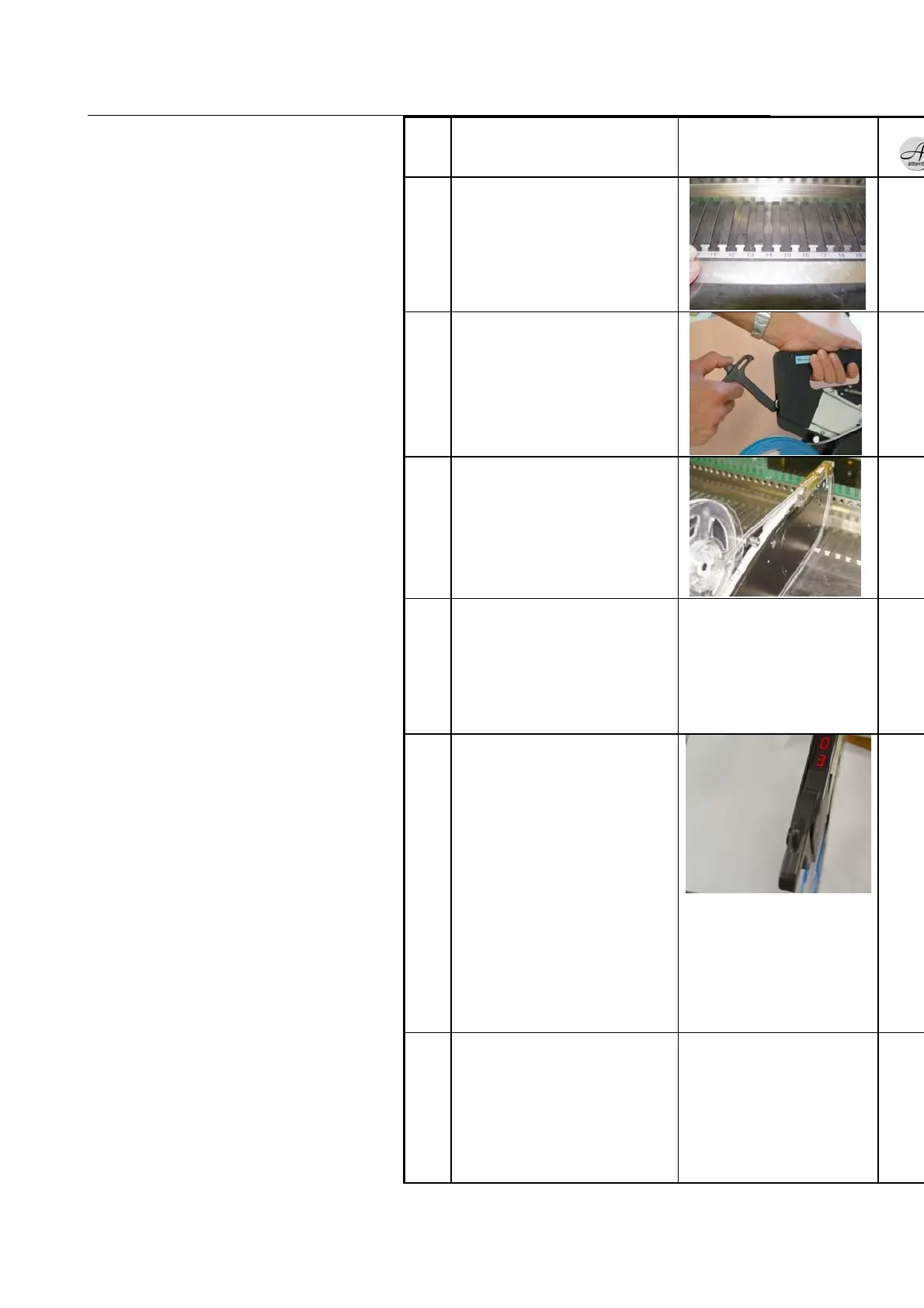
Pull the locking handle
back.
Move the feeder along the
feeder guide.
Check if the feeder contacts
the feeder base, and return
the locking handle.
If you fail to return the locking
handle in a given time, E1
error is displayed.
To clear the error, press the
reset button or reinstall the
feeder.
Check if the slot number is
properly displayed.
If the slot number is not
displayed even if you press
the reset button
1) Remove foreign
substance from the power
plug
2) Check deformation of
power terminal
3) Check contact of
interface board 4) Check the
board status (Red LED)
5) Contact CS if the problem
continues.
Press the feeding button
and move the chip forward
to the feeding position at
least once.
Picking position may be moved
due the gap between the reel
and the feeding gear when the
feeder head is impacted during
mounting. Therefore, you need
to perform feeding at least once
before teaching of feeder.



 To Next Page