Failed to reset parameter
Enter data on intelligent
feeder. Use the default
parameter.
Communication related
warning message
Communication error increases.
If it continues, check the feeder cable.
Needs inspection as
feeding count exceeds a
designated value (cf. 5
million feedings)
Needs inspection due to excessive
usage. You can still use the feeder.
Feeding is performed as
the operator presses the
right switch
Check points before production
Make sure to check the following points before starting
production.
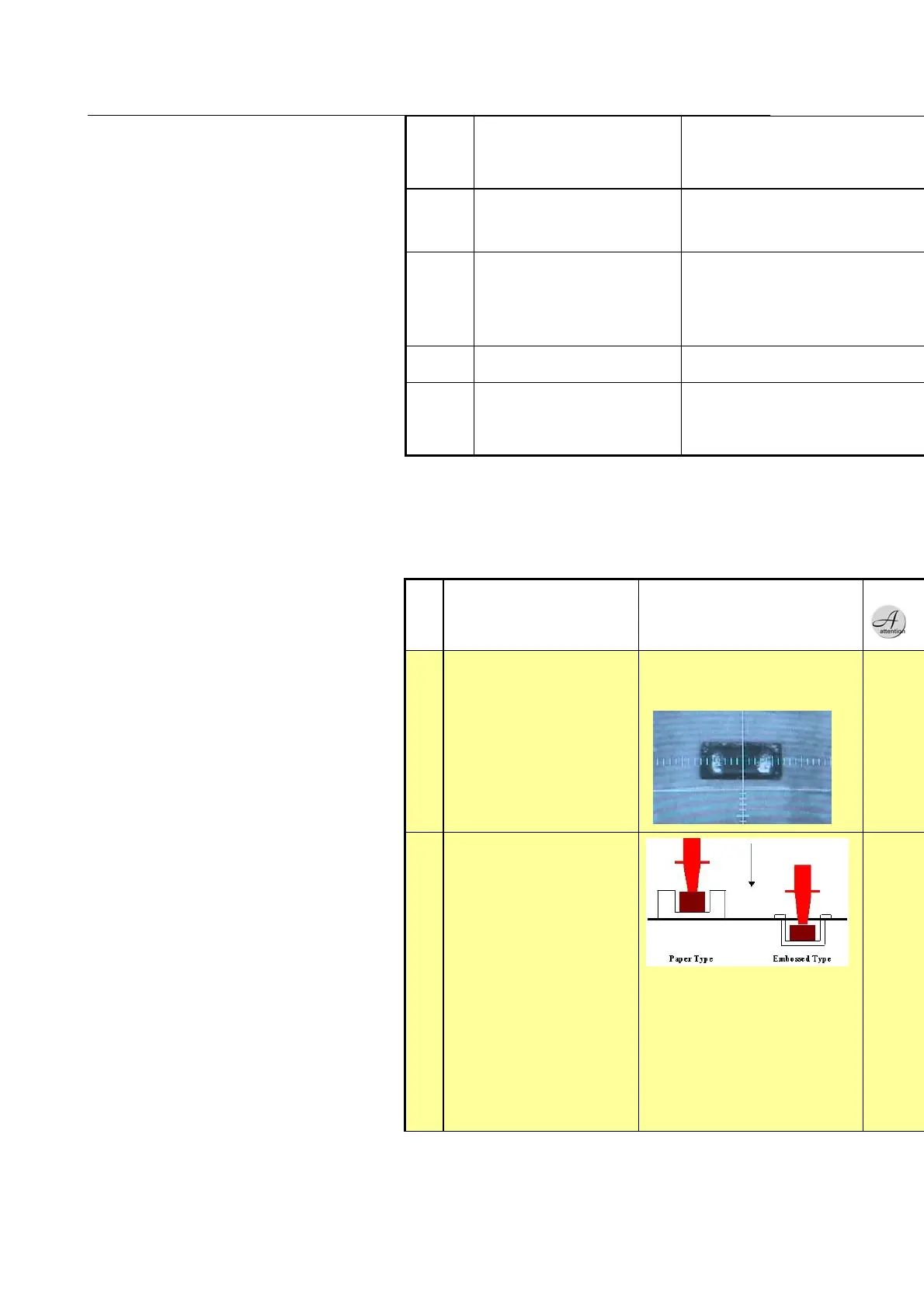
Check if the part supply
point of the feeder is in
the center of the picking
position.
1) Check the picking position
after auto feeding. Make sure not to
each the position moved by the
impact of mounting.
2) Use auto teaching (refer to
the manual).
Is the pickup height
appropriate?
Measure the distance
between the nozzle end
and picking surface (chip
surface), and enter the
height value. The default
is
25.0.
Hint> Measure height for 1608 paper
and emboss, and enter the typical
value, rounding off to the second
decimal place. If the measured value
is
24.82, enter 24.9.
In case of 1005 and 0603, make the
table to reduce loss.
Refer to the equipment manual or
contact CS for height measuring
method.



 To Next Page