Installation
170
Mitel 470 as of R4.1
syd-0585/1.2 – R4.1 – 08.2016
4. 8. 7. 1 Installing the radio units
Do not remove the cover of the radio unit. (Warranty protection will lapse if the cover is
removed)
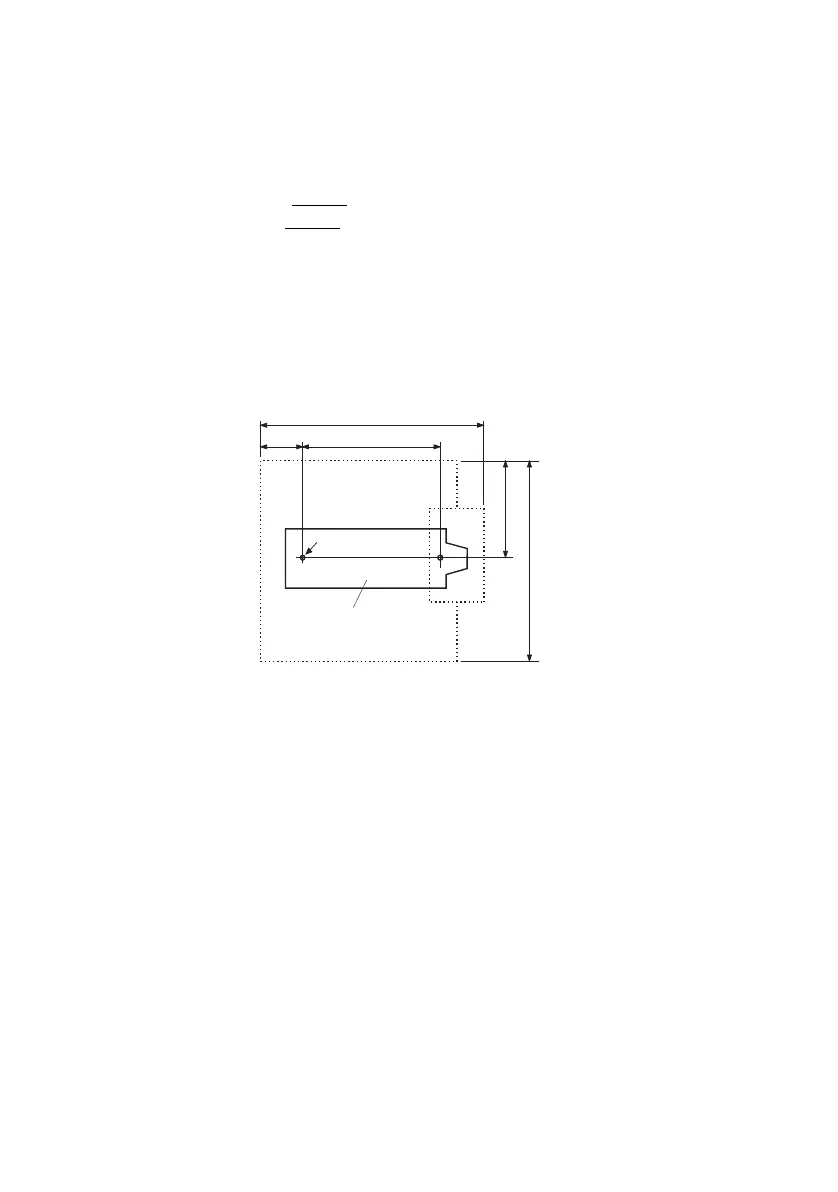
Fit the mounting bracket (see Fig. 75
dimensional drawing for wall mounting). Observe
the minimum distances (see Fig. 76
).
Position the DSI socket(s) near the radio unit.
Each radio unit requires one DSI bus (two optional on the SB-8): Do not connect any
other terminals.
The radio units can be powered from the communication server up to the maximum
line length of 1200 m specified for operation (wire diameter 0.5 mm). The plug-in power
supply unit for is the same as the one for the Office 135 charging bay.
Fig. 75 Dimensional drawing for wall-mounting the mounting bracket
160
100
37
84
168
Mounting bracket
ø screw : 4 mm
All dimensions in mm



 To Next Page