Operation and Maintenance
216
Mitel 470 as of R4.1
syd-0585/1.2 – R4.1 – 08.2016
7. Copy all user data from the card to the memory of the target cordless phone.
-> The target cordless phone restarts.
8. Switch off the target cordless phone and remove the card.
-> After the target cordless phone is switched on again the copied user data is used.
6. 4 Call-Manager display and control panel
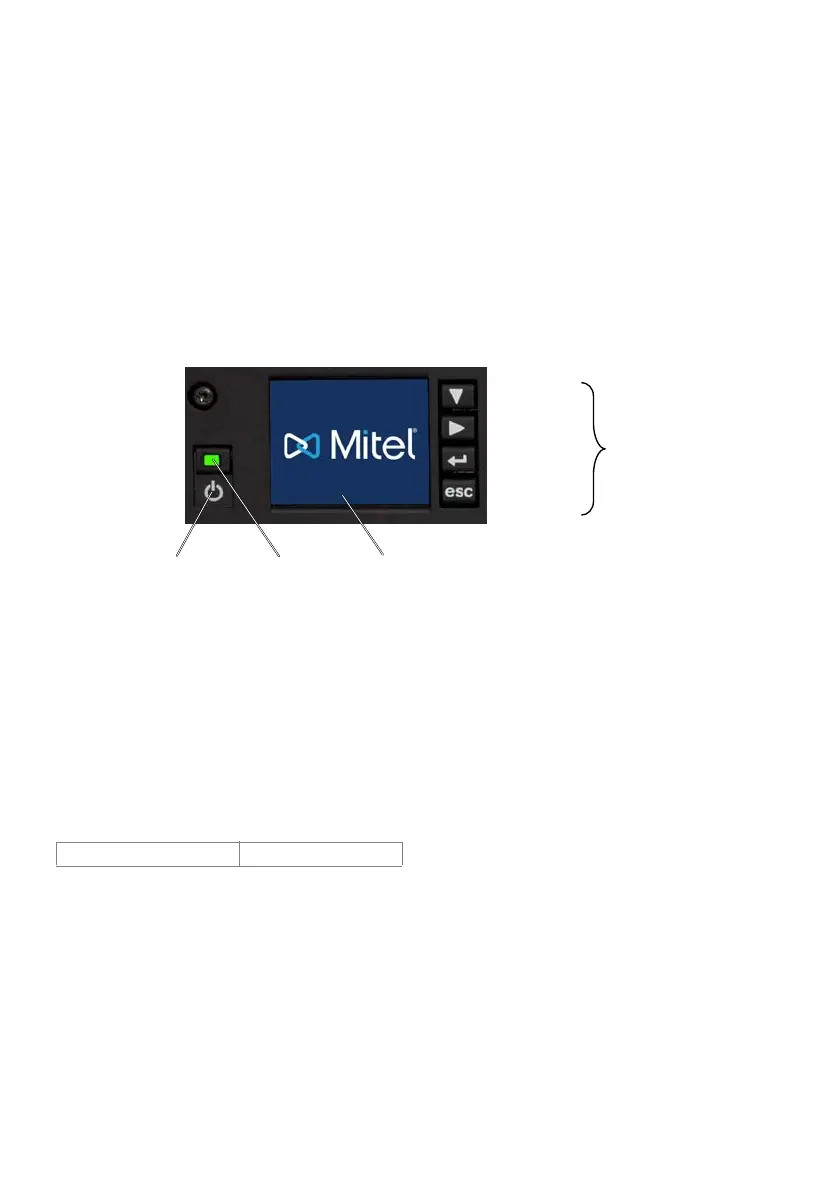
The display and control panel on the call manager card consists of the colour display
with the navigation keys and the On/Off button with integrated status LED. It is used to
indicate operating states and carry out functions.
Fig. 87 Mitel 470 display and control panel
6. 4. 1 PIN control panel
A number of functions executed via the navigation keys require a PIN (e.g. run first
start).
The PIN always consists of 4 digits and can be modified via SystemUserInterface user
account:
Tab. 90 Default PIN control panel
It is advisable to change the PIN immediately to prevent unauthorized access to the
communication server.
Default PIN 4321
Escap key
Enter key
Right key
Downwards key
Colour display 1.8”
Status LED
call manager
On/O key
Navigation
keys



 To Next Page